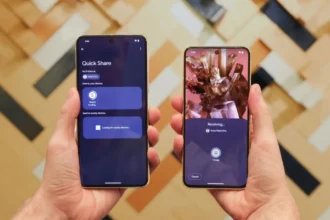

Google is testing a mention feature in Google Messages. The change appears in the Android beta build. The feature will allow you to type the at symbol and choose an individual in a group chat. When you mention a person, he or she will see the mention despite having their notifications disabled.
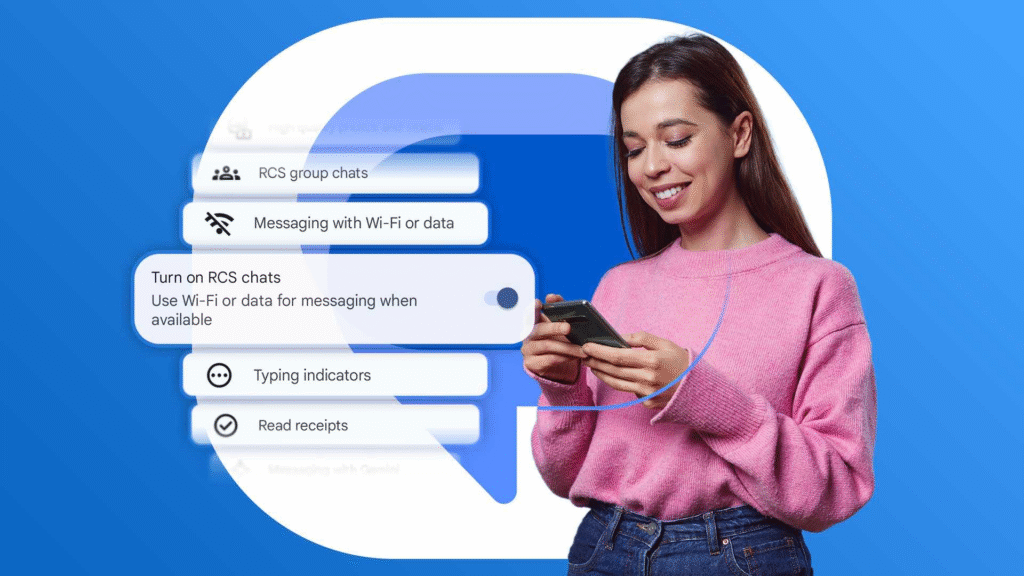
How mentions work
When you type the at symbol, the app shows a list of group members. The app uses the name saved on your device. You can remove parts of that name so the mention looks how you want.
As an example, you can remove the last name and only use a first name. When someone is mentioned, a small at symbol can appear next to that chat in the inbox. That makes it easier to find messages that mention you.
The feature is part of RCS group chats, not plain SMS. RCS gives apps more modern chat tools. Google has been adding features to Messages, such as edit, read receipts, group icons, and invite links. Mentions follow that same pattern. Reports indicate the mention option is currently in the beta channel. That means it will reach more users in stages.
What to expect
Mentions will help in busy group chats. They let you call attention to one person without sending a private message. The feature will be useful for family groups, work teams, and friend circles. It should work across Android phones that use RCS. The feature might not be common in the near future. Google tends to launch new features on a limited scale initially and then expand them later.
Privacy and settings will not disappear. In case you get too many mentions, you may mute the chat, and then you may check them later. The saved name of the contact will be displayed on the feature. That is to say that your saved contact name is important. Or, in case you want a different public name, you may edit the contact entry before sending the tag.