


Apple announced that it is restoring the Blood Oxygen sensor feature to select Apple Watch models in the United States. The company said the change will arrive through a software update that users can download today.
- Which Apple Watch models will get the feature
- How you get it and what software you need
- How the redesigned feature works
- Why the feature was removed in the first place
- How Apple says it cleared the way to return it
- Who will not get the feature and what to watch for
- What the feature does for users
- Practical steps to enable and use the feature
- Why this matters for Apple and users
Which Apple Watch models will get the feature
The restored feature will be available to some Apple Watch Series 9, Apple Watch Series 10, and Apple Watch Ultra 2 devices in the US. Not every watch will gain the feature. Apple said that the update applies to devices that had the feature removed earlier because of the patent dispute.
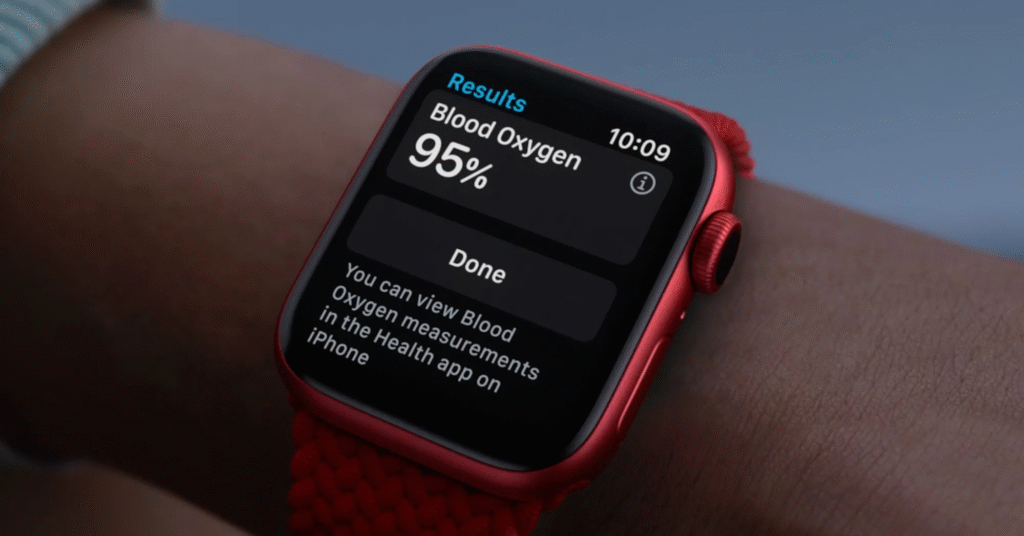
How you get it and what software you need
To get the feature, users must update their iPhone to iOS 18.6.1 and their watch to watchOS 11.6.1. Apple released those updates and said they include the redesigned Blood Oxygen feature for eligible devices. Check Settings on your iPhone and the Apple Watch app to download and install the updates.
How the redesigned feature works
Apple changed how the feature works in the U S so it complies with the recent customs ruling. The watch still uses its sensor hardware to collect light measurements at the wrist. The watch then sends the raw data to the paired iPhone. The iPhone performs the processing and shows the result in the Health app under Respiratory. That differs from the prior design, where the watch itself processed and displayed the reading.
Why the feature was removed in the first place
The Blood Oxygen feature was removed from some Apple Watch sales after a legal dispute with medical device maker Masimo. In 2023, an import ban came into place after a ruling that Apple had violated patents concerning pulse oximetry. Apple complied, shipping some models without the feature in early 2024. The legal fight has continued since then.
How Apple says it cleared the way to return it
Apple credited a recent U S Customs ruling for allowing the company to reintroduce the feature in a redesigned form. The company did not offer technical details beyond saying the feature was redesigned and that the updates would enable it on eligible devices. Independent coverage and expert analysis have pointed to the change in where the signal is processed as the compliance step.
Who will not get the feature and what to watch for
Watches sold outside the United States and devices that retained the feature before the removal are not part of this specific rollout. Apple also noted that only some watches in the United States will see the return. If you do not see the option after updating your devices, check that your watch model and serial number are eligible. Apple has not made the full serial number list public, but support teams can confirm eligibility.
What the feature does for users
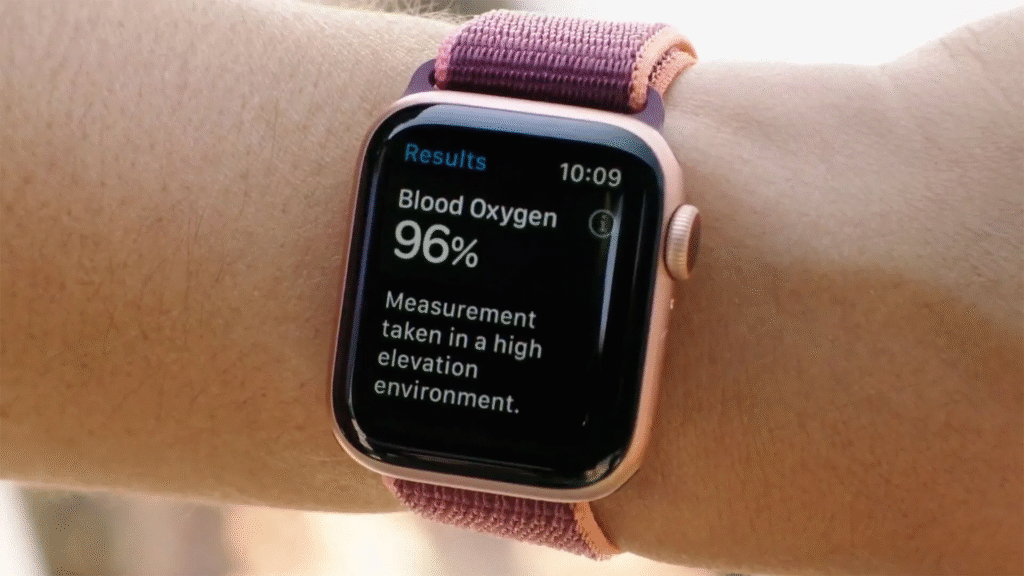
Blood Oxygen readings show the blood saturation with oxygen. The low values can be an indicator of breathing and circulation problems that can prove medically significant. Readings can vary with activity and device position. Apple has always advised users not to treat the watch as a medical device and to consult health professionals for any concerning results. The restored feature returns a convenient way for users to track respiration-related data on devices that qualify.
Practical steps to enable and use the feature
Upgrade iOS 18.6.1 on your iPhone and upgrade watchOS 11.6.1 on your Apple Watch. Install the Health app on your iPhone and search for Respiratory or Blood Oxygen. Click the option that will show on the screen, especially when it is available. If the option does not show, contact Apple support for help confirming eligibility. Back up your devices before installing system updates, and make sure the watch and phone remain charged during the process.
Why this matters for Apple and users
Restoring the feature resolves a long-standing gap for owners who bought a watch that arrived without Blood Oxygen. For Apple, the change avoids making a permanent hardware alteration while keeping the user experience close to what it was before the ban. For users, it returns one more health tool to the wearable that many rely on to monitor fitness and respiratory trends. The company may still face legal challenges, so that the solution could evolve further.
Apple published its newsroom note, and the updates are now rolling out. If your Apple Watch is eligible and you want the feature, follow the update steps and then open the Health app to view readings. If you have concerns about readings or about how the feature works, consult a medical professional.







