
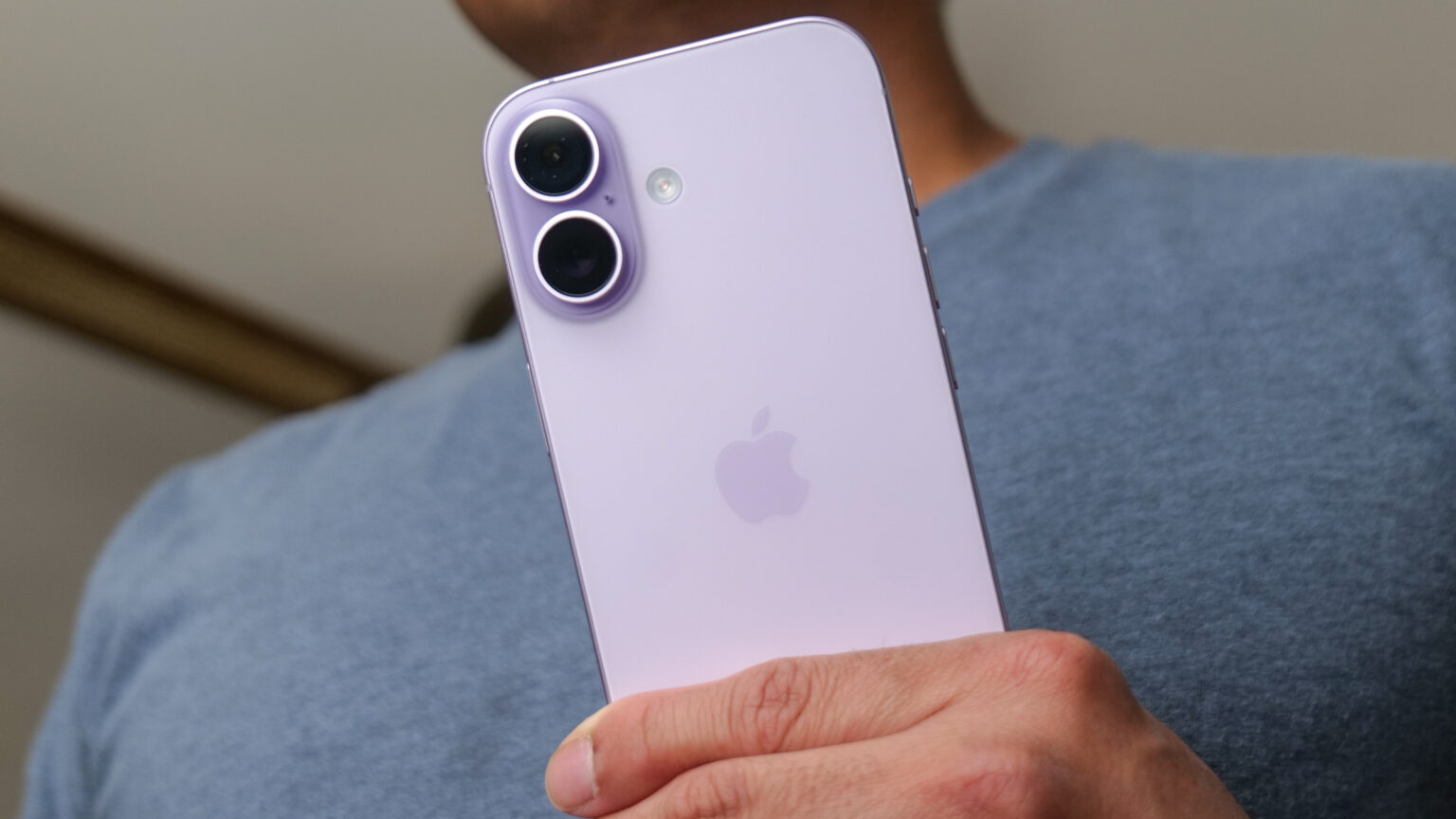

A small number of iPhone 17 owners are reporting that Wi Fi and sometimes Bluetooth drop without warning. The problem appeared soon after the phones shipped. Users say the connection often drops when the phone is locked or when it is unlocked. Many affected users describe a brief reset that lasts a few seconds before the phone reconnects.
Symptoms and scope
Reports come from Apple support forums, Reddit, and MacRumors. Some owners say the issue affects iPhone 17 models, the iPhone Air, and the iPhone 17 Pro Max. The cases appear to be a small subset of buyers so far. Not every device is affected. That pattern points to a software or configuration issue rather than a universal hardware fault.
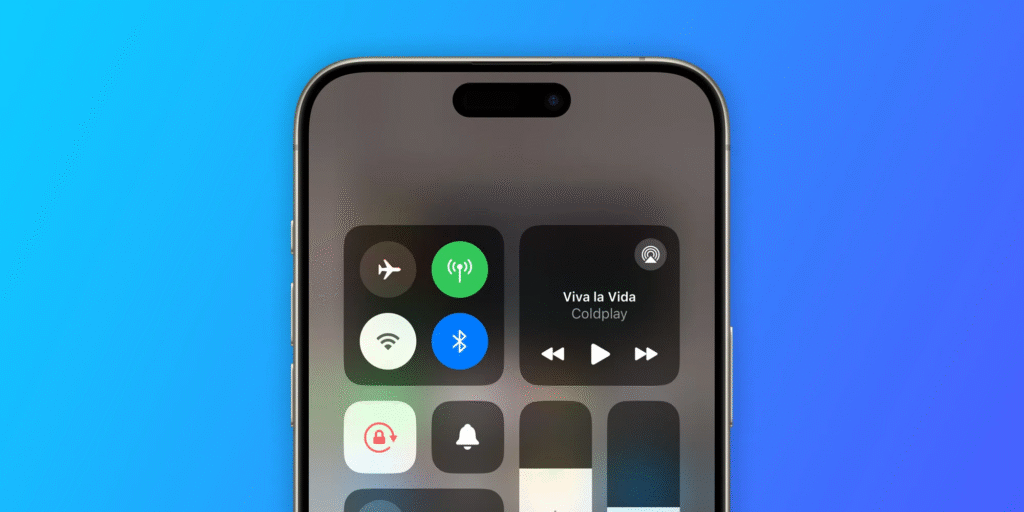
Several users say the problem is linked to wearing an Apple Watch that is unlocked. Those users report that if they lock or remove the watch, the disconnect stops. Other owners have no watch and still see the same Wi Fi resets. The mixed reports make a single cause unclear. Some users also report that AirPlay and wireless CarPlay fail when the disconnects happen.
Apple has not posted a public statement about the reports. A number of users say that Apple support has opened trouble tickets and that some cases were escalated to engineers. This suggests Apple is aware of the reports. At the same time, the company has not yet confirmed a root cause or a fix timeline.
Workarounds and outlook
Affected owners have tried several steps that sometimes help. Simple actions include restarting the iPhone and toggling Wi Fi and Bluetooth off and on. Some users found that unpairing and re-pairing an Apple Watch fixed the issue for them. Others reported that disabling the 5 GHz band on a router stopped the problem for their device. These are user-reported workarounds, and results vary by case.
A Reddit thread reports that the iOS 26.1 beta appears to fix the Wi Fi and Bluetooth drops for some testers. That could mean a software update will resolve the issue for most users. Until Apple confirms a patch, owner should follow official guidance and avoid travel or tasks that need steady wireless connections if their phone is affected.
In case you are impacted, capture evidence in the form of timestamps and screenshots. Report to your carrier in case you use wireless CarPlay and to Apple support. Make sure you update your phone and watch, and you can also test a temporary unpairing in case you have an Apple Watch. Close monitoring of Apple software updates and installation as soon as it is released.
This problem will probably come out in further detail as the reviewers and early purchasers will record extended utilization. Apple must be in a position to deploy a fix within a short period of time in case the problem is software-related. Should it be connected to the new N1 wireless chip within the iPhone 17 family, then firmware or iOS upgrades will become the most probable way towards a complete solution. Until the official Apple channels announce the availability of a patch, the workarounds provided above should be used by the users and IT teams.







