
Google has added a simple but useful change to Google Calendar. The new shortcut makes it faster to copy an event. The change came after a public request by Stripe co-founder John Collison and a confirmation from Google chief executive Sundar Pichai.
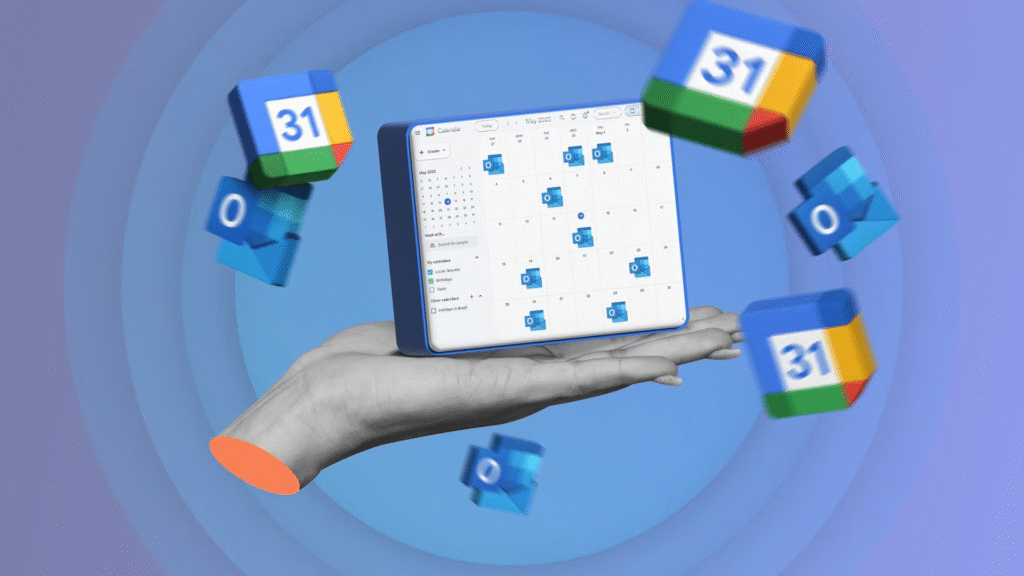
What changed and why it matters
The update lets people duplicate an existing calendar event quickly by pressing the control key and dragging the event. The gesture creates a copy so the user does not have to open event menus or recreate details manually. This saves time for people who schedule many meetings or who reuse standard event templates for classes, interviews, or recurring tasks.
Google accepted the idea after John Collison posted a request on the social platform X on July 5. He asked for a control and click shortcut that would match the capabilities available in other calendar apps. Sundar Pichai then confirmed the feature and said it is now live on the web version of Google Calendar.
How to use the new shortcut now
Open Google Calendar on the web. Find the event you want to copy. On a Windows computer, hold down the control key, or on a Mac, hold down the command key. Drag the event to the new date and time with which you want to make it by clicking on the key already. To place the duplicated event, click and release the mouse. The new copy shall retain the event title and most of the details, and you shall only need to edit the agencies that require modification.
Users on the web should see the feature already. Google has rolled it out to the web version first and may expand support to other platforms in time.
Why a public tweet can shape product changes
One of the aspects that this case demonstrates is that user feedback can reach product teams quickly when it is brought up at appropriate times and under the appropriate conditions. The appeal of a prominent entrepreneur to society was noticed and got a corresponding reaction. The interaction also reveals that it has not only some product teams that are responding to the feedback that people in general are providing, but it is also able to move rapidly on minor, but possibly impactful, changes.
What this means for Google Calendar users
The modification is minor but convenient. Event planners will be more likely to have another event because copying and reusing information will cause less friction. Sharing teams will have the advantage of quicker scheduling. Users who prefer keyboard-driven workflows will also appreciate having a quick gesture to duplicate meetings.
Google has not yet announced plans for deeper calendar changes tied to this feature. The company may add similar shortcuts over time if users request them and if they improve daily workflows.