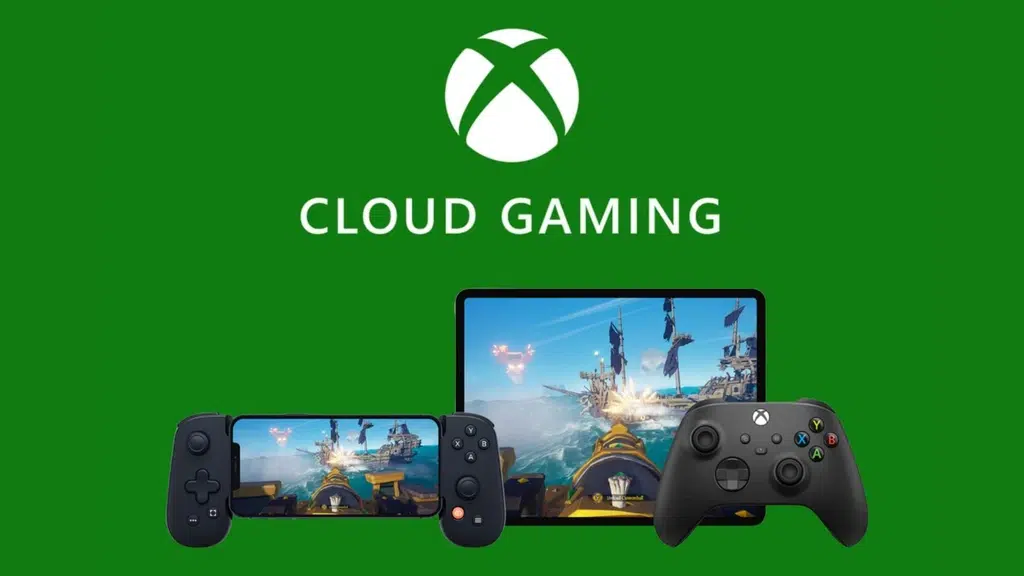

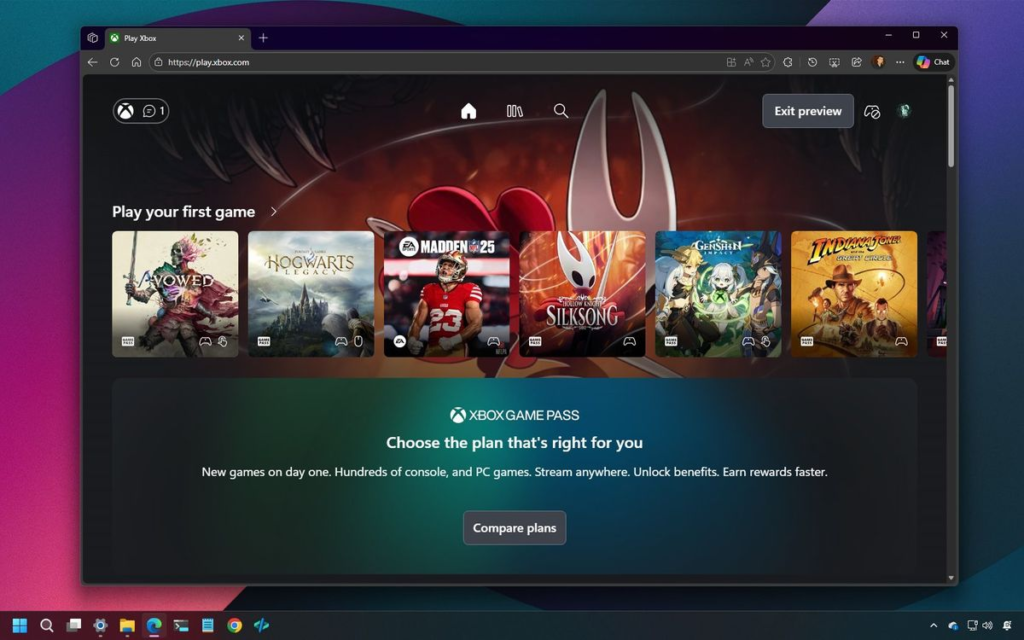
Microsoft has started previewing a redesigned cloud gaming dashboard on the web. The new interface runs at play.xbox.com and borrows much of the look and layout of the Xbox console UI. The preview shows a clearer navigation bar, library filters that behave like console menus, and two display modes tuned for TV-style and desktop-style use. Early testers describe the dashboard as faster and more responsive than the current web experience and as a close match for the Series X|S console home screen.
Many elements in the preview echo the modern Windows design language. The dashboard places key controls across the top of the screen. The layout supports controller use on TVs as well as a mouse and keyboard on desktops. The switchable TV and desktop modes change button sizes and spacing so the same site works well on both types of devices. That makes the web page feel like a single product that can sit beside a console or a PC without being awkward.
The preview arrives as Xbox Cloud Gaming comes out of beta and as Microsoft continues to expand streaming quality and device support. Some platform updates already enable higher resolution streams for subscribers on the top tier. The web preview also aligns with broader testing around new user flows and distribution strategies for cloud games.
Console Style Interface
The fresh dashboard brings a controller-friendly guide, a central hub for library management, and clearer badges for what is included with Game Pass. The library view is fast. Searching and launching a game from the cloud now feels nearly as direct as on console. The interface also keeps the Play Now and Recently Played areas front and center so users can jump into games with fewer clicks. Many testers have said that the web UI no longer feels like a tacked-on experiment and instead feels like the core of a cross-device Xbox experience.
Ad-Supported Plan
Behind the scenes, Microsoft appears to be preparing new ways to bring more players into the ecosystem. Public reporting and industry sources indicate that Microsoft plans to trial an ad-supported free tier for cloud gaming later this year. That tier would aim to lower the barrier to entry for players who do not want to pay up front for hardware or subscriptions. The preview dashboard may serve two goals at once. It offers a polished experience for paying subscribers while also providing a lean front door that can host a free ad-supported layer.
Cross‑Device Future
The new dashboard indicates that Xbox is considering the idea of Xbox being a platform and not a console. Adapting the same dashboard to playable-on-television screens, small handheld screens, and desktop web browsers lowers the friction caused by playing the same dashboard on various devices. To developers and partners, a common web front may enable an easier way of offering one storefront that refers to either cloud play, local install, or console purchase. It also opens more native like controls for parental settings and for in-session overlays without forcing users into a native app.
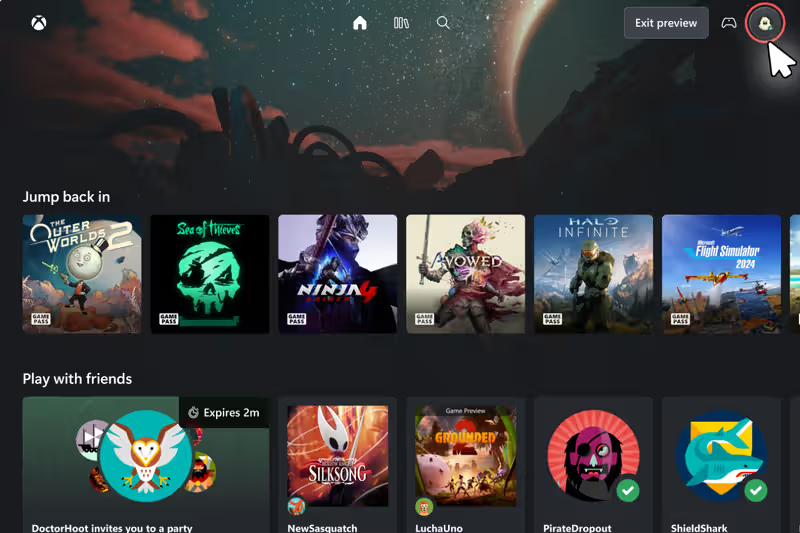
The dashboard preview also hints at careful design choices. It keeps the flow simple. It raises the visibility of Play From Cloud badges. It reduces mouse travel for desktop users while keeping touch and controller input easy to use. That combination matters because one of the main promises of cloud gaming is universal access across many devices. A consistent interface helps realize that promise in a way players will accept and enjoy.