
Gmail has ensured that an issue that resulted in numerous inboxes around the world being flooded and displaying an additional spam warning has been resolved. The company added that the incident had impacted the service on the morning of Saturday and that its engineers had regained normal filtering in the evening.
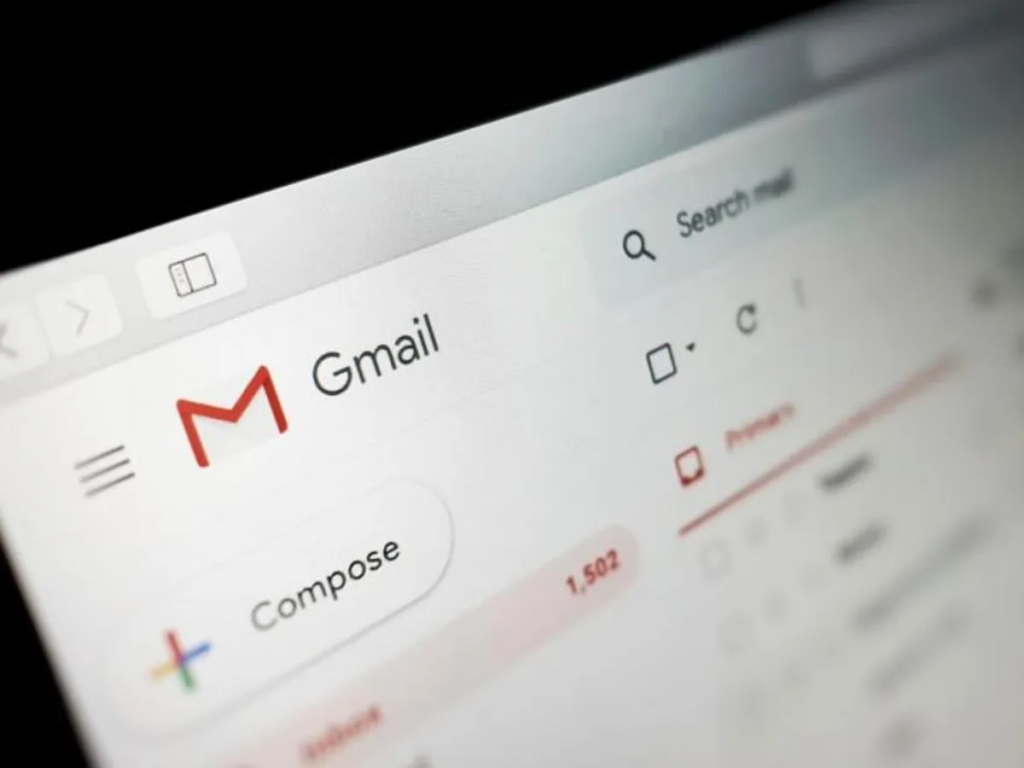
Promotional messages and nonurgent updates were observed in their primary inboxes by many users as opposed to the Promotions or Updates tabs. There was also a banner that informed some of the users that Gmail had not scanned a message as spam or malicious software. Reports came in from social sites and monitoring services that showed a clear spike in user complaints during the outage.
Google’s status dashboard records the incident and lists the start and end times in Coordinated Universal Time. The dashboard entry says that emails were misclassified and that some messages might still show spam warnings even after the main problem was fixed. Google has promised an investigation and a post-mortem once the internal review is complete.
What happened
The disruption began early on Saturday in US Pacific time. Automatic filters that normally route promotional mail and some updates away from the primary inbox stopped working for some users. The same event also caused delays in message delivery for a subset of accounts. Two-factor authentication codes and other time-sensitive messages were slower for some people until the service returned to normal.
Google issued multiple updates on its workspace status page as the team worked to resolve the situation. By the end of the same day, the dashboard showed that the incident had ended. The company said it would publish a detailed analysis once the investigation has finished. The initial public statements also urged users to take care with messages from unknown senders while scanning resumed.
How to protect
Inspect your mailbox for suspicious emails. Never open attachments or links of unknown senders. Banners with the notification that a message was not scanned should be treated as an alarm to check the sender via a different path. Where applicable, use two-factor authentication applications or hardware keys to minimize the risk associated with delayed SMS messages. You should always have emergency verification codes that you should back up before you leave a device.
Additional tools are offered to Google Workspace account administrators. Admin console also offers events on Gmail logs and security tools that may display the timing of delivery and routing of messages. Administrators are expected to check the logs of the delayed or wrongly classified emails and are expected to provide advice to those users who work with time-sensitive authentication codes.