
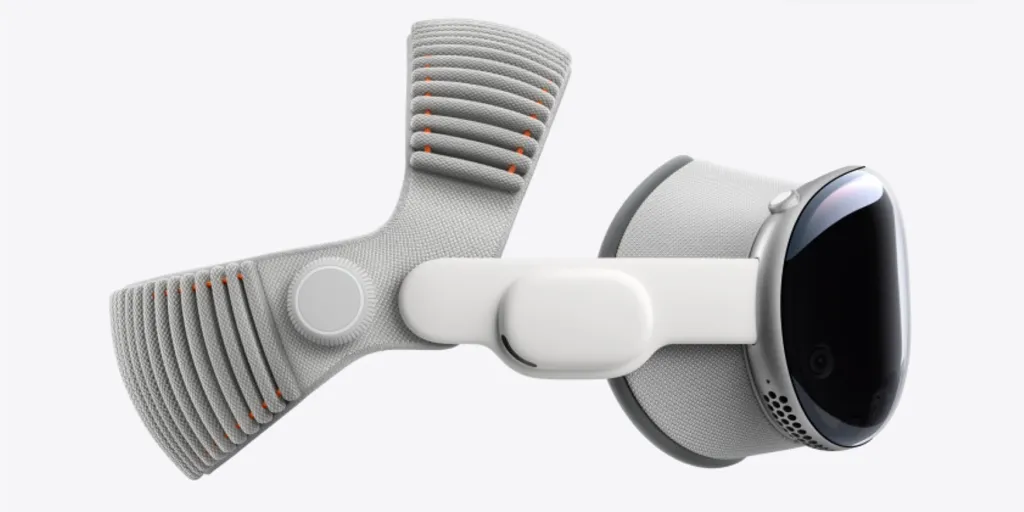

Apple has confirmed that the M5 Apple Vision Pro will run the Mac Virtual Display at 120Hz. The previous M2 Vision Pro limited the Mac Virtual Display to 60Hz in real use. This change means streamed Mac screens will feel much smoother and may reduce motion discomfort for people who use the headset as a display for their Mac.
Apple made the M5 update official as part of a broader product refresh. The new Vision Pro uses the M5 chip, and Apple says the displays can reach 120Hz for visionOS and for Mac Virtual Display. Apple also noted that the optics and power of the new GPU let the device render more pixels in the area you are looking at.
Refresh rate boost
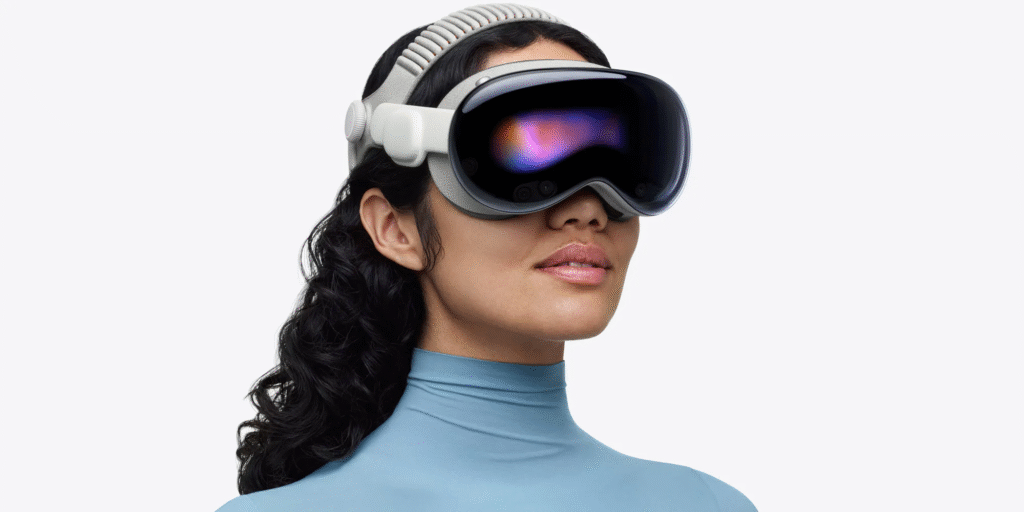
Mac Virtual Display ran at 60Hz on the original Vision Pro in typical use. Many users and reviewers found that 60Hz limited smoothness when they used their Mac through the headset. Apple has confirmed the M5 Vision Pro can run that same Mac view at up to 120Hz. That is a direct doubling of the effective frame rate for streamed Mac screens.
A higher refresh rate is important as it minimizes motion blur and makes the movement of pointers and window movement more natural. To other users, this increase of 60Hz to 120Hz may also alleviate eye strain and motion sickness as users look through a virtual workspace or flick a mouse.
Sharper text and images
Apple also says the M5 Vision Pro renders ten percent more pixels in the foveated area. The extra pixels come from improvements in how the device uses the display and the GPU. As a result, text and small details on a streamed Mac screen should look slightly sharper than before. Apple and other outlets point to a modest but noticeable pixel improvement for tasks like reading or editing documents.
That improvement comes from foveated rendering that focuses compute power where the eyes look. With the stronger M5 GPU, the high-resolution area grows, and the headset can keep more detail in view. Apple said the overall panel is the same hardware family as before, but the rendering and GPU power shift how many pixels appear when you focus.
What this means for users
Assuming you feed your Mac into the Vision Pro, you can anticipate a smoother motion and more precise text. Individuals utilizing their Mac for long periods of time will experience a more enjoyable experience. Change will not change your method of using the keyboard and trackpad. The Mac is the input device predominantly. The Vision Pro only shows the Mac screen with increased refresh and slightly increased pixel density on the foveal area.
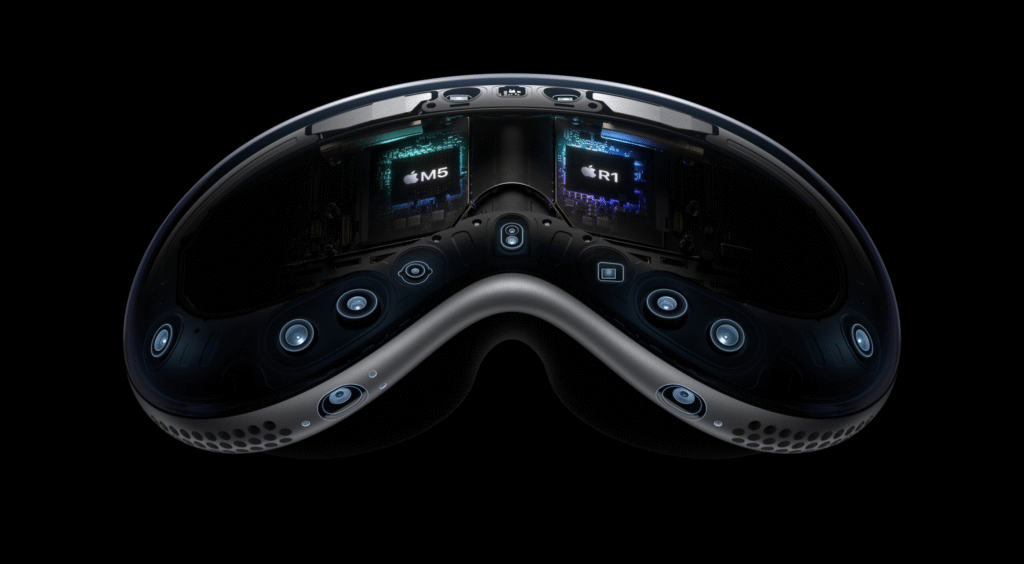
The areas to observe are performance and battery life. The faster the refresh rate and the more pixels to render require the use of more GPU cycles are required. Apple has enhanced M5 performance in terms of power and graphics, but the actual performance of battery or thermal performance will require the way that people are going to use this device. The early testers and reviewers will report on the issue of whether the longer sessions are as comfortable and long-running as usual.







