


Apple has updated its Invites app with a fresh look and new tools. The update brings Liquid Glass styling along with two useful features. Calendar syncing keeps event details in Apple Calendar. Built-in video playback shows clips inside the app. The update aims to make planning events simpler and livelier for hosts and guests.
New design details
The app now follows Apple a new Liquid Glass visual language. The interface uses layered glass effects and softer translucency. The Invites icon has a new layered glass appearance. Apple says these visual changes make the app feel more expressive and more delightful to use. The design update is visible when you open the app and when you view event tiles.

Calendar syncing
When you enable calendar sync, the app will place event items into Apple Calendar automatically. That means the date and the venue will appear in the Calendar without manual entry. Hosts can track RSVPs and changes from Invites and see them in Calendar at once. The sync is automatic once you opt in. This reduces double-entry and makes it less likely that guests will miss an update.
Built-in video playback
Invites now supports video in a new Shared Albums tile. Hosts can add a Shared Album, and invitees can play clips without leaving the app. The video player works inside the Invites event card. That means you can show a short event trailer, a welcome message, or a venue walkthrough directly inside the invite. Videos come from Shared Albums stored in iCloud and play inline.
Who needs iCloud Plus
Invites is free to download. Apple requires the event organizer to have an iCloud+ subscription to run an event. iCloud Plus plans start at 99 cents per month and are part of Apple One bundles. Guests do not need iCloud+ to receive an invite or to view shared content when the organizer enables sharing.
How to use
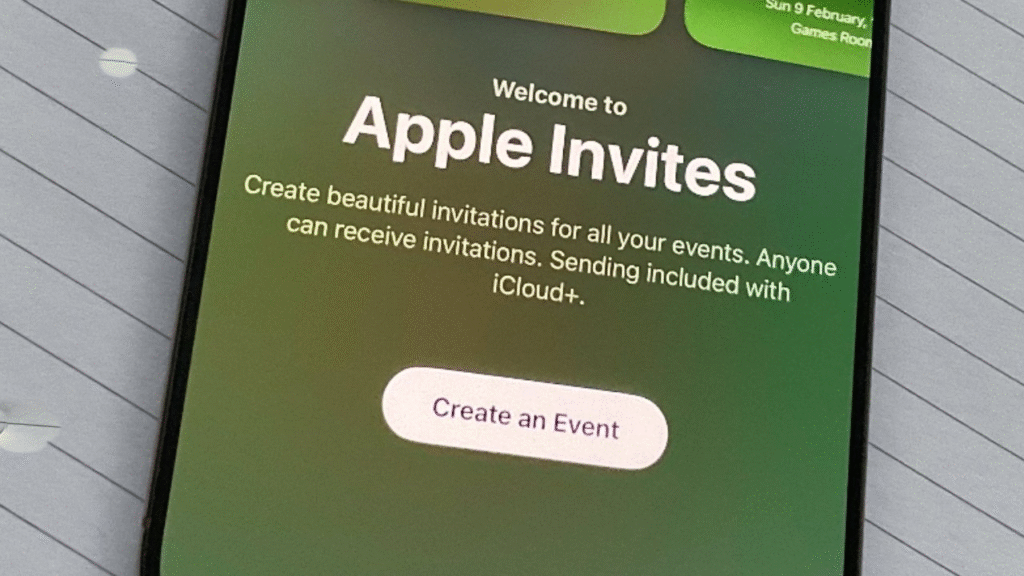
Open Apple Invites after the update and create an event. Add details and photos as before. To enable calendar sync, toggle the Calendar option in the event settings. To add video, attach a Shared Album and choose the tile view. Save the invite and send it to guests. The Calendar app will reflect new items once the invite is saved and the sync is active.
Privacy and sharing
Shared Albums use iCloud to host media. Apple says that media and event details remain under iCloud protections and are available only to people the host invites. Hosts should check their iCloud sharing settings before they add media. If you host events for a group, review the privacy of shared photos and clips before you send them.
Why this matters
Calendar syncing removes a manual step that many hosts do twice. Inline video brings a richer way to preview a venue or to add a personal touch. Both features aim to save time and to make invites more engaging. Requiring iCloud Plus for the organizer helps Apple manage storage and sharing features.







