

Apple Notes in macOS Tahoe now supports importing and exporting Markdown files. This change makes it easier to move notes between Notes and Markdown-focused tools. The new options arrive with macOS 26, and they work on Mac devices that run the Tahoe release.
Importing Markdown
Open Notes and pick a folder where you want the imported notes to live. From the app menu, choose File, then choose Import to Notes, and pick one or more Markdown files. Notes will create notes that try to keep the main structure, such as headings, links, and lists. If you import a folder, Notes preserves the folder layout, so projects stay organised. For large projects, this can save a lot of manual work.
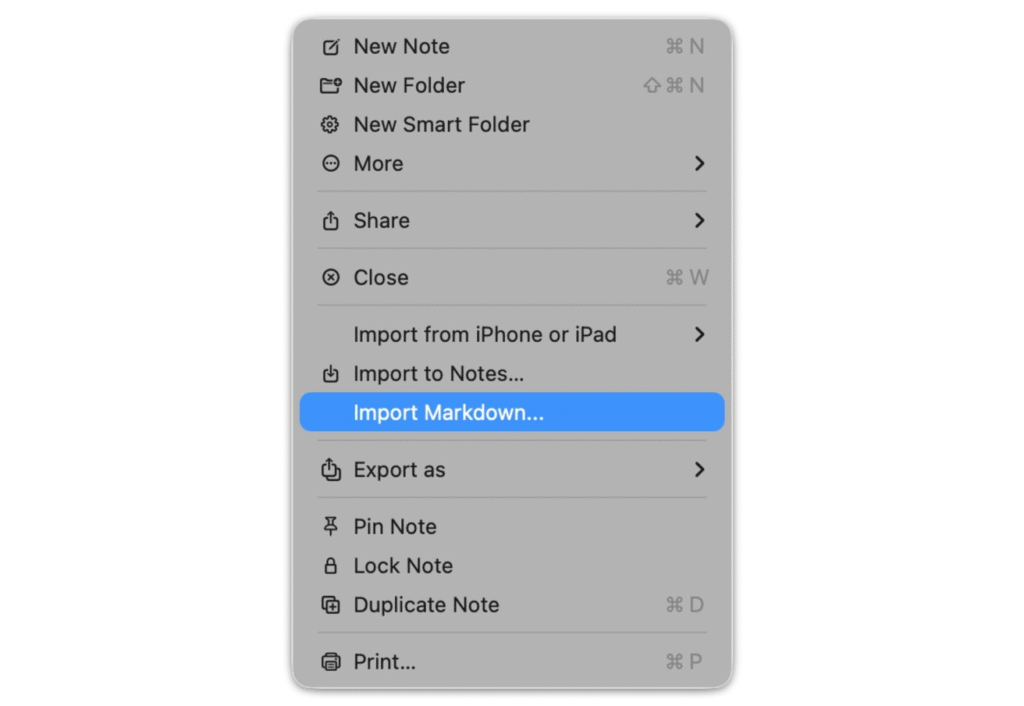
Notes accepts plain Markdown files that end in dot m d. The app will not convert every advanced feature. Basic headings, lists, links, and simple formatting transfer cleanly. If a file contains tables, footnotes, or other advanced elements, Notes may not render them in the same way as a full Markdown editor. Expect to check imported notes for details after the transfer.
Exporting Markdown
Select a note to export and then choose File, then choose Export As Markdown. Notes will write a plain text file that uses standard Markdown syntax. You can open that file in any Markdown editor or a publishing system that reads Markdown. Multiple notes can be exported in one session, but Notes does not reconstruct the original folder tree on export. If you need the folder structure, you will do a small amount of manual work after export.
Exporting a note with pictures or attachments from Apple Notes will create a directory containing those resources with the Markdown file. Images are found in a corresponding folder, and the note body turns into a dot m d file. Such a structure is compatible with numerous Markdown-based static site generators and knowledge management applications that require a Markdown file and an assets folder.
Limitations and Tips
Notes covers common Markdown, but it is not a full Markdown editor. Complex elements such as advanced tables, nested lists, footnotes, diagrams, and some code block options may not transfer perfectly. Notes do not show a live Markdown preview while you edit. That means you will see the final formatted result only after you export or view the note in a compatible app.
A dedicated Markdown application is needed to perform the heavy lifting in case you require a strict one-to-one conversion. With drafts and simple documentation, Notes will be fine with most writers and developers. When large projects are in question, it is better to import one folder and examine the notes in a batch. In case you have a large set of plans that you are exporting, and you want to restructure a round of reorganisation to recover folders and file names to your liking. Community testing demonstrates that import and export are most effectively used when files are plainly formatted in text and not binary.
Who benefits most
Writers who draft in plain text will find it easy to move work from Notes into publishing systems. Developers can keep documentation in Notes and move it to code repositories with minimal changes. Students and researchers can export class notes and then reuse them in study tools. Casual users who never touch Markdown will not notice any change because Notes still works as a simple app for lists, sketches, and quick notes.
Practical workflow examples
It is possible to write a blog post in Notes and save it as Markdown and run the file through a static site generator. You may collect meeting notes in a folder and add them to Notes, leaving the folder structure unchanged. A shared document can be edited in Notes, and then an export to a clean Markdown version can be used to add to a repository or hand to an editor. These minor workflows save copy and paste actions and maintain the same formatting across applications.
Security and sync
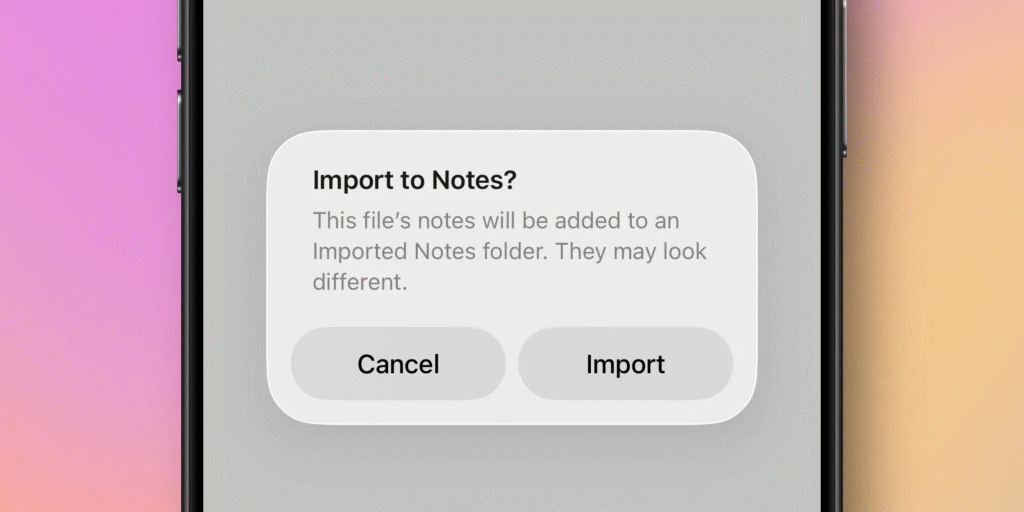
Imported and exported Markdown files behave like other notes for iCloud sync. If you use iCloud, the notes will appear across your devices that run the matching software versions. Back up large exports before you perform major reorganisation. That way, you preserve the original folder structure if you need to revert.
How to get it now
Install macOS Tahoe or update to the current release of macOS 26. The feature is included in the Notes app updates that ship with Tahoe and with the matching iOS and iPadOS 26 releases on compatible devices. If you use a managed device, check with your IT team before you update.







