
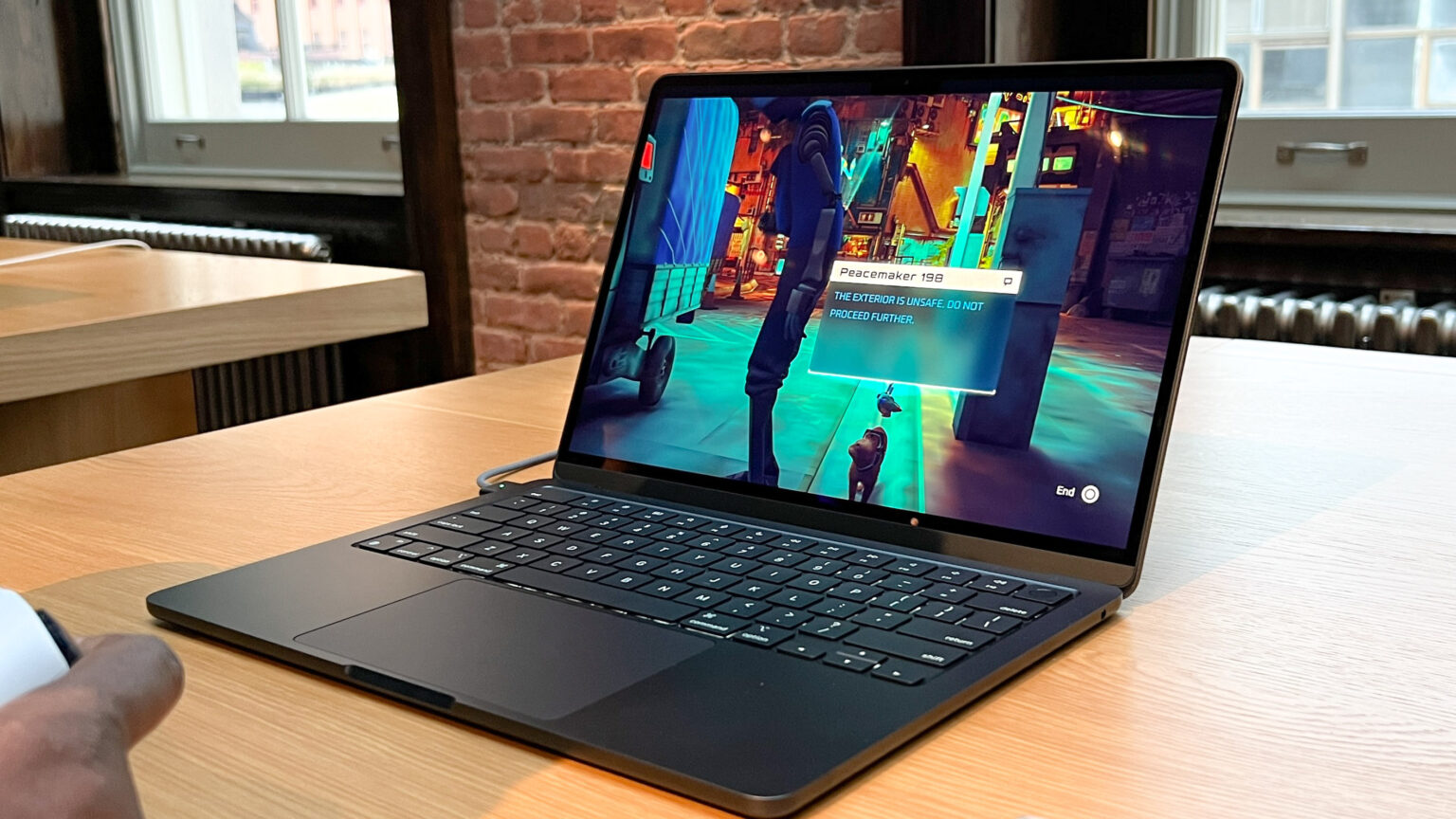

Playing games on a MacBook with a notch can cause a less sharp picture. One of the developers in macOS has discovered a display reporting bug. The bug allows full-screen games to display more pixels than the physical screen presents. That can crush the picture, and it makes the game appear blurred.
What the bug does
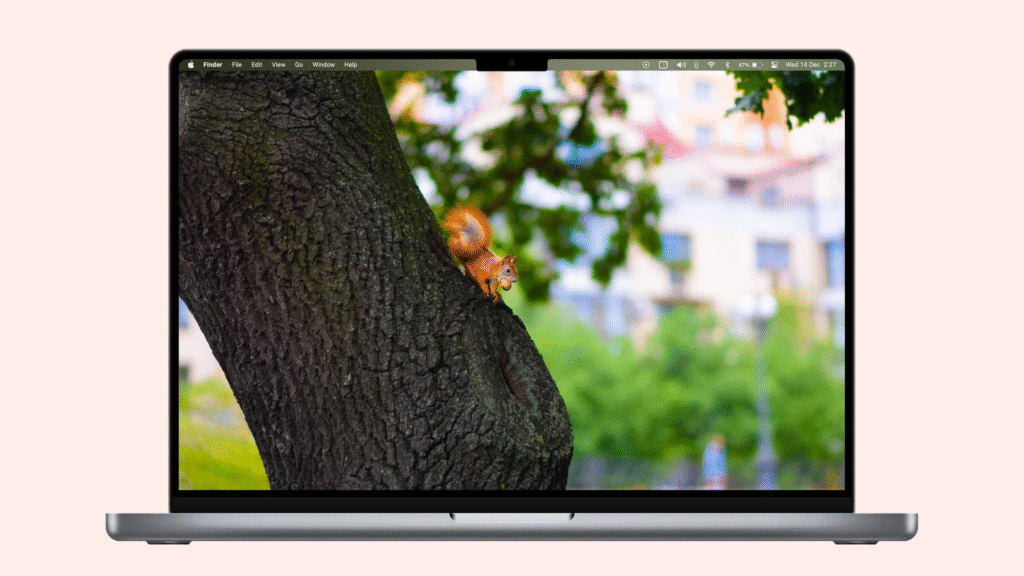
macOS gives a game two pieces of information about the built-in screen. One number is the full panel resolution. The other number is the usable area below the notch. Some games end up using the full panel resolution. The full panel value counts pixels that are hidden under the notch. When the game uses that larger value, the picture is drawn larger than the visible area. The system moves the image down so it does not hit the notch. That creates a mismatch. The final result is a squashed image that looks soft.
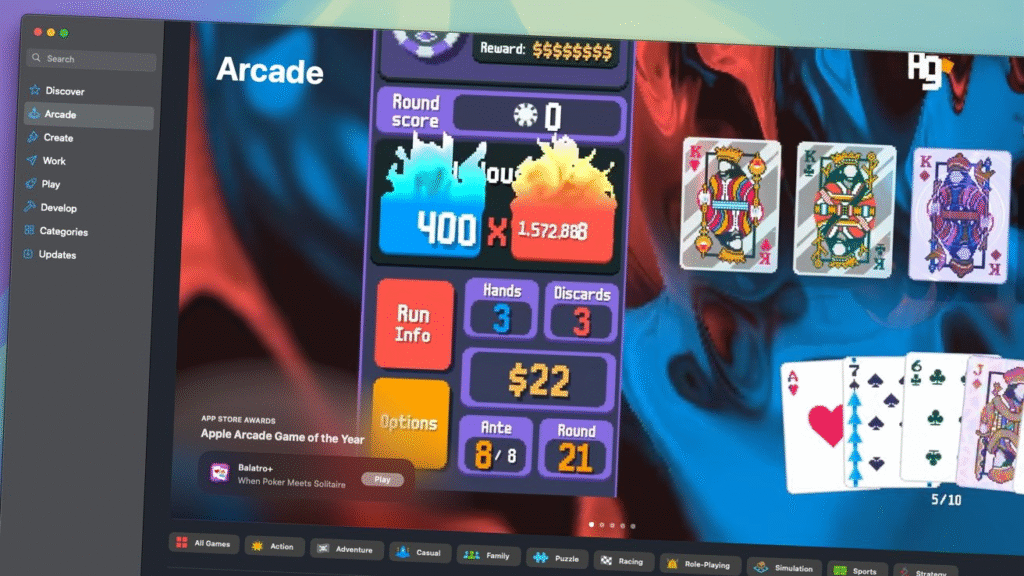
Who found it and when
Developer Colin Cornaby investigated the issue and explained it in a blog post. He described the way macOS reports display size and how that confuses many games. He claims to have submitted a bug report to Apple last September 2023. The issue remains a problem for players who use the built-in display in full-screen mode.
Which Macs and games are affected
Only laptops with a notch are part of this problem. External monitors are not affected. Windowed games are safe. The issue appears when a game is run in true full-screen mode on the built-in display. How obvious the blur is depends on the game and the display size. For many players, the loss of 70 or so vertical pixels may not be obvious on a high-resolution screen. For others, the change can be distracting at typical play distances.
Why this happens in plain language
The operating system tells the game two different sizes. The game then picks one. If it picks the wrong one, the image on screen does not match the visible area. The rendered image is taller or wider than what the laptop can show. macOS then shifts the image to avoid the notch. That shift makes the final pixels map unevenly. When pixels map unevenly, the image looks fuzzy.
How to test if your game is suffering
Start the game in full screen on your MacBook. Try switching to windowed mode to compare the image. If the windowed image looks sharper than the full-screen image, your game may be using the wrong resolution. Try an external monitor. If the external monitor image is clear while the built-in display image is soft, you have likely seen the bug.
Practical workarounds right now
Run games in windowed mode to avoid the system’s full-screen path. Use an external monitor for the best image. Look for an in-game resolution that matches a 16 by 10 ratio. That ratio often lines up with the usable area under the notch. If the option exists, try to choose a resolution that matches the visible height of the screen. These steps can reduce or remove the blur until a permanent fix arrives.
What developers can do
Game makers can check both resolution values that macOS provides. They can then choose the usable area for full screen on notched laptops. Tools and engines can be patched to prefer the safe area. That will keep the image pixel mapping true to the visible screen and avoid the squash effect.
What to expect from Apple
The developer who brought this up brought this up to Apple in 2023. Most titles would be resolved with a software update, which could correct the advertisement of the usable screen area by macOS. At present, there is no public patch date. Players should watch macOS release notes for fixes that mention display or full-screen reporting on notched MacBook models.
A note for players who care about image quality
Assuming that you enjoy the razor-sharp image and you play on a MacBook with a notch, test every game you play. Try the workarounds in this piece in case a title appears to be soft. Maintain your system and your games current. If you are a game developer, check your engine configuration and the way macOS reports the display. Probably some simple line of code fixing how the games read the display info.
Additional sources and further reading can be found in a detailed developer write-up by Colin Cornaby and a report by AppleInsider that simply restates the problem and the test procedure to determine the occurrence and the work for the problem.







