

TTB White LOGO TB
  • News
  • PC & Hardware
  • Mobiles
  • Gaming
  • Electronics
  • Gadget
  • Reviews
  • How To
  • Login
  • Sign Up
Trending
Starzspins Deutschland: Eine umfassende Übersicht über neue Spiele und ihre Features
Cazeus Casino Chile: guía completa para comenzar a jugar en 2026
Glorion Casino België: ontdek de spannende wereld van live casino spellen
Discover the advantages of using the FunPari O’zbekiston mobile app for instant access to
Rainbet Casino France : débloquez des bonus incroyables en 2026
Tuesday, Aug 11, 2026
The Tech BasicThe Tech Basic
Font ResizerAa
Search
  • News
  • PC & Hardware
  • Mobiles
  • Gaming
  • Electronics
  • Gadget
  • Reviews
  • How To
Follow US
iOS 18 & iPadOS 18
The Tech Basic > How To > How to Customize iOS 18 & iPadOS 18 Settings for Safer Usage
How To

How to Customize iOS 18 & iPadOS 18 Settings for Safer Usage

Salman Akhtar
Last updated: 27 June 2025 14:29
Salman Akhtar
Share
Image Source: AppleInsider
SHARE

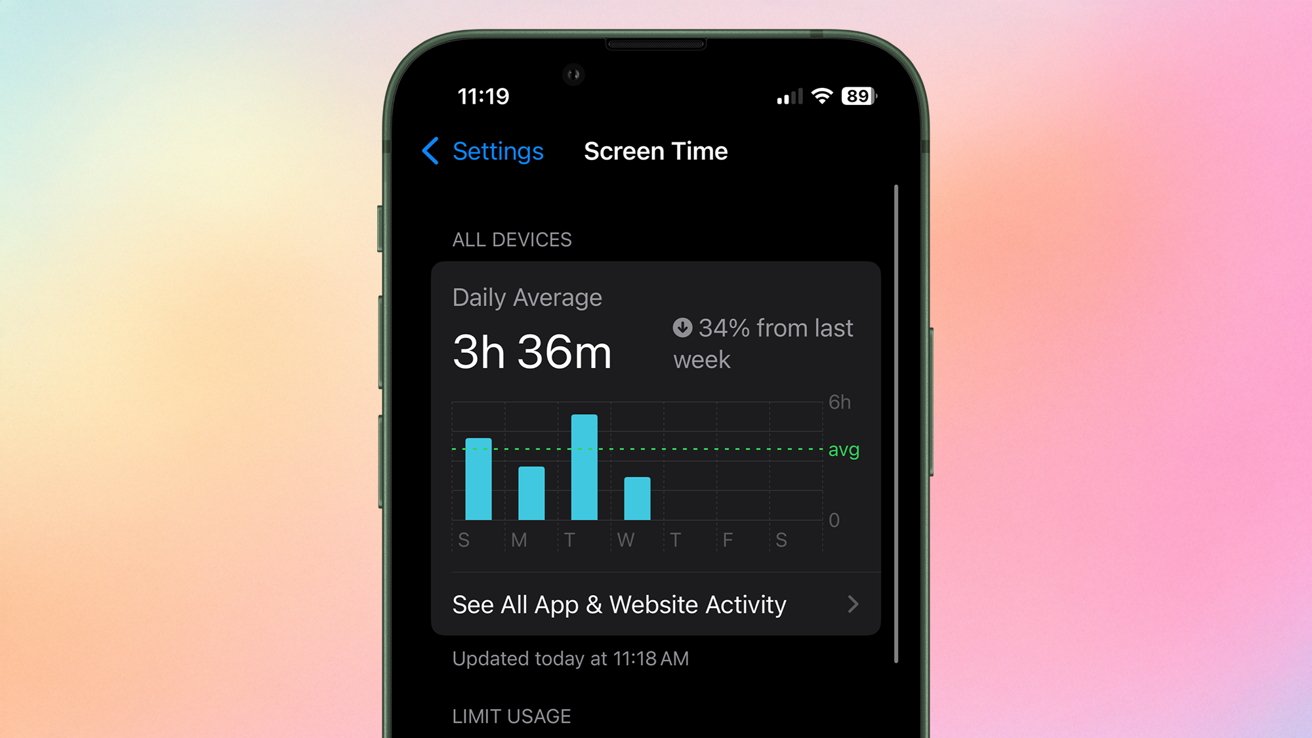
Apple’s Screen Time feature monitors the length of use and the applications opened. It displays the notifications received as well as allows you to restrict the type of apps. Parents may access these reports and limit the time of the game or social media on a daily basis. Family Sharing lets a family organizer assign Screen Time settings to each child’s device from their own iPhone or iPad.
Contents
  • Enabling Content and Privacy Restrictions
  • Setting App and Downtime Limits
  • Managing Built-In Apps and In-App Purchases
  • Controlling Game Center and Communication Features
  • Blocking Adult Content and Web Browsing
  • Restricting Apple Intelligence and Siri Requests
iOS 18 & iPadOS 18
Image Source: ZDNET

Enabling Content and Privacy Restrictions

To start setting rules, open Settings on the child’s device and tap Screen Time. Select the child’s name under Family and then turn on Content & Privacy Restrictions. A passcode lock will protect these settings. Once enabled, every type of limit is controlled from this single panel.

Setting App and Downtime Limits

Within Screen Time, parents can schedule Downtime when only calls and approved apps work. App Limits allow daily time caps on categories such as Entertainment or Games. Always Allowed lists apps that never count toward limits. Each night or when limits end, the device asks for the Screen Time passcode to unlock extra time.

Managing Built-In Apps and In-App Purchases

In Content & Privacy Restrictions, go to Allowed Apps, and you can turn off FaceTime, Camera or other apps already added. To prevent unwanted spending, go to the page iTunes & App Store Purchases and disable the setting Installing Apps and In-App Purchases by selecting Don’t Allow. This prevents unauthorized downloads or paid upgrades.

Controlling Game Center and Communication Features

The settings about multiplayer or messaging can be refined by opening Restrictions > Game Center. There are possible blockages of personal invitation or multiplayer gaming. Contacts allow only a specified number of calls and messages to be made so that no unsafe social communication goes unnoticed by the guardians.

Blocking Adult Content and Web Browsing

In Content & Privacy Restrictions, tap Web Content to block all websites except ones that you have approved or automatically block adult sites. Parents are able to enter in certain URLs that will never block or always block. This makes browsing appropriate to the age without having to use a different filter app.

Restricting Apple Intelligence and Siri Requests

Apple Intelligence and Siri are able to provide answers or summarize. In order to restrict these features, navigate to Restrictions > Intelligence & Siri. Switch off features such as Ask Siri or Speaker Recognition. Children will still have basic voice control but not full AI-driven responses.

iOS 18 & iPadOS 18
Image Source: MacStories

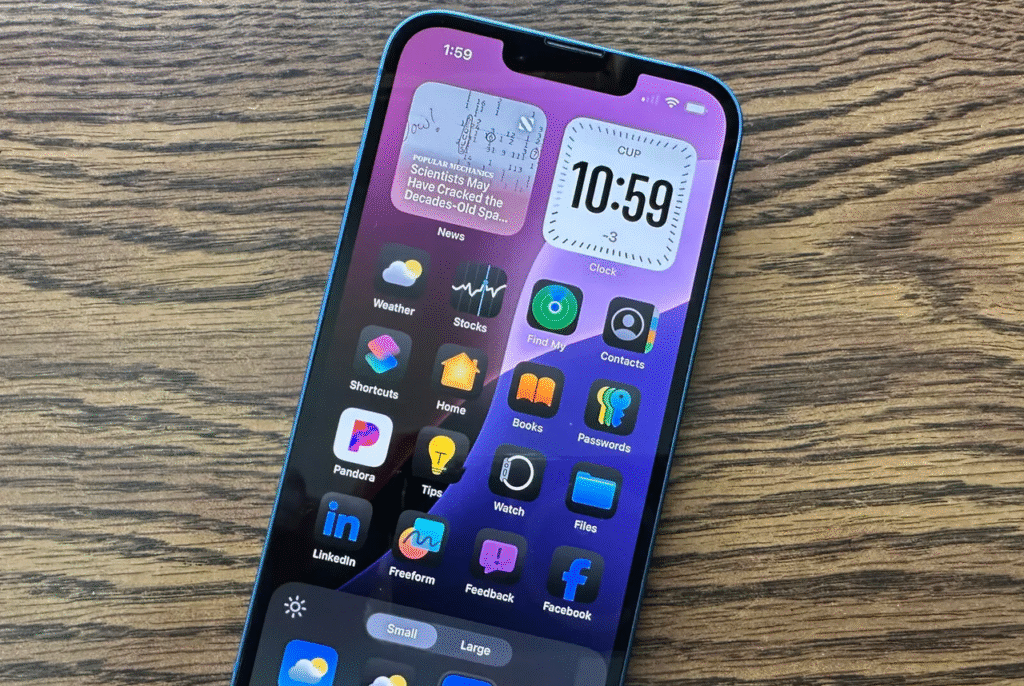
The built-in features of the Apple iOS 18 and iPadOS 18 provide comprehensive guidance on healthy device usage. The actions that parents take include control over the information that their children are exposed to, including how much time is to be used and blocked purchases inside the applications, and the choice of the web pages to be accessed. Having Screen Time reports to regularly check up on, families will be able to tighten or loosen these safeguards as the children age and their needs shift.

TAGGED:AppleiOSiPhone
Share This Article
Facebook Reddit Copy Link Print
Share
Salman Akhtar
By Salman Akhtar
View enlightening tech pieces written by Salman Keep up with the most recent news, advice, and trends in the field of technology.

Let's Connect

FacebookLike
XFollow
PinterestPin
InstagramFollow
Google NewsFollow
FlipboardFollow

Popular Posts

Starzspins Deutschland: Eine umfassende Übersicht über neue Spiele und ihre Features

The Tech Basic

Cazeus Casino Chile: guía completa para comenzar a jugar en 2026

The Tech Basic

Glorion Casino België: ontdek de spannende wereld van live casino spellen

The Tech Basic

Discover the advantages of using the FunPari O’zbekiston mobile app for instant access to

The Tech Basic

You Might Also Like

iOS 26
How To

How iOS 26 Prioritizes Alerts With Apple Intelligence

Mobile Game Installs
News

Mobile Game Installs Drop but Spending Climbs in 2025

Galaxy S26
News

Samsung Reinvents AI on Galaxy S26 With Triple Assistants

Apple
News

Apple Hits New Sales Peak in Europe While Demand Softens Elsewhere

Social Networks

Facebook-f Twitter Instagram Pinterest Rss

Company

  • About Us
  • Our Team
  • Contact Us

Policies

  • Disclaimer
  • Privacy Policy
  • Cookies Policy
Latest
Microsoft Launches Copilot Tasks Research Preview
Lenovo Teases Foldable Legion Go With 11.6 Inch Screen
Instagram Will Tell Parents When a Teen Searches for Suicide or Self Harm
Nvidia posts $68.1B quarter as AI boom accelerates Q4 growth
Gemini Automation Books Rides on Galaxy S26 and Pixel 10

© 2024 The Tech Basic INC. 700 – 2 Park Avenue New York, NY.

TTB White LOGO TB
Follow US
Welcome Back!

Sign in to your account

Username or Email Address
Password

Lost your password?

Not a member? Sign Up





