
TTB White LOGO TB
  • News
  • PC & Hardware
  • Mobiles
  • Gaming
  • Electronics
  • Gadget
  • Reviews
  • How To
  • Login
  • Sign Up
Trending
Starzspins Deutschland: Eine umfassende Übersicht über neue Spiele und ihre Features
Cazeus Casino Chile: guía completa para comenzar a jugar en 2026
Glorion Casino België: ontdek de spannende wereld van live casino spellen
Discover the advantages of using the FunPari O’zbekiston mobile app for instant access to
Rainbet Casino France : débloquez des bonus incroyables en 2026
Tuesday, Aug 11, 2026
The Tech BasicThe Tech Basic
Font ResizerAa
Search
  • News
  • PC & Hardware
  • Mobiles
  • Gaming
  • Electronics
  • Gadget
  • Reviews
  • How To
Follow US
watchOS 11
The Tech Basic > How To > Keep Your Streaks Safe: How to Temporarily Stop Activity Rings in watchOS 11
How To

Keep Your Streaks Safe: How to Temporarily Stop Activity Rings in watchOS 11

Jiayi Mingze
Last updated: 7 March 2025 18:10
Jiayi Mingze
Share
Trusted Reviews
SHARE

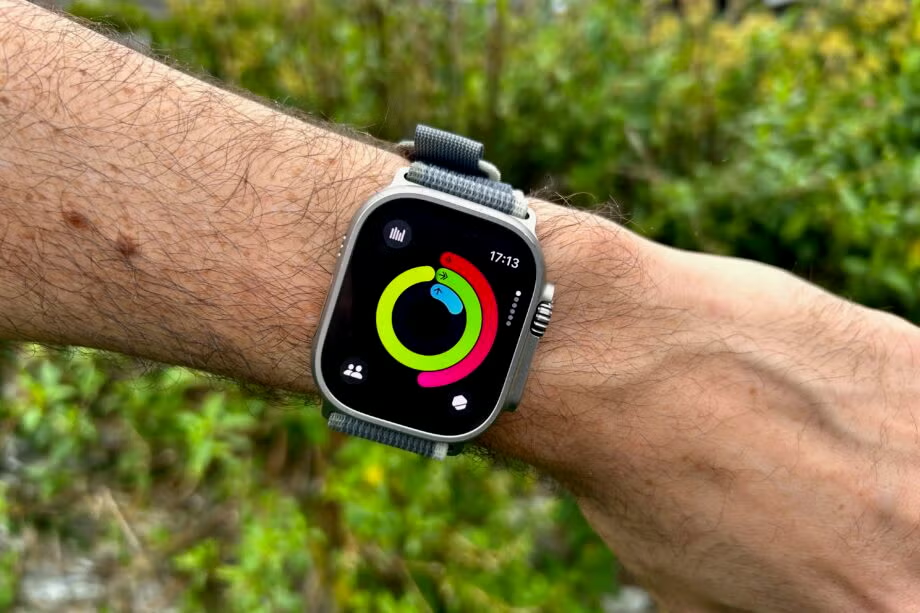
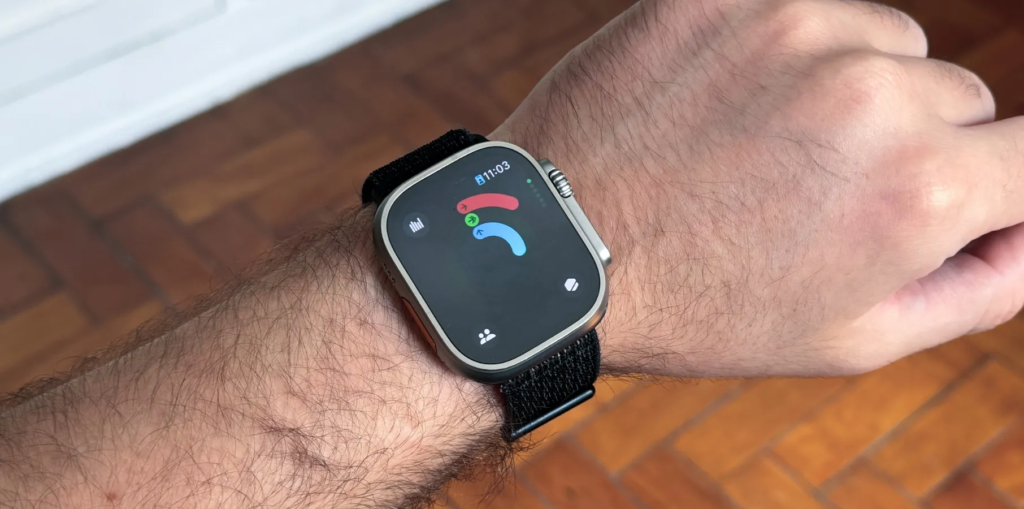
We all need a break sometimes even your Apple Watch Activity Rings. Whether you are recovering from an injury, taking a vacation, or just need a rest day, watchOS 11 lets you pause your Activity Rings without losing your progress. Here is how to do it.

Contents
  • Why Pause Your Activity Rings?
  • Easy Steps to Pause Activity Rings
  • What Happens When You Pause?
  • Helpful Tips
  • Common Questions
  • When Should You Pause?
  • Why This Matters

Why Pause Your Activity Rings?

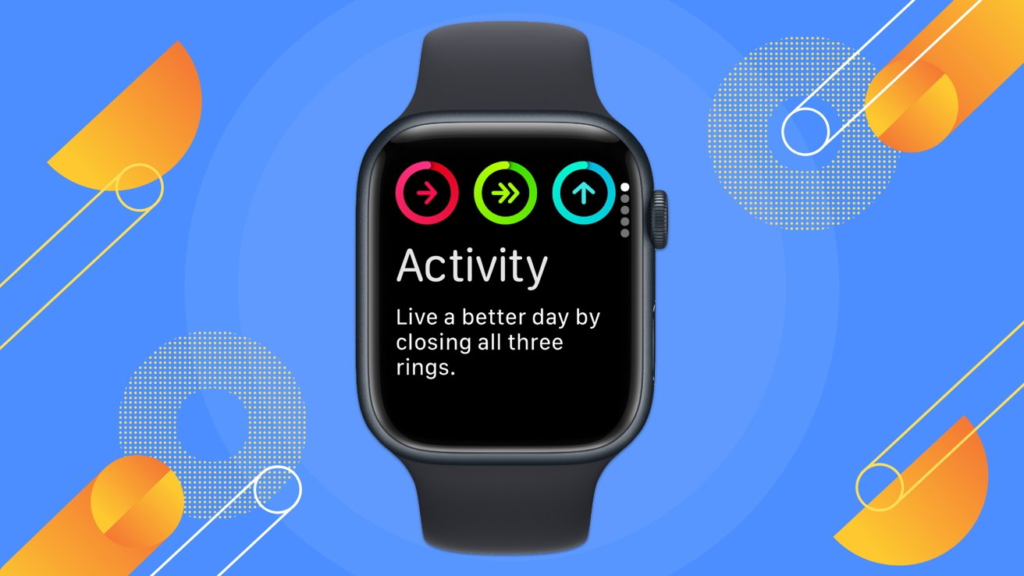
Activity Rings help you stay active, but there are times when pushing yourself is not healthy.

  • You are sick or hurt Moving too much can slow healing.
  • Vacation time Relaxing trips are for rest, not step counts.
  • Rest days Even fitness lovers need days off.

Pausing your rings stops tracking temporarily. Your progress and streaks stay safe until you are ready to start again.
image

Easy Steps to Pause Activity Rings

Step 1

Press the Digital Crown on your Apple Watch to open your apps.

Step 2

Find and tap the Activity app (the one with colorful rings).

Step 3

Tap your Activity Rings to open the details.

Step 4

Look for Pause Rings and tap it.

Step 5

Choose how long you want to pause. You can pick a date to restart or pause for as long as you need.

Step 6

When you are ready, open the Activity app again and tap Resume Rings.

What Happens When You Pause?

  • No tracking Your watch will not count steps, workouts, or standing.
  • Streaks stay safe Your Move, Exercise, and Stand streaks are saved.
  • No alerts You will not get reminders to close your rings.

Helpful Tips

  • Plan breaks If you know you will rest for a week (like after surgery), set an end date.
  • No guilt It is okay to take a break. Listen to your body.
  • Start fresh Resume tracking when you feel ready.

Common Questions

Will pausing delete my past progress?

No. Every ring history along with all acquisition awards remains stored permanently.

Can I pause just one ring?

Users cannot pause only one ring when using watchOS 11 because it simply stops all three rings at once (Move, Exercise, Stand).

What if I forget to resume?

The Activity Rings function remains disabled until you actively restart them.

When Should You Pause?

  • Your body requires healing time during which you should minimize all pressure.
  • Your primary goal during sickness should be recovery before everything else.
  • During travel, you can fully enjoy your experience without any performance obligations.
  • You may give yourself a break and take a day off for your mental health.
How To Keep Your Streaks Safe

Why This Matters

The primary purpose of fitness trackers should be to assist you rather than cause unnecessary tension. The watchOS 11 pause option recognizes that unexpected events will always occur. The system allows you to relax either post-injury recovery or during relaxing weekends without losing accumulated progress.

You can halt your Activity Rings operations effortlessly. Using this feature enables you to choose between quality health time or rest periods alongside recreational activities without feeling any guilt. Use the given steps to handle your fitness progression effectively. The process of taking a rest belongs to the principles of active rest for physical wellness.


TAGGED:Apple
Share This Article
Facebook Reddit Copy Link Print
Share
Jiayi Mingze
By Jiayi Mingze
Follow:
Jiayi Mingze is blog writer who specializes in latest innovations in sound and headphones. She works for an IT firm and also writes for technology blogs. She started her writing career from newspapers. She is ambitious and hardworking woman who believes in excellence and intellect.

Let's Connect

FacebookLike
XFollow
PinterestPin
InstagramFollow
Google NewsFollow
FlipboardFollow

Popular Posts

Starzspins Deutschland: Eine umfassende Übersicht über neue Spiele und ihre Features

The Tech Basic

Cazeus Casino Chile: guía completa para comenzar a jugar en 2026

The Tech Basic

Glorion Casino België: ontdek de spannende wereld van live casino spellen

The Tech Basic

Discover the advantages of using the FunPari O’zbekiston mobile app for instant access to

The Tech Basic

You Might Also Like

iOS 26
How To

How iOS 26 Prioritizes Alerts With Apple Intelligence

Mobile Game Installs
News

Mobile Game Installs Drop but Spending Climbs in 2025

Galaxy S26
News

Samsung Reinvents AI on Galaxy S26 With Triple Assistants

Apple
News

Apple Hits New Sales Peak in Europe While Demand Softens Elsewhere

Social Networks

Facebook-f Twitter Instagram Pinterest Rss

Company

  • About Us
  • Our Team
  • Contact Us

Policies

  • Disclaimer
  • Privacy Policy
  • Cookies Policy
Latest
Microsoft Launches Copilot Tasks Research Preview
Lenovo Teases Foldable Legion Go With 11.6 Inch Screen
Instagram Will Tell Parents When a Teen Searches for Suicide or Self Harm
Nvidia posts $68.1B quarter as AI boom accelerates Q4 growth
Gemini Automation Books Rides on Galaxy S26 and Pixel 10

© 2024 The Tech Basic INC. 700 – 2 Park Avenue New York, NY.

TTB White LOGO TB
Follow US
Welcome Back!

Sign in to your account

Username or Email Address
Password

Lost your password?

Not a member? Sign Up





