

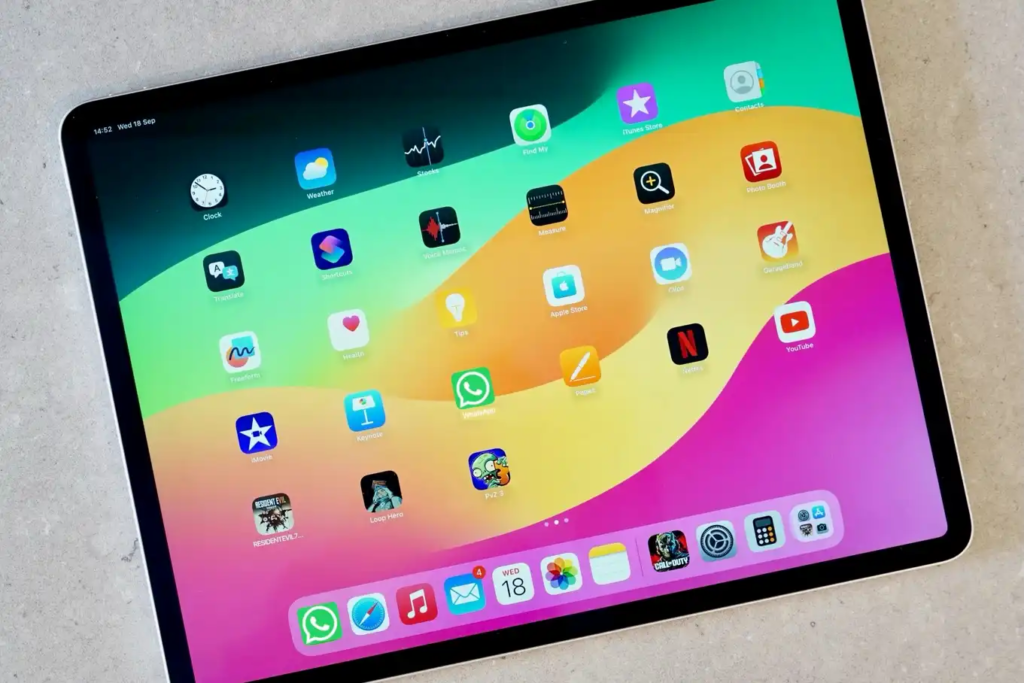
WhatsApp, the world’s biggest messaging platform, with more than two billion active monthly users (as of 2021), has started inching closer to an Apple iPad-supported app. While there is not a dedicated iPad app yet, iPhone users can still access their WhatsApp accounts on the Apple tablet from several different options. Did you want to know how to start using WhatsApp or WhatsApp Business on your iPad? So keep reading to learn everything from how to set up WhatsApp Web to what the future of WhatsApp’s iPad app may bring.
Is WhatsApp Available for iPad?
They have dedicated apps specifically for mobile phones and desktops, but there is no separate iPad version. Will Cathcart, WhatsApp’s head, said in January 2022 that users have long been asking for an iPad app. While many defined the infrastructure ready, no official release plans were announced when. A beta version of WhatsApp for iPad was available through TestFlight in September 2023, but the app is still in development (there is no clear date in sight for a much-awaited public launch).
Please follow us on Facebook and Twitter.
At the moment, the easiest way to get WhatsApp onto your iPad is through WhatsApp Web. It is a browser-based service that lets you link your WhatsApp account to your iPad and you can send, receive, and send messages, photos, and videos exactly as you would from your phone. It is not a native app, but a practical solution.
How to Use WhatsApp and WhatsApp Business on iPad
WhatsApp’s linked devices feature allows up to four devices to become connected to your WhatsApp account. Here is how you can use WhatsApp or WhatsApp Business on your iPad through the web browser:
- Open the Browser: Go to web.whatsapp.com in your iPad’s internet browser.
- Scan the QR Code: On your phone, open WhatsApp, go to Settings > Linked Devices and scan the QR code displayed on the iPad screen.
- Sync Messages: Wait a few moments for your messages to sync before using WhatsApp Web on your iPad.
With this setup, you can comfortably use WhatsApp from your iPad, even though the experience isn’t as seamless as a native app.
Creating a WhatsApp Shortcut on Your iPad
To access WhatsApp Web quickly, you can create a shortcut on your iPad’s home screen. Here is how:
- Open WhatsApp Web in Safari on your iPad.
- Tap the share icon (a square with an arrow pointing up).
- Select Add to Home Screen and customize the shortcut name if needed.
- Tap Add to create a home screen icon for easy access.
Now, WhatsApp Web will function almost like a native app, opening with one tap.
Will WhatsApp Release a Dedicated iPad App?
WABetaInfo has reported that WhatsApp has pushed a new beta version for iPads only. As of right now, this beta app is in the works via Apple’s TestFlight beta program and only registered testers can install this. The new version comes with a companion mode that helps people to sync their WhatsApp accounts on their phones and iPads. And, it will be able to operate independently, so you would not need an active internet connection on your phone and use WhatsApp on the iPad, which is particularly useful for business users.
However, users would not be able to create new WhatsApp accounts on the iPad from the beta release. Instead, it will be a companion app, piggybacking on top of an existing account on your phone, which just happens to be for WhatsApp.
Benefits of WhatsApp for iPad for Businesses
The vast majority of businesses rely on iPads for operating daily, from retail checkouts to restaurant reservations. When the WhatsApp for iPad app becomes publicly available, business communications with WhatsApp Business will be that much simpler to carry out. That will allow employees to continue doing their routine tasks on the same device as they answer customer queries on WhatsApp Business.
Additionally, WhatsApp’s well-known end-to-end encryption will also continue to keep business communications on the iPad app secret, giving business as well as individual users reassurance.
WhatsApp Business
For users who want to keep work communications separate from personal messages, WhatsApp offers two distinct apps: WhatsApp Messenger or build your professional presence with WhatsApp Business. Solutions including YourBusinessNumber allow businesses to provision a second number allowing both apps to run from the one device but with the two separate accounts. This way work and personal communication never mix up so it’s more organized and more private.
While we have not yet been told when the release of the WhatsApp app for the iPad will occur, the beta version of the app points to the fact that significant work in this regard is being made. It is a good idea to have a look at WhatsApp’s announcements for updates on the public release, as this could change the way businesses and people interact with WhatsApp on the big screens. The implementation of upcoming features and secure communication through its platform, WhatsApp for iPad will be a game changer in terms of business communication that would make it a child’s play to execute various kinds of chats on the best Apple device you may have.








