

iPhone Lockdown Mode blocked the FBI from extracting data during a recent raid on a Washington Post reporter. Court records and news stories indicate that the phone was unable to be imaged with Lockdown Mode turned on. The filings are included in a continuing scuffle over the confiscation of devices. The public record gives a clear example of how Apple tools can protect device data in demanding situations.
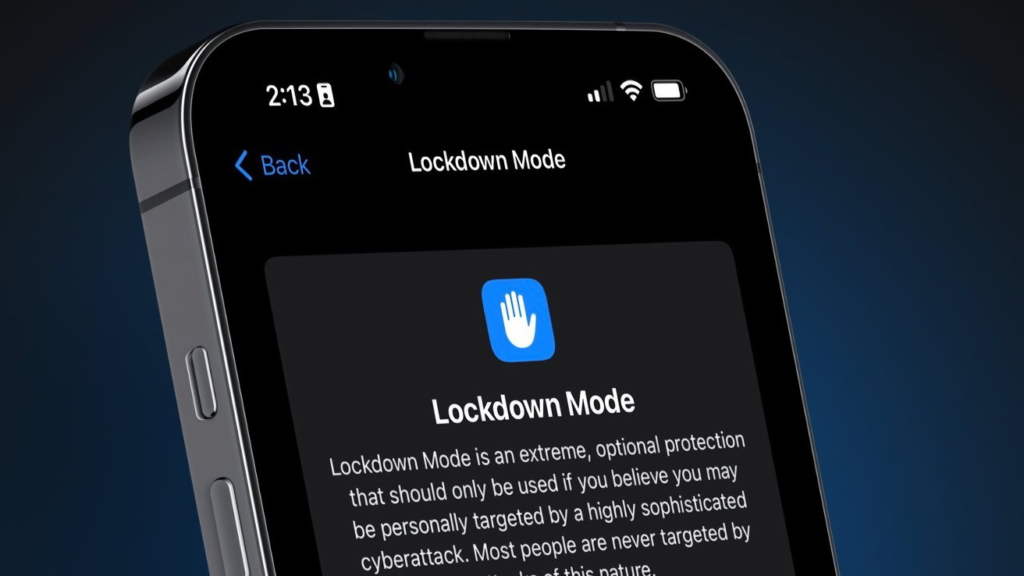
Lockdown Mode Explained
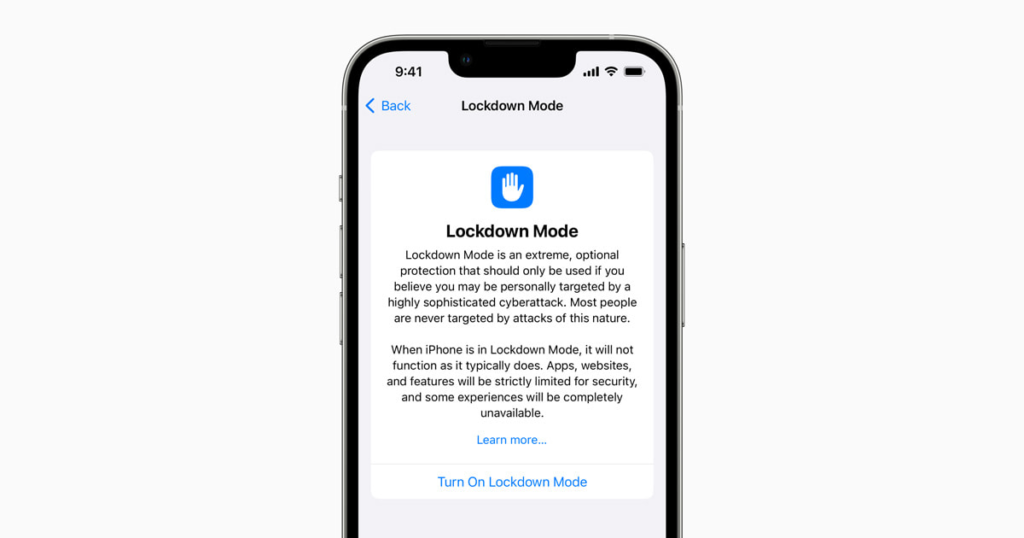
Lockdown Mode is an optional setting on iPhone that Apple built for people facing extreme digital threats. When it is turned on, the phone uses a much smaller attack surface. Most message attachments are blocked. Just-in-time JavaScript compilation is disabled in the browser. Wired data connections are stopped, and new configuration profiles cannot be installed. Apple has called the feature extreme protection, and it has rewarded security researchers who find bypasses.
How Lockdown Mode Helped
The court filing filed in the reporter case states that the phone in Lockdown Mode could not be extracted by the FBI. News outlets reported on the filing and posted the documents for public review. The FBI also sought to image a MacBook Pro at the same time and reported difficulty. Other reporting shows that agents were able to get the Mac unlocked by using a biometric when the owner pressed a finger on a Touch ID sensor. The documents show that warrants included a provision to use biometric unlocking in some circumstances.
Other Protections on iPhone
Beyond Lockdown Mode, iPhones have other protections that can limit data access. Apple added an inactivity reboot that places a device into a before first unlock state after long idle periods. In that state, the device is less likely to yield decrypted data to a connected tool. Apple also offers Advanced Data Protection for all users that expands end-to-end encryption to iCloud backups and other synced items. These features make it harder for third-party forensic tools to read user data without the user passcode.
What Apple can and Cannot Provide
Apple publishes a legal process guide that explains how the company responds to law enforcement requests. The company can provide account records and any unencrypted iCloud data that it stores. Most device data is encrypted on the device itself, and Apple cannot decrypt that content without the user passcode. Depending on the jurisdiction, law enforcement can be guided by warrants and by forced biometric decryption. The case of litigation regarding the legality of confiscated devices demonstrates the intersection of the issues of technology and law in complicated aspects.
Lockdown Mode Explained
Turning on Lockdown Mode carries trade-offs. Many normal features will not work the same way. Shared photos and some app features may be limited. The mode is aimed at people who face targeted surveillance or extreme threats. For most users, standard security habits remain the most important step. A strong passcode, regular software updates, and careful handling of messages and links still matter a great deal.







