
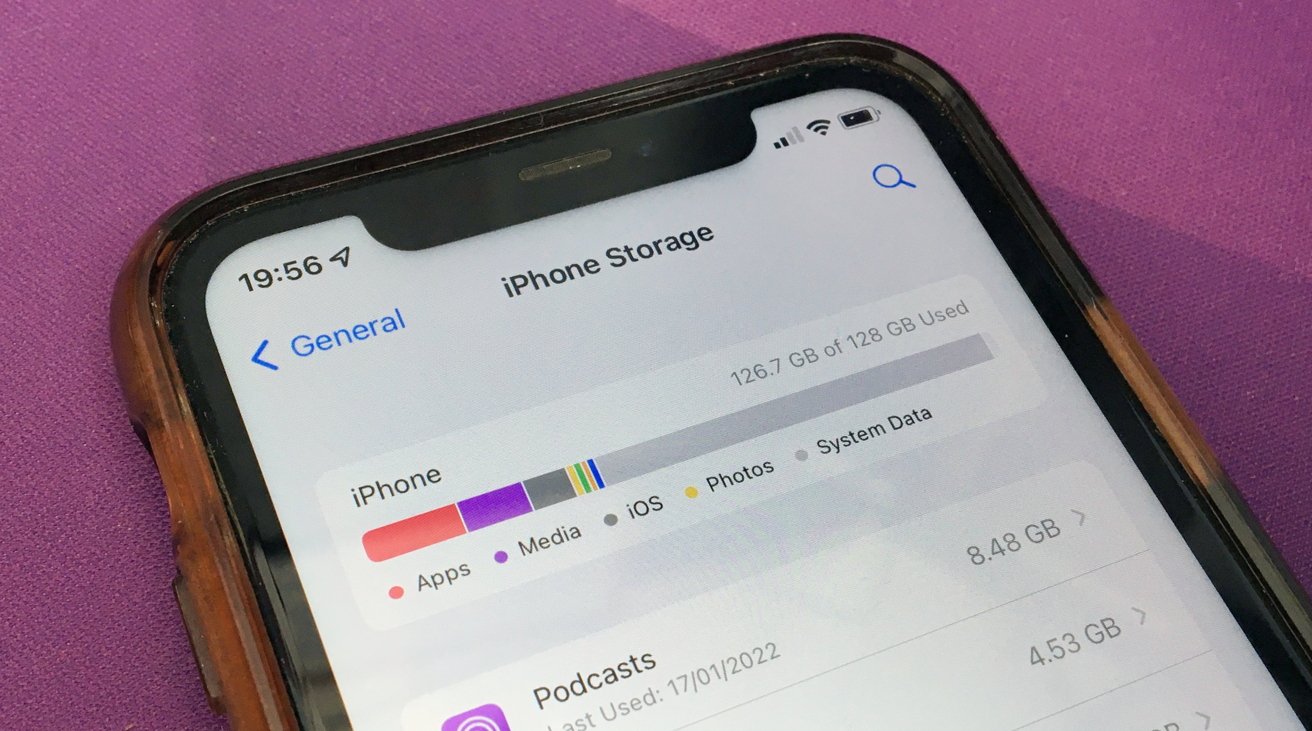

System Data can grow large on an iPhone and leave very little free space. The category may be called Other System Data in settings. It can include cache logs and temporary files. This guide explains simple steps to find the problem and to free space without losing your photos and messages.
Check Your iPhone Storage
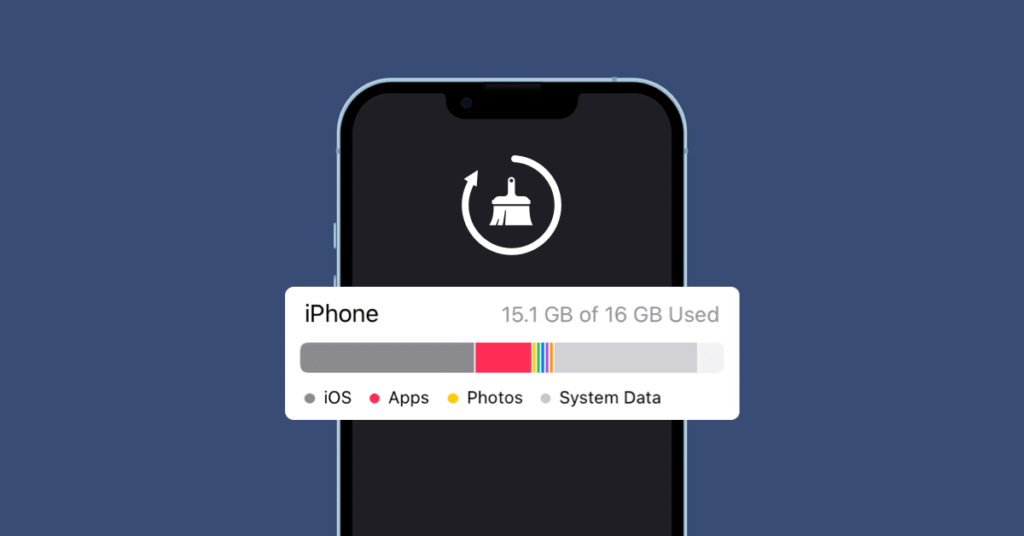
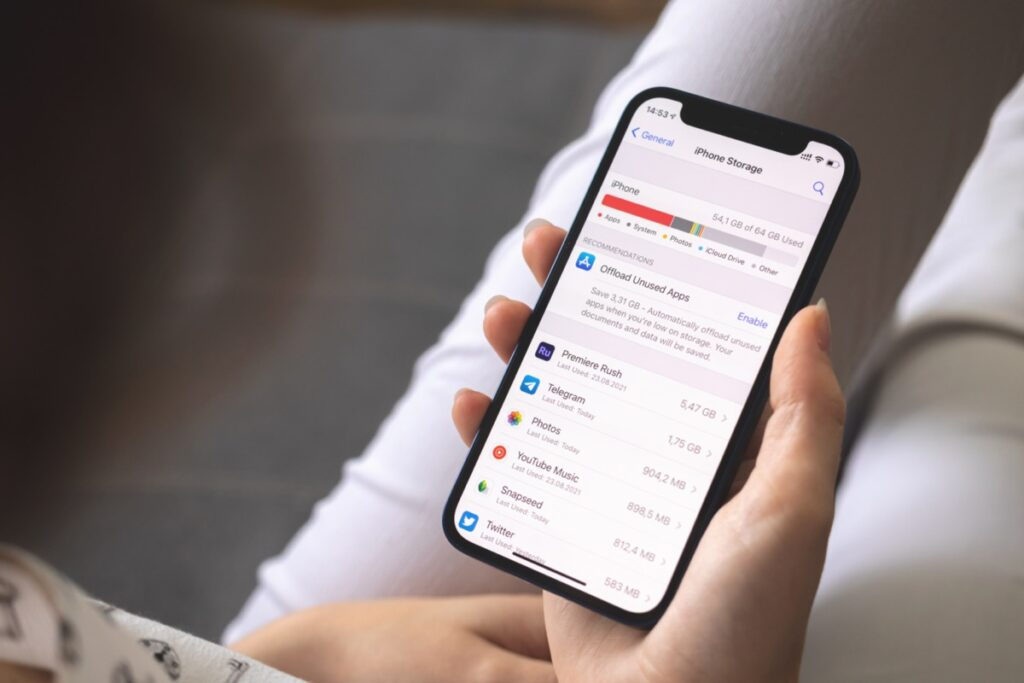
Open Settings, then tap General and then iPhone Storage. The top bar shows used and free space. Scroll down to see a list of apps and two system entries near the bottom. One is iOS, and the other is System Data or Other System Data. Tap apps in the list to view their sizes and to offload or delete them. Look for unusually large app caches and for messages that contain many attachments. A quick restart of the iPhone can let the system clear some temporary files. That alone may recover a few gigabytes.
If System Data grows over days or weeks, then it may be a runaway cache or log. Some users report System Data ballooning to tens of gigabytes. You cannot open System Data to see its files. That makes targeted cleanup hard. The steps below move from easy to more thorough fixes.
Reduce System Data Size
First, restart your iPhone. Power it off, then turn it on. A restart can purge temporary files and close stuck processes. Next, clear Safari cache by opening Settings, then Safari, then Clear History and Website Data. This removes browsing data that can sit in System Data.
Open Messages and check conversations that include many images, videos, or files. Tap the contact’s name, then tap Info and review attachments. Save any attachments you want, then delete the messages that are no longer needed. On the iPhone Storage screen, you can tap Messages to see the space used by Photos and by large attachments. Deleting old, large attachments often reduces System Data.
Next, offload large apps that you do not use right now. In Settings, tap General, then iPhone Storage, then choose an app and tap Offload App. Offloading deletes the app, but retains its papers and files. To restore the app, reinstall it from the App Store. Should an application continue to consume significant space, you can opt to Delete App to delete it and reinstall it after a while.
Install the latest update of iOS. Apple usually corrects bugs that result in excessive log or cache writes. Click on Settings and General, Software Update, and update any available updates.
In case these fail to do so, then recover the iPhone with the assistance of a local computer backup. This is the most reliable way to remove stuck System Data that does not clear itself. Connect the iPhone to a Mac or PC and make a full backup. On a Mac, run Finder. On a PC, run iTunes. Choose Encrypt Backup so that passwords and health data are saved. After backing up, erase the iPhone by opening Settings, then General, then Transfer or Reset iPhone, then Erase All Content and Settings. When the device restarts, restore from the backup you made. This process often clears the invisible files that were consuming System Data.
A final option is to back up photos and important data, then set up the iPhone as new. This wipes everything and can remove deeply stuck system files. Use this only if a restore from backup does not free enough space.
What to expect and how to protect data
Always create a backup, then wipe out the device. Before deleting the device, make sure you have a recovery code or that the apps you use have a second option by using a password manager or other authentication apps. When there is either a restore or a fresh setup, photos and 2-factor apps are tested to ensure functionality. Watch System Data a few days after the restore to ensure that the problem has been resolved.







