
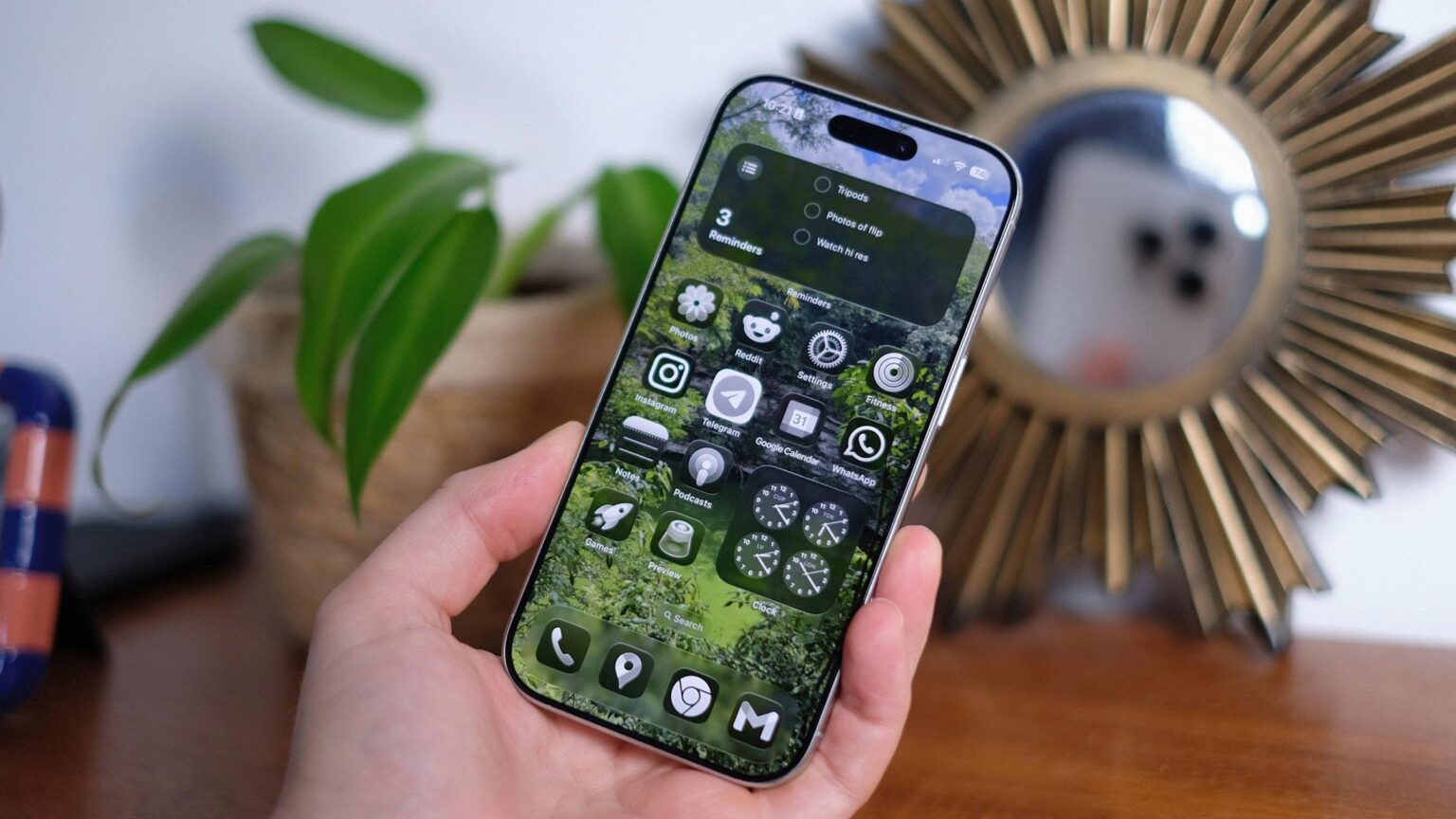

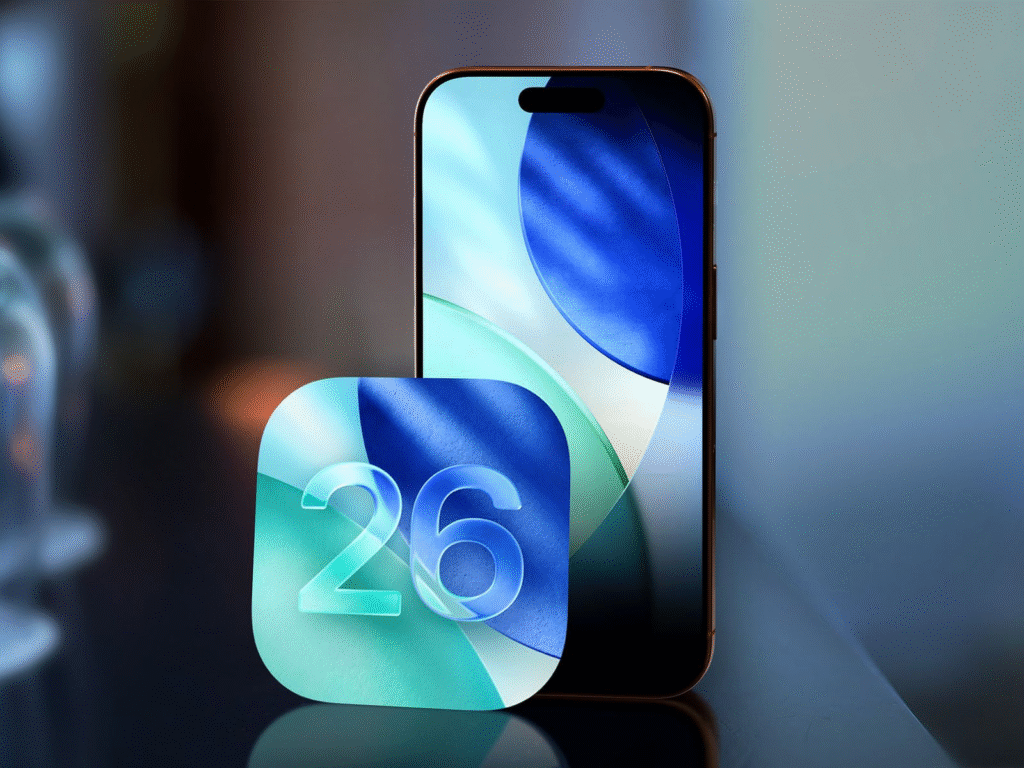
Apple has released iOS 26 to all supported iPhones. The update delivers a new visual theme that Apple calls Liquid Glass. The company also added several new tools that work across the system. The update is available for iPhone 11 iPhone SE second generation and later models. Users can install the update from Settings then General then Software Update.
Liquid Glass Design
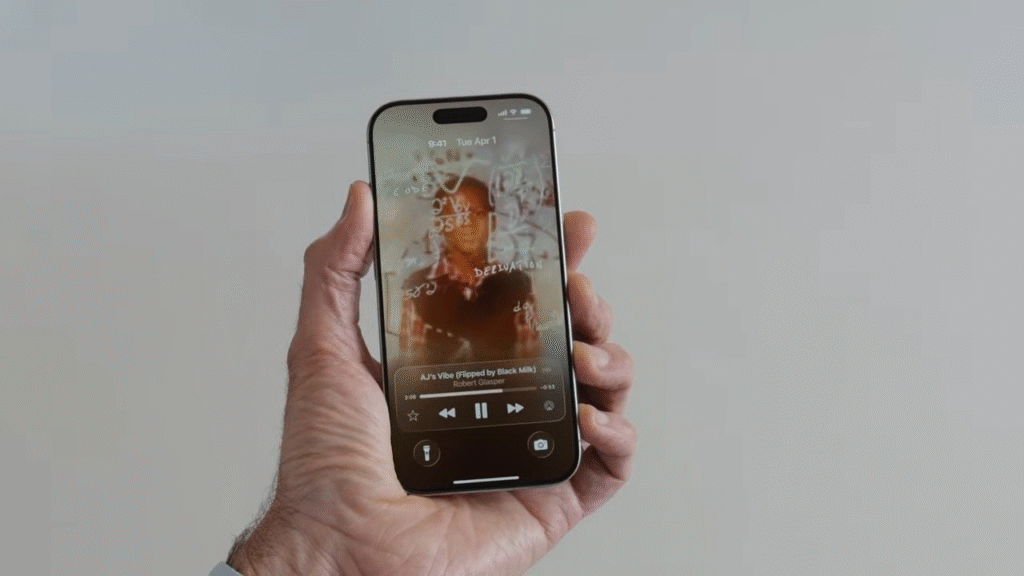
Liquid Glass changes the look of iPhone apps and system screens. The new look uses translucent elements that float above content. Apple said the style takes cues from the Vision Pro interface and scales them to a touch screen. The design makes some buttons and cards appear glass like while keeping text and icons readable. Apple adjusted contrast and spacing during beta tests to keep legibility high. Users can switch back to a classic layout for the Phone app if they prefer the old arrangement.
Notable New Features
iOS 26 packs several practical upgrades beyond the visual change. The Phone app gains a call screening assistant that asks unknown callers to state their name and the reason for the call. The system transcribes the response and gives the user the option to answer decline or reply by message. The update also adds a holding assist that notifies you when an agent returns to the line.
Messages gains more expressive tools and better message sorting. Group chats show typing indicators and new preview panes. Backgrounds and polls are available within conversations. The system filters unknown senders into a separate folder to cut down on spam.
Apple added a new Games and Preview app that gathers your played titles arcade suggestions and achievements in one place. The app shows what friends are playing and offers quick access to challenges and game clips.
Creators will welcome Final Cut Camera 2.0 and updates to Image Playground and Genmoji. The camera app supports ProRes RAW and open gate recording for wider frame capture. Genmoji can now merge two emoji and add expressions through prompts. Image Playground gains finer controls for facial features hairstyles and styles with support from ChatGPT style packs.
AI and Translation
Apple expanded in app translation across Messages FaceTime and Phone. The feature supports multiple languages and can translate both text and live voice. AirPods users can get live translated audio for supported languages right through the earbuds. Apple also added screen aware visual intelligence so you can press the side and volume buttons and ask about the content on screen. The feature can suggest calendar events or surface related actions. Some AI features will roll out in stages and regional support may vary.
Music Photos and Wallet
Apple Music gets automixing for smooth song transitions and new lyrics translation tools. The Photos app restored tab navigation that some users missed. Wallet adds a revamped boarding pass screen and support for digital ID where the service and local rules allow it.
Performance Privacy and Controls
iOS 26 includes updates to privacy and parental controls. App accessibility labels make key features easier to find. Parents can limit contact from new phone numbers and set age appropriate content limits for third party apps. Voice recording adds input selection voice isolation and a local capture option for creators who record interviews or podcasts.
How to update
In order to install iOS 26, open Settings followed by General and Software Update. Save valuable information prior to updating. The size of the update will depend on the device and on the version that was last installed. In case you want a staged method wait before updates on carriers and applications occur to ensure that everything remains compatible.
What to expect next
Liquid Glass may feel bright at first. Apple plans iterative tweaks and small refinements after the public launch. Some translations and AI features may expand over time and across more languages. Users who depend on specific apps should check app updates and developer notes for compatibility.







