
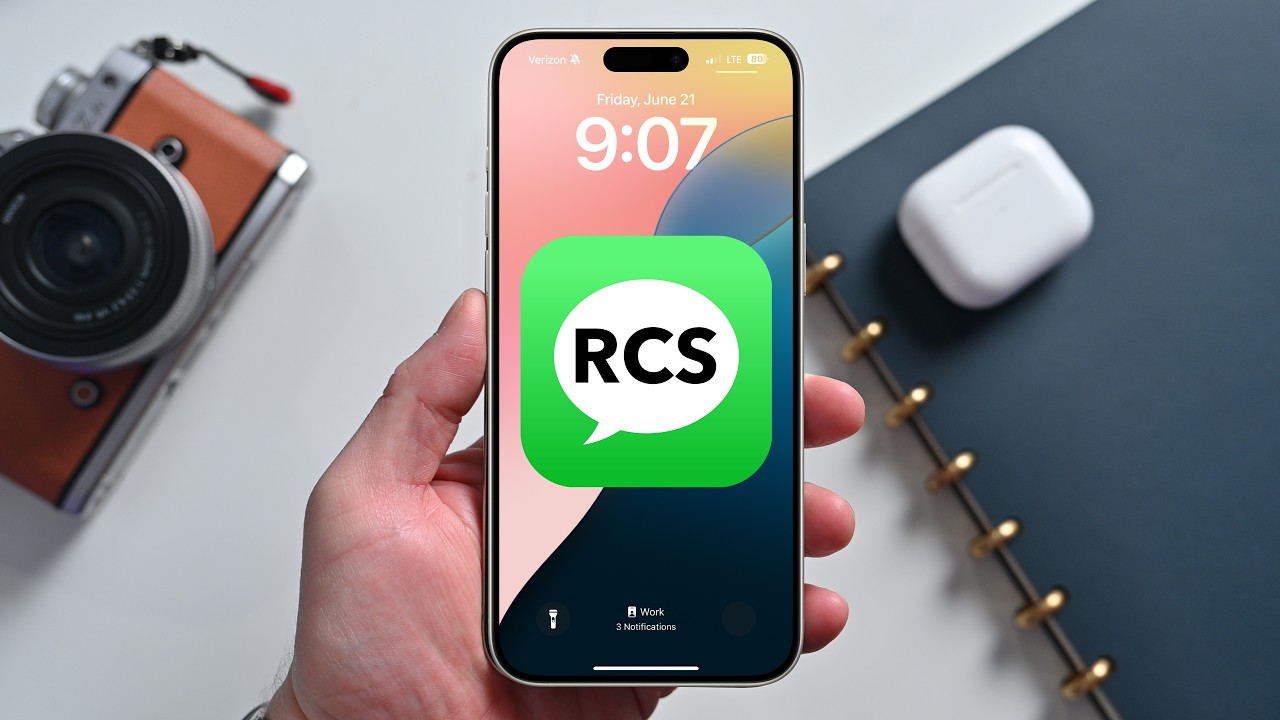

RCS stands for Rich Communication Services. It lets iPhone users get many modern messaging features when they message people on other platforms. These features include read receipts, typing indicators, and higher-quality photos and video. Apple added RCS support in iOS 18.
- Is RCS secure right now
- How to check if RCS is enabled on your iPhone
- How to set up Messages on Mac to receive iPhone SMS MMS and RCS texts
- What to expect when you text Android users
- Tips for best results
- What RCS does not yet fix
- How to check privacy settings and temporary choices
- Quick troubleshooting steps
RCS is not a single app. It is a set of features that work when both sides use apps or carriers that support it. When it is available, messages will show as Text Message RCS rather than SMS. This helps you know what transport was used.
RCS improves group chats across different phones. It also supports reactions and some media types that used to be limited to Apple-to-Apple chats. RCS still does not make every third-party app match iMessage in every feature. Some text effects and inline reply formats still do not move across platforms.
Is RCS secure right now
RCS can be secure depending on the app and the servers used. If the Android user uses Google Messages with Google RCS servers or uses apps like WhatsApp, then the messages can be encrypted. At this time, standard RCS across carriers does not guarantee end-to-end encryption. Apple and Google say they will work on making stronger cross-platform encryption part of future RCS standards.
How to check if RCS is enabled on your iPhone
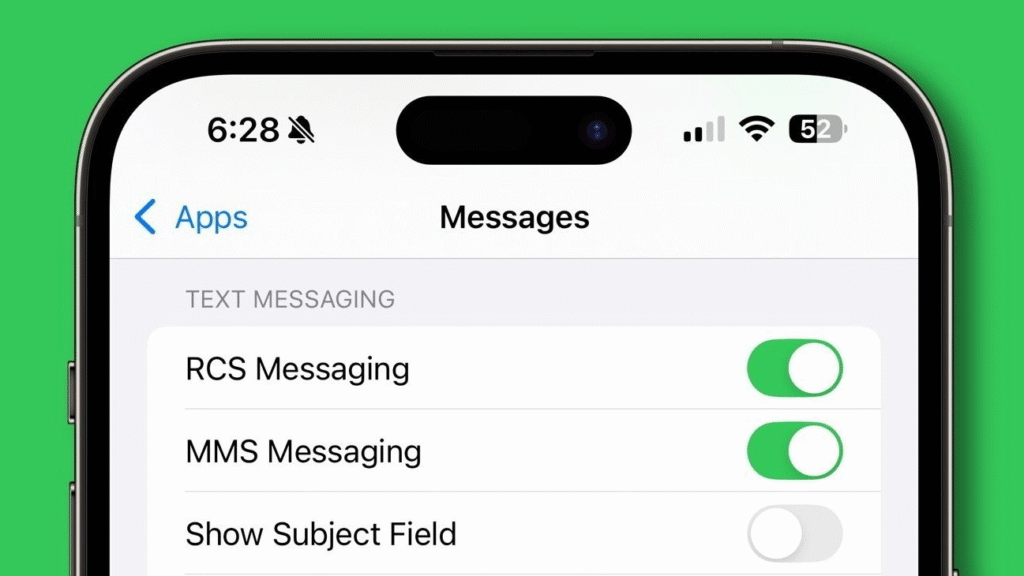
Open the Settings app. Scroll to Apps, then tap Messages. If you see an RCS Messaging section, then the feature is present and should be on by default.
To check carrier-level support, open Settings, then General, then About. Look for the SIM or Network section and open Carrier or Network Provider. If RCS is active, you should see IMS Status with Voice SMS RCS listed. If the IMS Status shows only Voice and SMS, your carrier is not providing RCS.
Apple keeps a list of carriers that support RCS. Major carriers in the United States support RCS. Some regional providers do not yet support it. You can use Apple support pages to see which carriers are covered in your country.
How to set up Messages on Mac to receive iPhone SMS MMS and RCS texts
On a Mac, you can have it receive iPhone messages, which include SMS, MMS, and RCS texts. Launch Messages on Mac. Complete the setup instructions to connect your Mac to your iPhone. If you have a Mac, your Mac will use your phone to get messages, so the conversations stay in sync across all devices. Apple documentation on support sites shows the step-by-step procedure for connection, and the choices that follow completion of the process.
What to expect when you text Android users
In case the Android user is utilizing Google Messages or some other RCS-capable application, you will notice enhanced messaging functions. You will find typing indicators and read receipts as the other person is permitted. Long audio clips and high-resolution images will do better. In the case of the other party using plain SMS or a carrier that is not RCS supported your messages will default to SMS with the old restrictions.
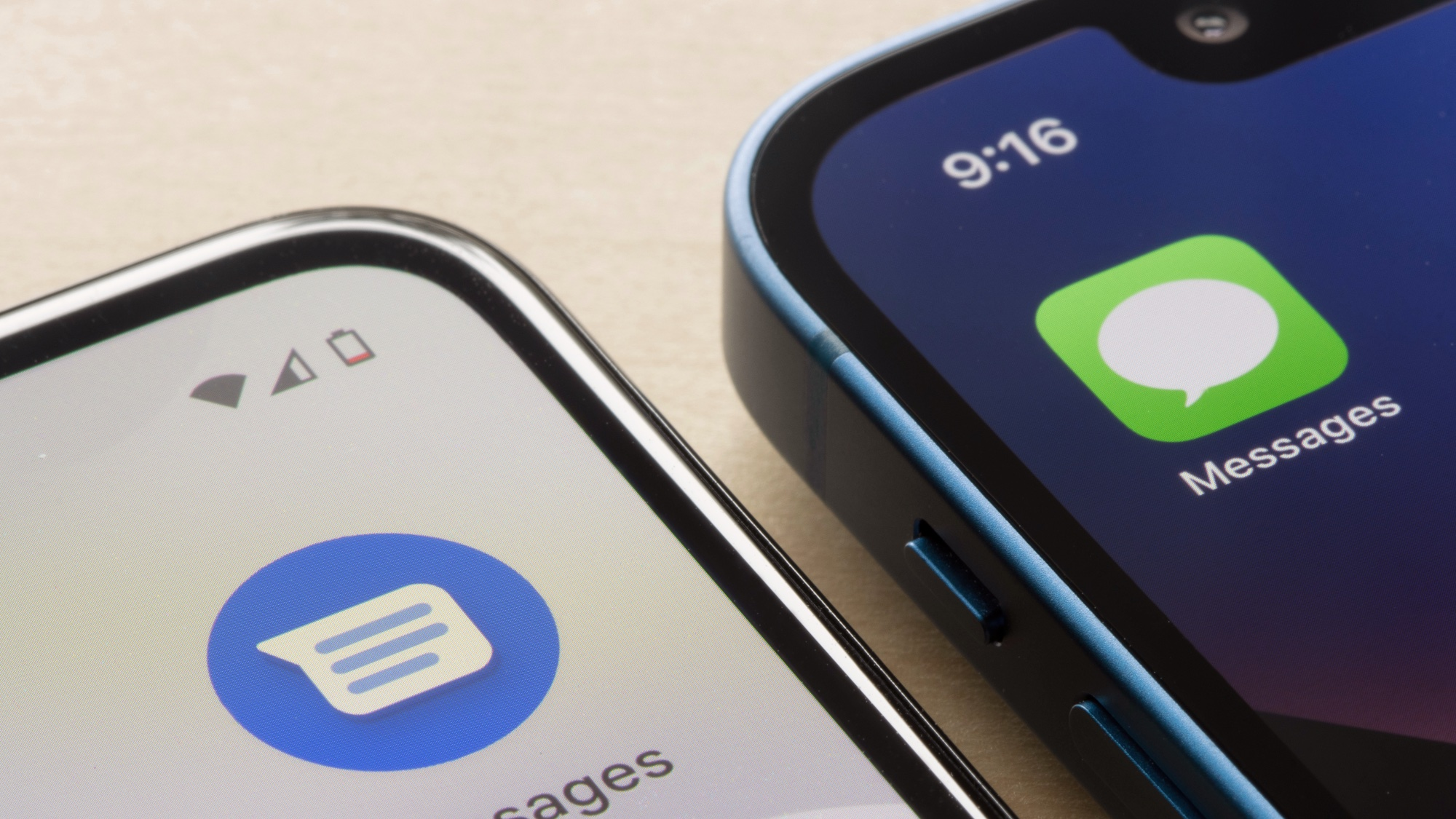
Remember that blue bubbles still mean Apple to Apple iMessage. Green bubbles will continue to show for messages that were sent as SMS or as RCS that the Messages app labels as Text Message RCS.
Tips for best results
To be able to use RCS or Messages for Android if your carrier does not support it, try using apps that do support RCS across Android and measurement. Tell your friends to get the best cross-platform experience by using Google Messages or another RCS-enabled application. Apps that consume a lot of memory should be closed when forwarding big media. Follow the Apple Support carrier page to see carrier updates on RCS availability.
What RCS does not yet fix
RCS solves many friction points, but it does not yet deliver full feature parity with iMessage. Text effects like invisible ink and some inline reply formatting will not appear the same between platforms. RCS also does not yet guarantee end-to-end encryption for every carrier and setup. Keep that in mind if you need the highest privacy for sensitive chats.
How to check privacy settings and temporary choices
App privacy settings are found in the settings section on your device. Check the terms of carriers and choose whether you want some of your message data to be stored. Some users prefer applications that offer their own encryption, in addition to transport options. By so doing, they decide the length of retention and sharing of information. Apple and Google have reported that they would cooperate with the standards organizations to improve cross-carrier encryption to assist in the future release.
Quick troubleshooting steps
Restart your iPhone and your modem. Update to the latest iOS version. Check the Messages app settings for RCS Messaging. Contact your carrier to confirm IMS Status and RCS support. If a chat still falls back to SMS, check the other party for app and carrier status. These steps resolve the most common issues.







