
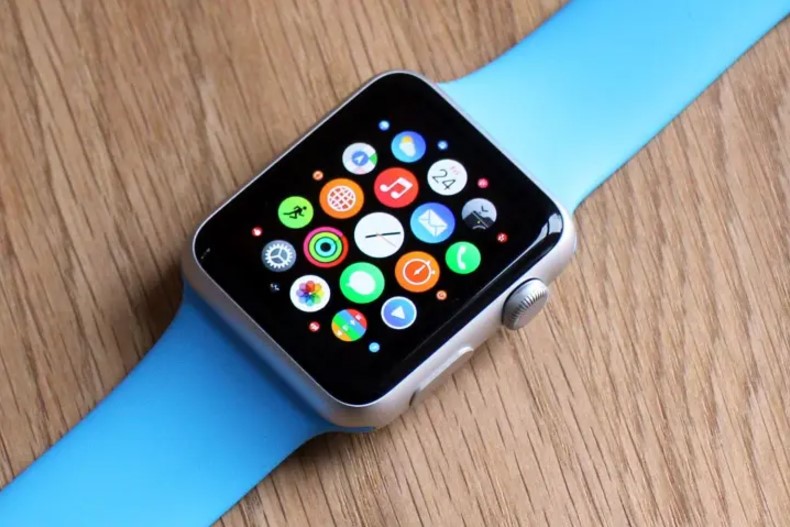

Losing an iPhone is like a nightmare. It can be lost in your home, lost between car seats, or lost at a restaurant, if it is on silent, then it can be somewhat difficult to find. Thankfully, Apple offers three simple methods to help you locate it instantly: Find My, Siri, and your Apple Watch. These smart solutions for finding your lost iPhone make it possible to search for your lost iPhone.
What Does Pinging an iPhone Mean?
To locate an iPhone, “ping” is the sound put out to assist in finding the phone. That is a high-pitched sound that can even penetrate through a phones volume settings so you can hear it. This is a quick solution to locate your phone if it is hiding under cushions, lost amongst messy places, or somewhere close by.
The way this method works is a breeze with Apple’s connected ecosystem, as it finds your iPhone from any device connected.
Find My: A Reliable Way to Ping
Apple’s trusted tool for tracking lost devices is the Find My app. Apart from telling you exactly where your iOS device is it also offers the option to set the ‘Play Sound’ feature to ping for your device.
To use Find My:
- Tap Find My on another Apple device, such as an iPad or Mac. You may also log in to iCloud.com.
- Choose your iPhone from the list of devices shown.
- Click Play Sound. The iPhone has the ability to vibrate and emit a high-pitched tone until you find the device or turn off the sound.
This is a perfect feature for locating your phone in a messy area. The map also gives us the phone’s exact location, something useful if you left it far from where you are now.
Ping Using Apple Watch
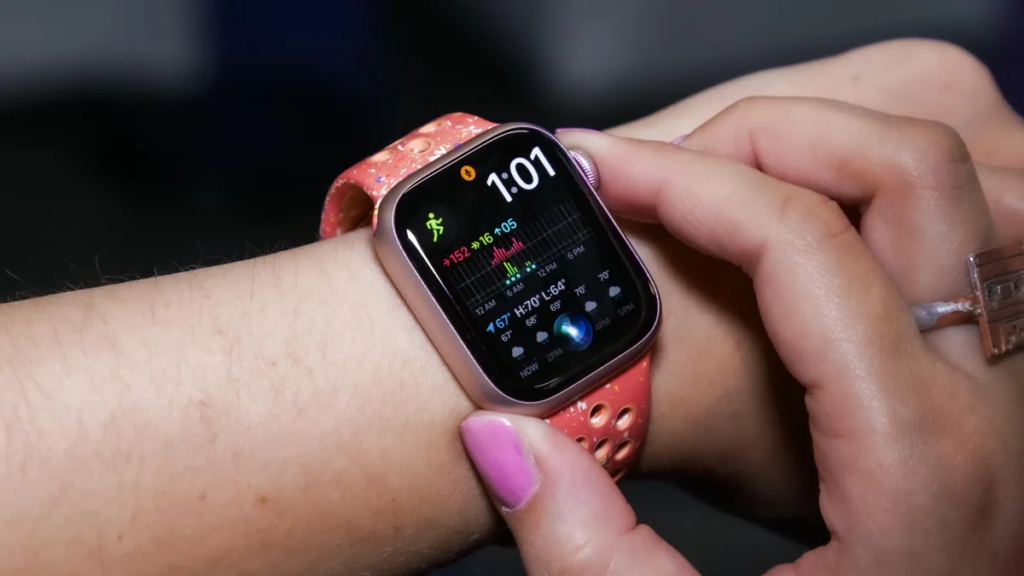
Another quick way to find your iPhone is with your Apple Watch. If you are wearing the watch, it takes a second to ping your phone, without opening an app or a page on a website.
Here is how:
- To access the Control centre, swipe up or press the side button.
- Tap the iPhone, with the sound waves. It immediately commences your iPhone starting up a loud sound.
- For an extra bonus, press and hold the icon, and your iPhone’s LED flash will be released to blink so it’s easier to find in the dark.
It is fast and convenient, especially when your iPhone is nearby but hidden. It can flash in color, which works really well in dimly lit spaces when you do not want to wake your partner.
Ask Siri to Ping Your iPhone
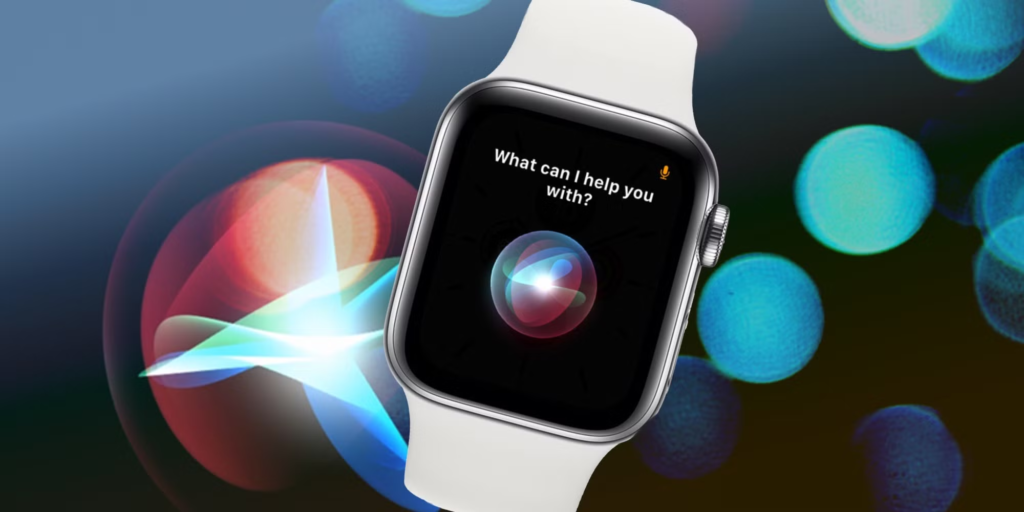
Siri can lend a helping hand if you do not have the Apple Watch handy. Siri, as it is available from all connected Apple devices, is extremely easy to ping your iPhone over.
Steps to use Siri:
- Siri launches on any linked device (such as your iPad or Mac).
- “Ping my iPhone” or “Find my iPhone.”
- In case you have lost your iPhone, Siri will make your iPhone play the high-pitched ping sound, so you can locate it.
Especially if you are multitasking or just not near your other devices, this is a great hands-free option. You can always have this feature any time you need it, thanks to Siri’s multi-device connectivity.
Why Apple’s Pinging Tools Are Useful
Apple is making the process of finding your iPhone easy even if it is not in a nice area. Regardless of the volume settings on your iPhone, these methods work and are reliable for any situation.
These are quick and effective features and they work no matter if you use Find My, your Apple Watch, or Siri. They help you skip all the stress of grabbing another phone or scurrying around your home to find it.
The next time your iPhone goes missing, use one of Apple’s smart solutions. These methods will have your device back in your hands in no time at all.








