
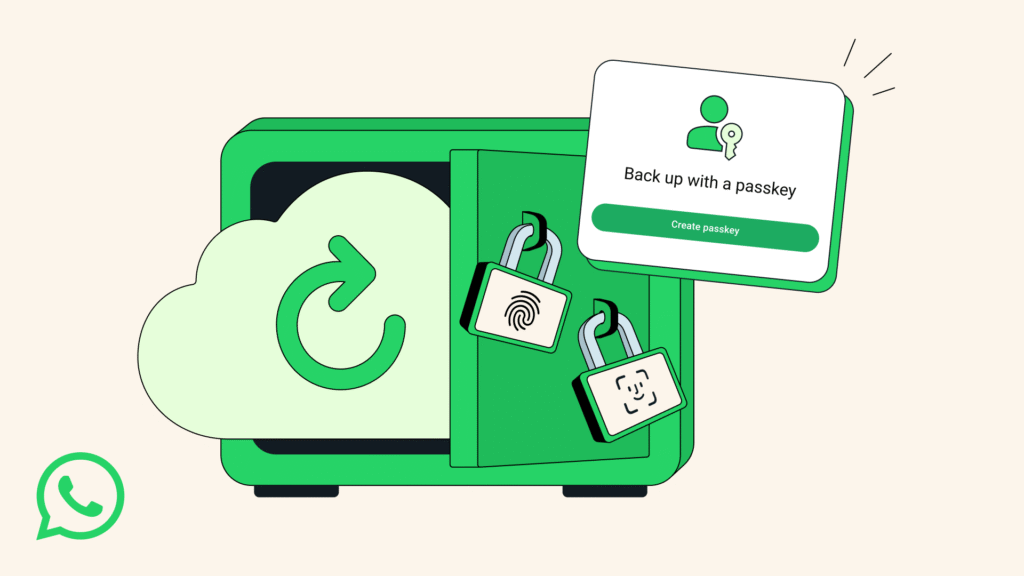
WhatsApp is rolling out a new way to lock chat backups. The service will let users protect encrypted backups with passkeys. That means a face scan, fingerprint, or device passcode can secure your stored messages. This is a change that eliminates the necessity of remembering a long password or a 64-digit key.
What changes
Firstly, in 2021, WhatsApp added end-to-end encrypted backups. Up to this time, the functionality used a password or a lengthy key. Passkeys are biometric techniques that can unlock files as well as encrypt files that can be unlocked by the same biometric technique used to unlock the phone. The goal is to allow secured backups to be simpler to utilize and quicker, while maintaining their confidentiality. According to WhatsApp, the feature will be introduced to users slowly in the next weeks and months.
The innovative approach secures backup even in cases when they are stored on cloud services. A passkey is stored on your device and never sent to WhatsApp. That means your backup remains encrypted unless your device unlocks it. WhatsApp describes passkeys as a passwordless option that uses device-built-in protections.
How to enable
Open WhatsApp. Tap Settings. Choose Chats. Then select Chat backup. Pick an end-to-end encrypted backup. Assuming your device supports passkey, then you will have an option to add a passkey. Set up your face fingerprint or device passcode in case of backups based on on-screen directions. Once you have done the steps, your backup files will be encrypted with that passkey. Restoring a backup will require that you use the same biometric or screen lock in order to unlock it.
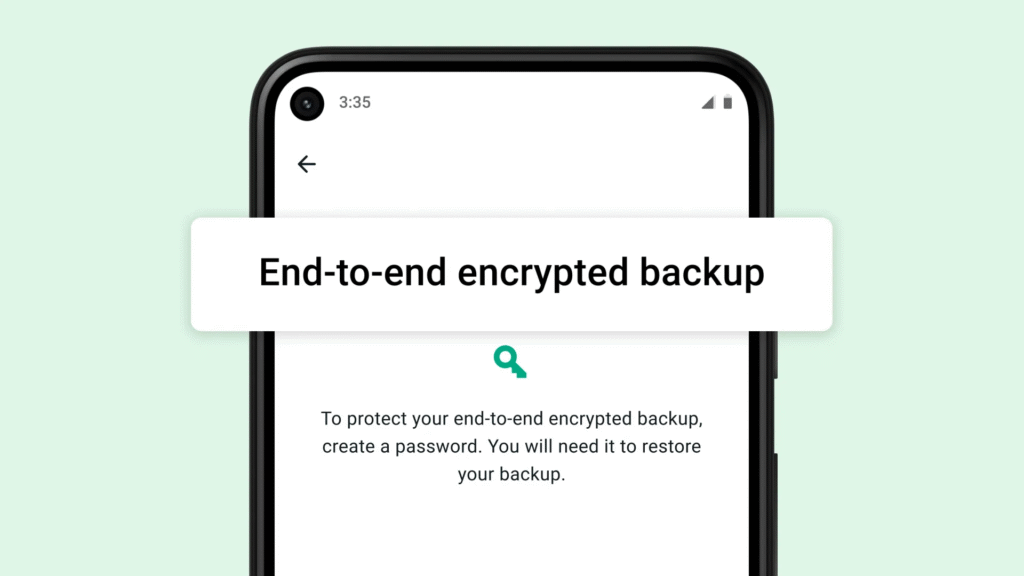
In case your device is not yet supporting passkeys, you can still use the old password option. WhatsApp will launch passkey support in phases, such that not all accounts will be able to see it at once. The new option for your backup settings will appear in the coming weeks.