
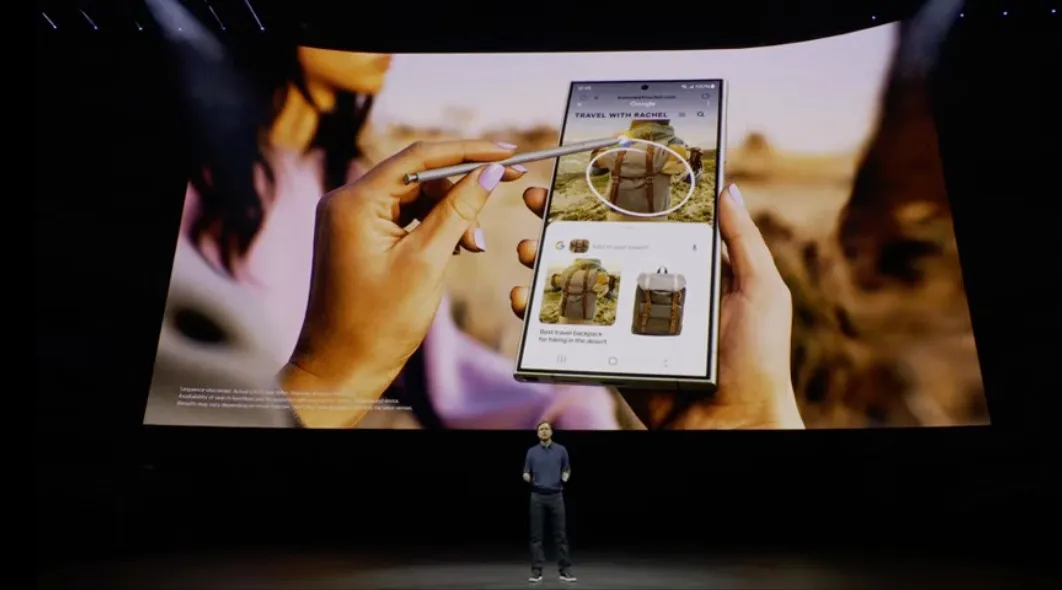

Google has improved Circle to Search so users can translate text while they scroll. The change makes translating long pages and menus faster and far easier to use. The new option lets a translation keep running as a user scrolls or moves between apps.
How it works
Open the screen you want to translate. Long press the navigation bar to launch Circle to Search. Tap Translate and then choose the scroll and translate option. The current screen will be translated instantly. As the user scrolls the translation continues without restarting. The tool will even keep translating when an app switch happens.

A clear visual cue shows when Circle to Search is active. Users can pick the language they want and stop the translate mode at any time. Google says translation is one of the most used Circle to Search features.
Where it rolls out
Google is rolling the update out starting with select Samsung Galaxy phones. The wider rollout to more Android devices will follow over time. Google first introduced Circle to Search on Pixel and Galaxy flagships. The new scroll and translate addition builds on earlier updates that added song recognition and full page translation.
Why this matters
Translating menus and long articles is now less annoying. Users no longer stop to reselect text after each scroll. Travelers and readers will save time and keep focus on the content. Chrome and standalone translation apps still have value but Circle to Search brings a fast in-place option that works across many apps.

A simple test
Try this on a long web page. Open a foreign language article. Long press the navigation bar. Tap Translate and then scroll and translate. The screen will update as new lines come into view. The translation will follow the content down the page. Google frames this as a user first update. The company says it built it in response to how often people use translation







