


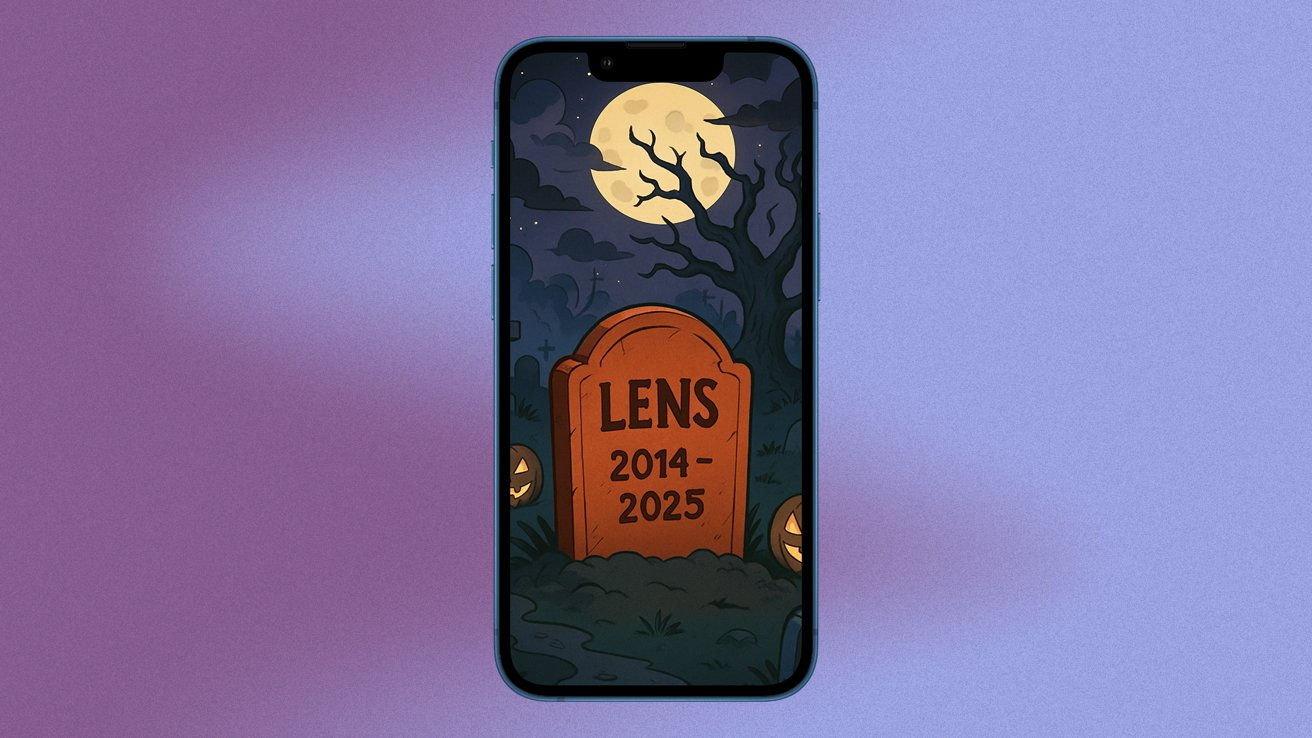
Microsoft will retire the Microsoft Lens PDF Scanner mobile app this year. The company plans a phased shutdown that begins in mid-September and ends with a block on new scans on December 15, 2025. Existing scans will remain visible in the app if the app stays installed, and scans saved to OneDrive will be accessible in Microsoft 365 Copilot.
What Microsoft announced and the key dates
Microsoft set a clear timeline for the app phase-out. The retirement starts on September 15, 2025. New app downloads will be disabled in mid-October. The app will be removed from the App Store and Google Play in mid-November. Creating new scans will stop on December 15, 2025, while prior scans will remain viewable. These steps come from Microsoft support documents and the official retirement notice.
Why Microsoft points people to the Copilot app
Microsoft recommends that users move scanned files into the Microsoft 365 Copilot app. The company says many Lens features will live in Copilot and that scans saved to OneDrive will appear in a MyCreations folder inside Copilot. Microsoft frames this as a move to centralize features and to focus on its new Copilot experience across devices.
What will change in day-to-day use
The Copilot app does not yet match every Lens feature. Users will not be able to save scans directly to OneNote, Word, or PowerPoint in Copilot the way some Lens workflows allowed. The replacement app also lacks a read-out-loud feature, and it does not include Immersive Reader integration at launch. Microsoft said it will add more features over time, but it did not give firm dates for those updates.
Lens can help you back up any scans you require, at least before the deadlines. The scans on your device will not be enabled to transition to Lens, except if you delete the Lens app; scans in OneDrive will appear in MyCreations within Microsoft 365 Copilot. Save your scan files and archives to cloud storage or backup (locally) now if there is any long-term access is required. The storage and access information is described in the Microsoft retirement page.
What users say and how the community reacted
Many users praised Lens for its simplicity and its strong optical character recognition. People also noted features such as business card scan and direct saving to OneNote. Reactions to the retirement include frustration because Copilot does not yet restore all of those workflows. Reports from tech outlets and user forums highlighted gaps that matter to students, office workers, and small business owners who rely on those quick save options.
Why Microsoft might be making the change
Microsoft is consolidating many tools into its Microsoft 365 Copilot app. The company has moved other functions into Copilot as it shifts focus to an AI-first experience in productivity apps. Consolidation can reduce the number of standalone apps the company supports and can push users toward a unified Copilot experience. Microsoft documentation and product notes show this broader shift in strategy.
Open the Lens app and export any scans you want to keep. Save copies to OneDrive, Google Drive, or a local storage option. If you use OneNote, export business card contacts and any content that must stay in OneNote. Check the Microsoft 365 Copilot app to see which scans appear in MyCreations and test any workflows you need before the December deadline. These steps mirror guidance from Microsoft and from reporting on the retirement.

What to watch next
Pay attention to Copilot updates that can fulfill the lack of features like direct save to OneNote access or integration with Immersive Reader. To keep abreast of Copilot feature releases, follow Microsoft’s release notes. Check the new announcement of Microsoft in case of a change to the retirement plan or the creation of migration tools for Lens users. The tech news websites will report any change that occurs as it occurs.
Microsoft has provided a clear deadline for the sunset of the Lens app and assured that scans will continue to be accessible, at least in case action is taken now. Backup your valuable files today and practice the Copilot flow before December 15, 2025, such that when you need them, critical files or notes will not be difficult to locate.







