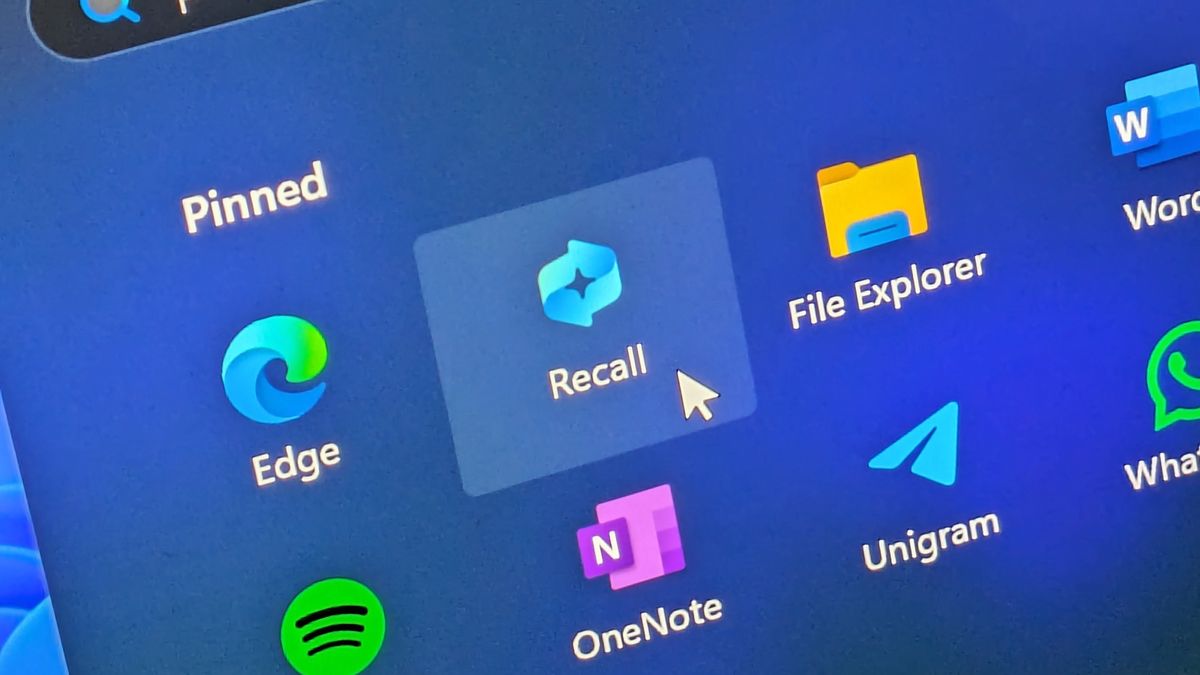

Microsoft is testing a new feature called Recall that could change how you use your computer. After delaying it twice due to privacy worries, the company is finally letting some Windows users try it out. Recall takes screenshots of everything you do on your computer and saves them so you can search for things later. The capability to locate recipes and school projects persists through a simple text input. Microsoft decided to launch Recall in June 2024 until users expressed concerns that the system could serve as a surveillance tool. Microsoft tightened Recall’s privacy features to make the tool safer.
How Recall Works
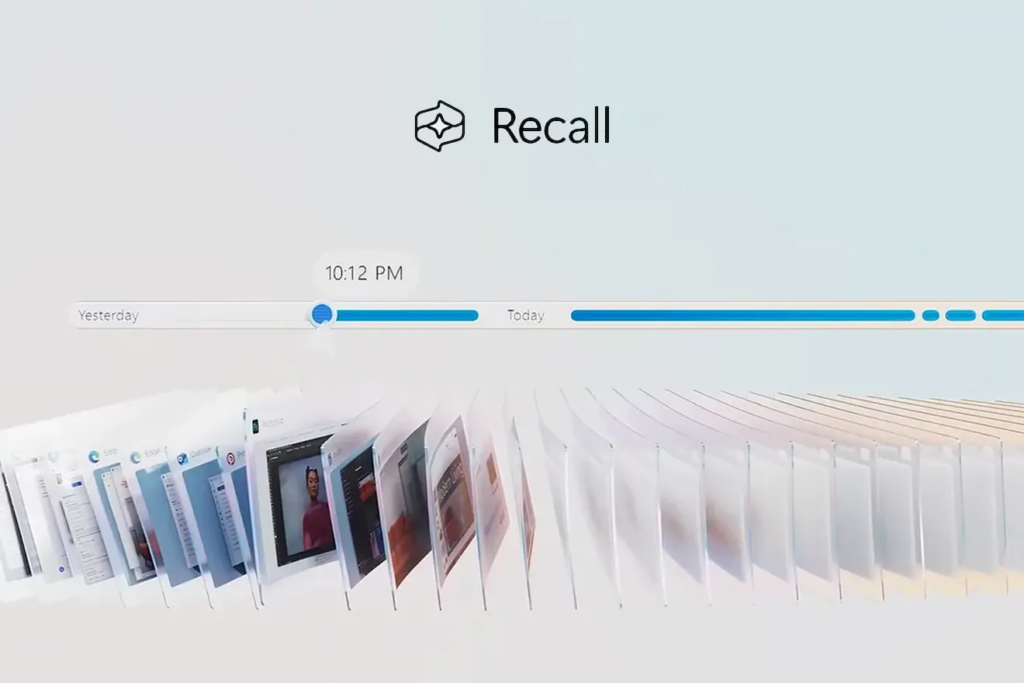
Recall functions as an extended memory system that powers a computer to function as a supercomputer. Recall creates screenshots of your screen with a frequency of a few seconds. Recall provides a search function that allows you to look for information repeatedly accessed over time, regardless of how long ago it happened. The tool will show you all the screenshots related to that word.
For example
- A teacher could search “science fair ideas” to find a lesson plan from last month.
- A gamer might look up “cheat codes” to revisit tips they used in a game.
Recall also works with photos and videos. If you watched a video about puppies, typing “golden retriever” could bring up that clip.
Why People Worried About Recall
When Microsoft first announced Recall, many people called it a “privacy nightmare.” Critics said hackers could steal the screenshots and see your passwords, bank details, or private messages. Parents are also worried that it might track what kids do online.
How Microsoft Fixed the Problems
Microsoft made big changes to address these fears. Now
- You must turn Recall on yourself. It does not start automatically.
- Windows Hello login through face or fingerprint scan serves as the entry requirement.
- You can pause Recall anytime or delete screenshots you do not want.
- All data stays on your computer. Microsoft cannot see it.
The company also added filters to block Recall from saving private things, like passwords typed in a browser or chats on apps like WhatsApp.
Who Can Use Recall?
The Recall function operates exclusively on new PCs fitted with Qualcomm, Intel, or AMD chips that run the Copilot+ system. The requirements for computers running this system include both 16GB of RAM and 256GB of storage space. Microsoft aims to launch its worldwide Recall release in early 2025, while the European market will have to wait longer because of tight privacy regulations.
The Recall feature exists only for individuals participating in the Windows Insiders program at present. You must have a Copilot+ PC to participate in testing programs, which are found within Windows Settings.
Is Recall Helpful or Just Creepy?
Some testers love Recall. They say it saves time digging through files or browser history. Others find it unsettling because it records everything. A Microsoft employee compared it to having a “photographic memory” for your computer, but not everyone wants their device to remember every click.
The Verge’s Tom Warren, who tested Recall, called it “creepy, clever, and compelling.” He liked how quickly it found old emails but felt nervous about the constant screen recording.