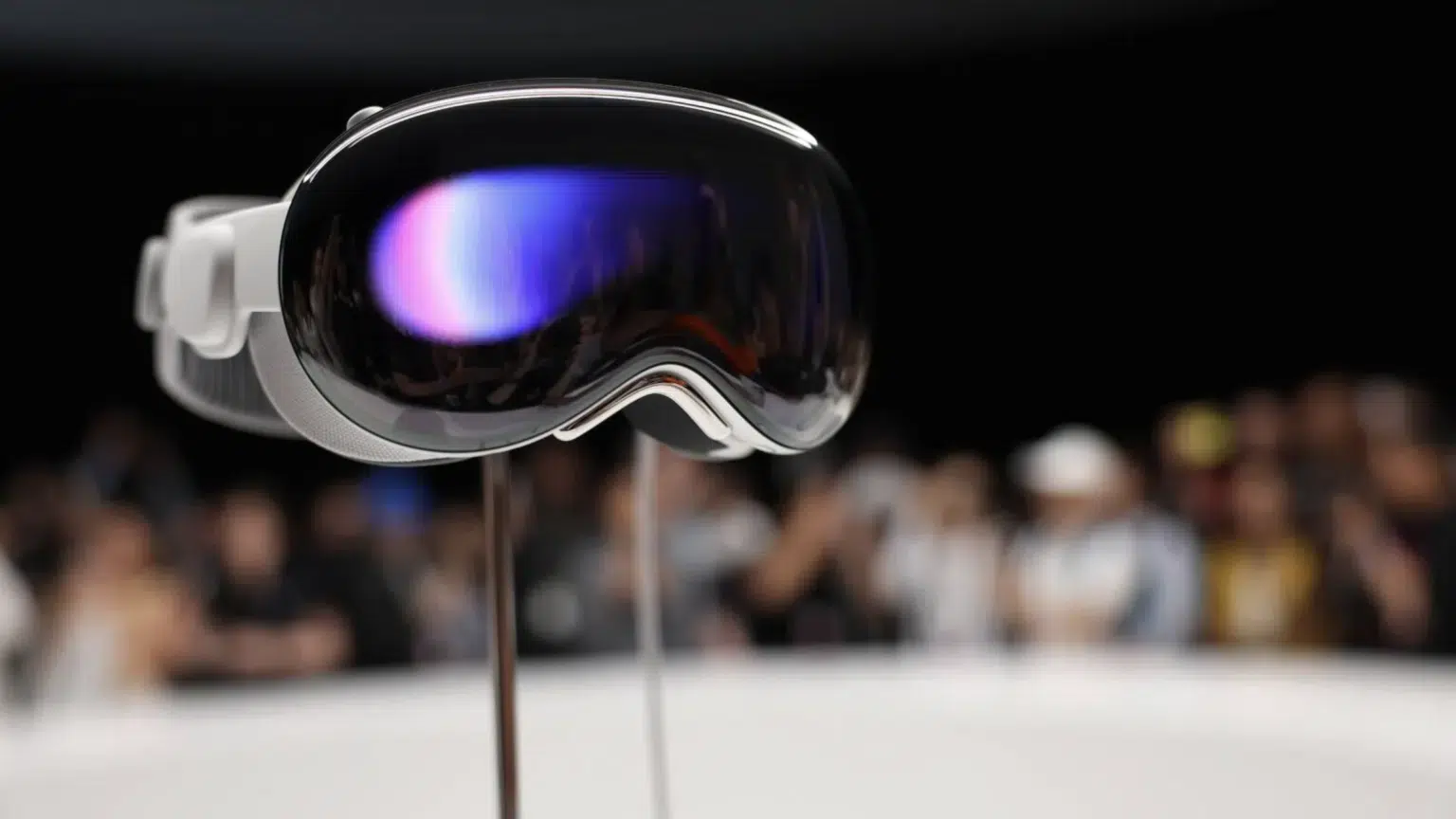

The native YouTube app has arrived for the Apple Vision Pro and it brings full support for standard video Shorts 3D 360 and VR180 formats. The app fills a gap that many early Vision Pro users noticed and it arrives more than two years after the headset first shipped. YouTube Apple.
This release matters for two reasons. First it gives Vision Pro users a more polished way to watch immersive content without relying on the browser. Second it signals that major platform owners are ready to put first party apps on visionOS. Early third party efforts covered the gap but they were limited and one notable client was removed from the App Store.
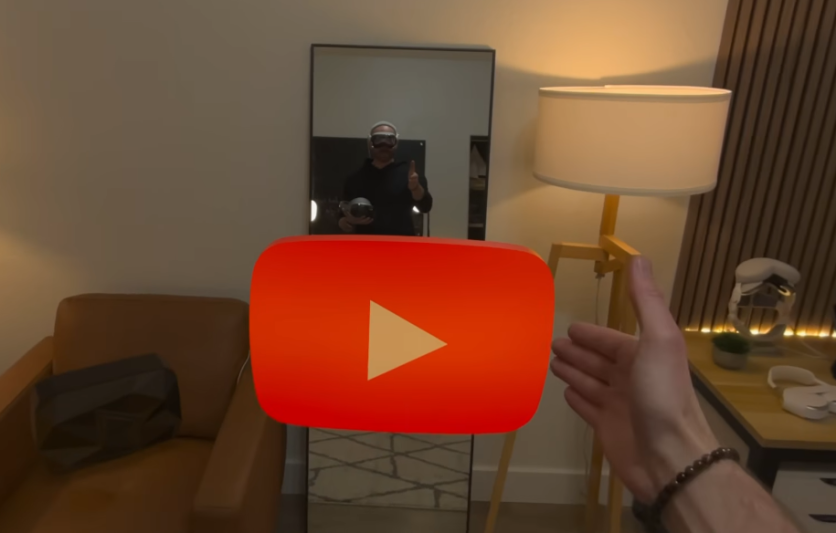
YouTube on Vision Pro
The new app plays every immersive format that creators upload to YouTube. Users can choose between a floating player in their space or a full immersive theater view. The app keeps features that creators rely on like offline downloads and account sign in. Early reviews note smooth playback and native controls designed for visionOS.
This native app replaces the common workaround of using the Safari browser. The browser path worked but it lacked deep support for immersive modes and it did not feel like a visionOS native experience. The Juno app once filled the gap but the app was later removed after YouTube raised concerns about terms and trademark use. That removal left a clear appetite among headset owners for a first party player.
Google Apps Next
The arrival of YouTube raises a simple question. Will other Google apps follow on visionOS? Many signs point to a growing partnership between the companies that could make that possible. Google has expanded collaboration on AI and tools that supply vision aware features. Such links make it technically easier for apps like Maps or Gemini driven camera tools to come to Apple headsets.
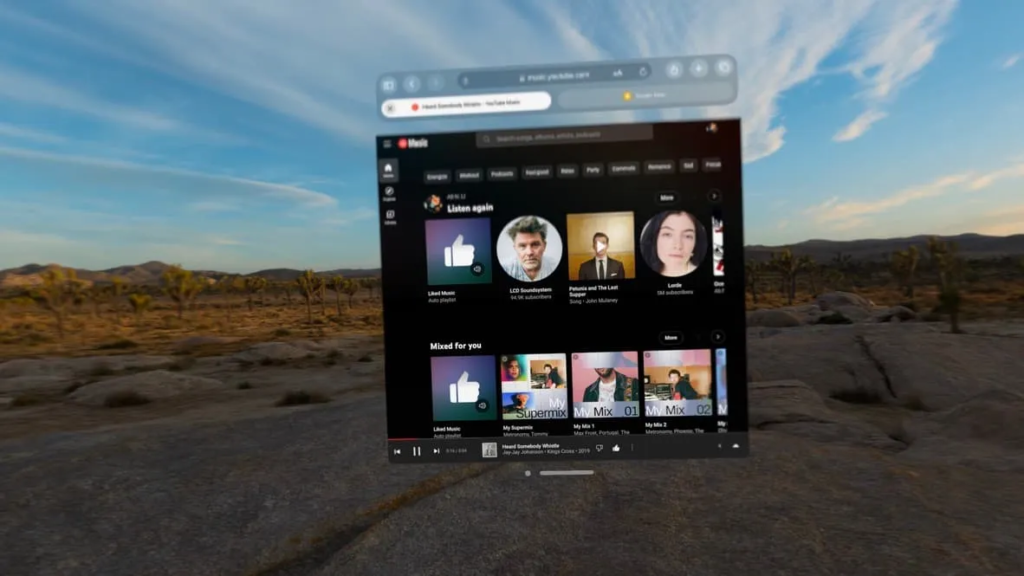
Samsung showed one way such apps can feel on an XR headset with its Galaxy XR product and with Google Maps immersive features that run on Android XR. The Galaxy XR demo highlighted immersive Maps and Gemini powered vision features that let users query places and navigate in a three dimensional scene. That example gives a useful preview of how a Google Maps app might work on Vision Pro.
How Google apps could appear on visionOS depends on business choices and on technical work. Google must build a native visionOS app or support iPad apps running well on the headset. Any app that finds its way to the App Store must be approved by Apple. Both companies should also reach an agreement on user privacy camera access and images processing using AI capabilities. Those are steps that can be handled but which are time consuming.