
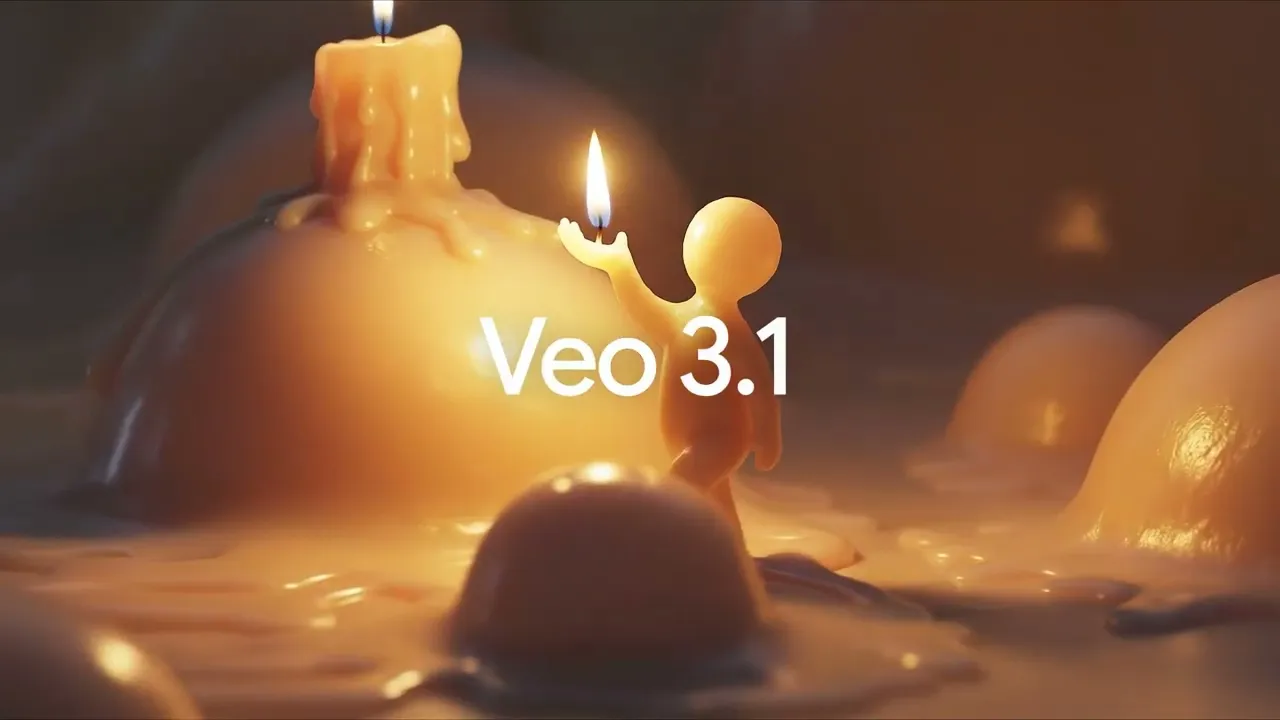

Google has updated its Veo video model to version 3.1. The update lets creators upload up to three portrait reference images. Veo then uses those images to make vertical videos that keep characters and backgrounds consistent across scenes. The tool aims to help creators make short-form content that is ready for modern platforms.
Veo now supports native vertical output in a 9 16 aspect ratio. Creators can export clips that match the format used by TikTok and YouTube Shorts. The model also offers stronger upscaling options. Outputs can be rendered at higher fidelity, including improved 1080p and up to 4K. That makes the clips easier to publish on large screens and on social feeds without heavy post-processing.
Vertical Video Support
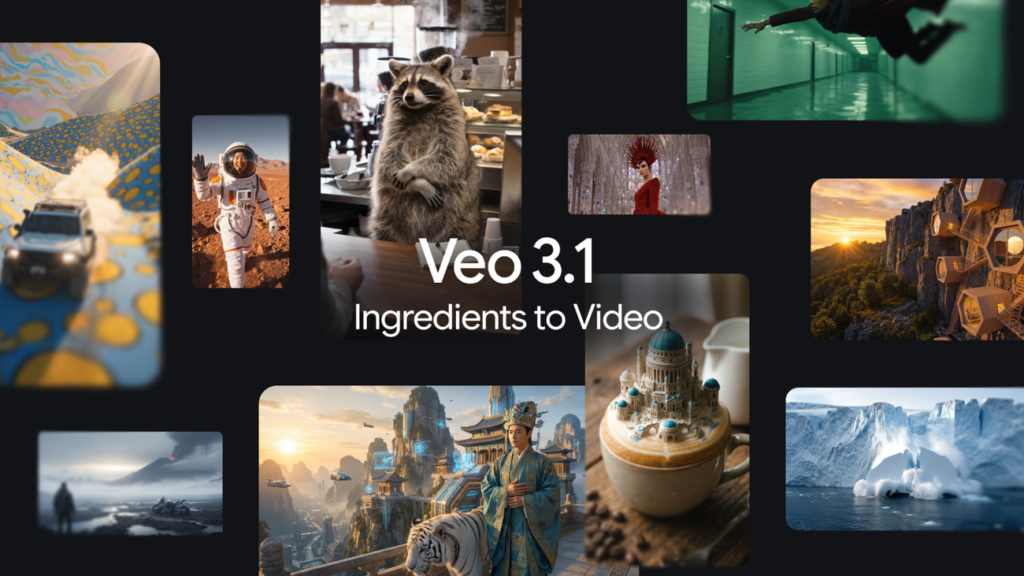
The Ingredients to Video flow in Veo 3.1 accept portrait images and use them as visual anchors. The system blends characters, objects, and environments from the references into a single clip. Google says the result is more expressive and less likely to show character drift as scenes change. This improves visual continuity in short sequences that would have appeared inconsistent in earlier models.
Veo 3.1 also adds native 9 16 selection in its interface, so users can create portrait clips without resizing or cropping. Google has integrated these capabilities into the Gemini mobile app and made them available in YouTube Shorts and the YouTube Create app. Professional users can access the same features through Flow, the Gemini API, Vertex AI, and Google Vids. This spread of access is intended to let creators work on mobile or in studio environments with the same toolset.
Reference Image Inputs
Creators may upload up to three portrait references. The model uses those images to preserve a subject or a background across multiple shots. That makes it simpler to reuse props and to keep a character design coherent as lighting or perspective changes. Google also notes that the model can reuse textures and objects, so a single reference can seed recurring visual elements in a short.
Veo 3.1 is rolling out across Google tools and partner apps. The upload of reference images is meant to speed iteration and to reduce the need for frame-by-frame adjustments. Users should test outputs at the target resolution and review continuity across scene cuts. Google recommends checking how the model treats faces and branded content before publishing to a paid campaign or to large audiences.
Concerns for Platforms and Viewers
The update lowers the friction to produce vertical video that looks polished. That may increase the volume of AI-generated clips on short-form feeds. Studies showed that a notable share of short videos are AI generated. Platforms and publishers must consider how to label or moderate such content, and that work will likely continue as generative tools improve. Google now offers ways to check whether a clip was made with its tools by uploading the clip to Gemini and asking the assistant to verify it.







