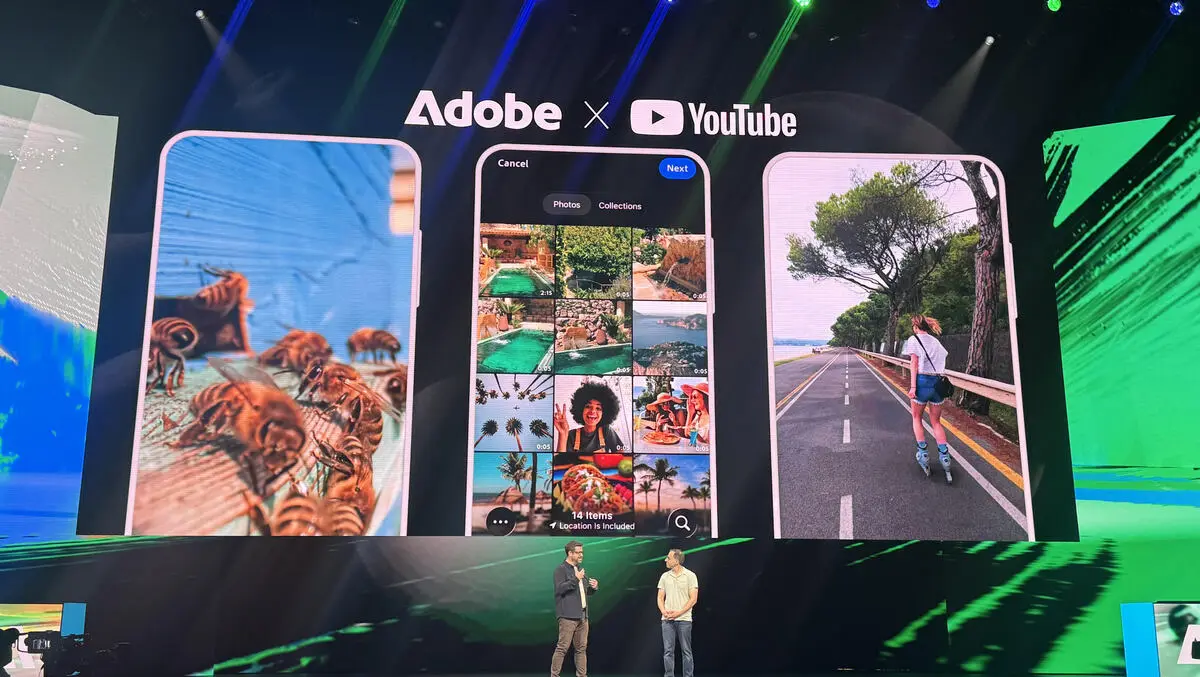

Adobe builds a dedicated Shorts studio inside Premiere mobile. The new space gives creators templates effects and fast tools that match what they see on YouTube. Creators can launch a template they like from the Shorts feed and open it in Premiere mobile to edit. This makes it faster for a creator to move from seeing a trend to making a video.
What is New
Adobe and YouTube are working together to make short form editing simpler for mobile users. The space is called Create for YouTube Shorts inside Premiere mobile on iOS. It includes templates from top creators. Those templates come with built in text effects and ready made transitions that match common Shorts styles. The tool also links to the user YouTube account so the final video can be published without leaving the app. The partnership was shown at Adobe Max and it is part of a wider set of moves that include deeper AI in Adobe tools.

Why This Matters
Short form video moves very fast. Trends start and end in days. Creators must be able to make and post work quickly. Adobe is giving creators assets they can reuse. The templates lower the time needed to produce a clip. The direct publish option removes steps that slow creators down. Adobe also brings studio quality audio editing and Firefly AI features into the same app so clips can sound and look more polished. This approach aims to help creators compete with other simple editors while keeping access to advanced tools.
How to Publish
The workflow is simple. Download Premiere mobile from the App Store. Sign in to Premiere mobile with a free Adobe account. Then tap Create for YouTube. Choose a template and add clips from the phone roll or from Creative Cloud. Trim the clips add captions tune audio and adjust color. After export the app guides the creator through publishing to the YouTube Shorts feed. This removes the usual steps of exporting and uploading from another app. The feature will be useful for both new creators and those who already post daily.
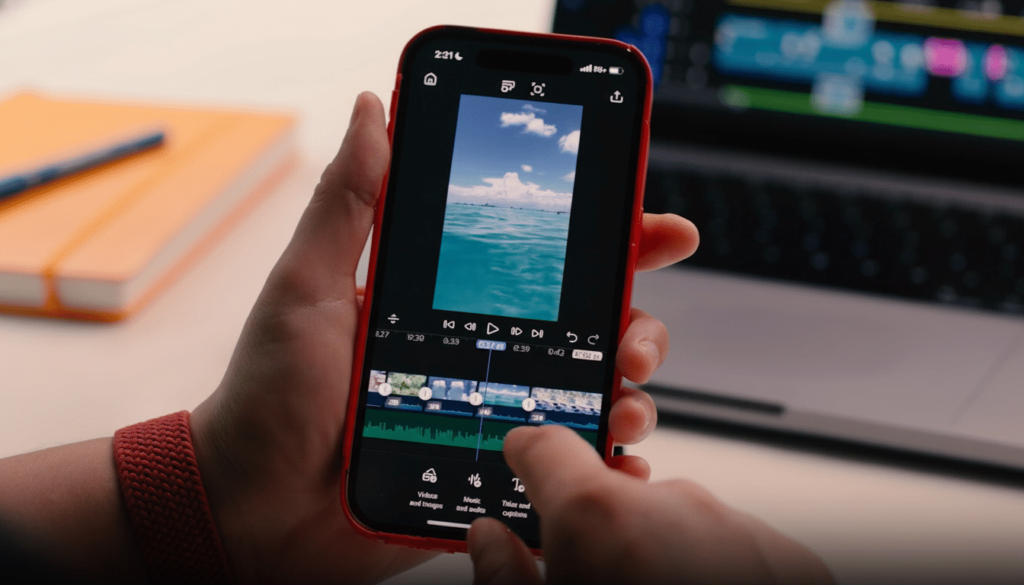
Tools and Features Premiere mobile keeps advanced options but presents them in a simple way. Creators can use multiple video and audio tracks multi track editing and studio level audio tools. Firefly AI is available for content generation inside the app. Adobe also highlights better sound effects and quick transitions tuned for short form. The templates are designed to be editable so a creator can change text timing stickers or pacing without rebuilding the edit. Adobe showed the new tools at Adobe Max and described how they connect to Google and YouTube initiatives for creators.