
This guide gives clear steps to resolve the most common problems on a PC. Read each short paragraph and follow the steps in order. Test the game after each change.
Quick fixes to try first
Reboot the computer and the game launcher. To close the Steam EA App or Epic Games Store. Launch Battlefield 6 and the launcher. Play the game with administrative permissions so as to circumvent permission blocks. Click on Windows Update and update any outstanding updates. Install the latest drivers of NVIDIA, AMD, or Intel using the official installer. Disability: any third-party overlays and background apps utilizing the GPU. Eliminate any user-made overclocks, and reset default GPU and CPU settings. Clean up the space in the system drive and maintain at least thirty gigabytes of free space to download and update.
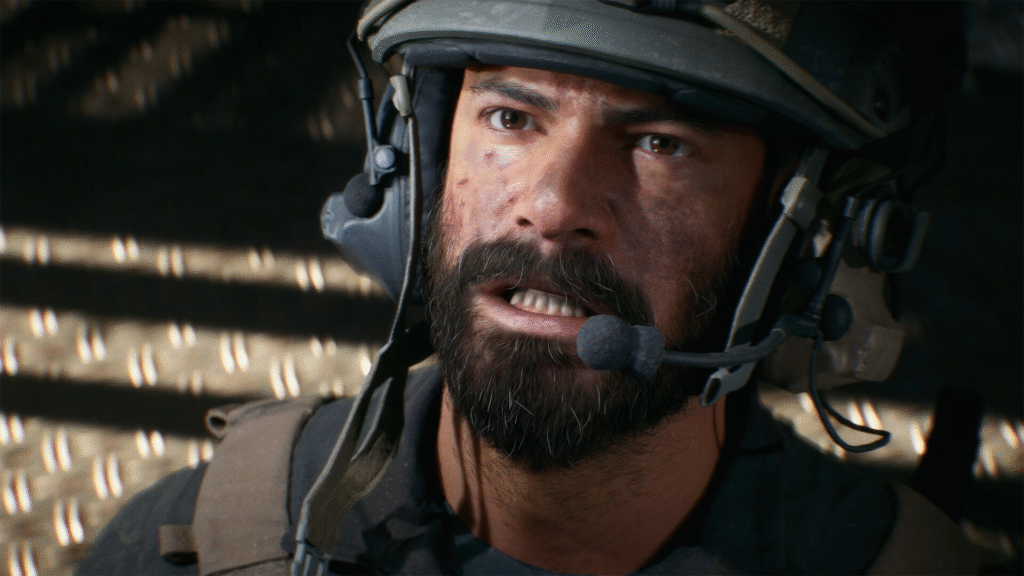
Use the launcher tools for file repair. On Steam, choose Verify Integrity of Game Files. On the EA App, choose Repair. On Epic, choose Verify. The launcher will repair corrupted files and missing files automatically. After repair, restart the launcher and run the game.
Clear EA App Clearing license errors. Click the EA App and log out, and log in. Restart the client. The step solves most of the ownership and access issues in a short time.
Common errors and solutions
A missing Play button or Game Not Released message on Steam. Open Steam and go to the game page. Open Properties and uncheck the Battlefield Multiplayer Marker items that block the client. Restart Steam. The Play button will reappear and the game will update.
Crash at the splash screen and no launch. Enter the motherboard firmware menu. Set Boot Mode to UEFI and set the system drive partition to GPT. Enable Secure Boot. Save and reboot the computer. This resolves strict platform checks that block the game at start.
DirectX error DXGI_ERROR_DEVICE Removed. Install a new driver for the graphics card with the vendor tool and select the clean install option. Shut off everything possible and default the power profile of the graphics. When updating the drivers does not assist, reinstall the game. Gather the crash log and the dxdiag report to assist in case of a recurrence of the error.
EA App license messages that block play. Close the EA App and clear the cache files. Run the repair tool and sign back in. Join any open session through the Community Server Browser to trigger a fresh license check. Reinstall the EA App only after these steps do not restore access.
Larger queues or disconnection of servers. Remain in line and leave the launcher open. Other high-bandwidth apps are the ones that should be kept away to ensure a stable connection. An Ethernet connection is preferable using a wire. Check official Battlefield progress and abide by the team instructions on significant incidents.
Long loading screens and map stalls. Press Alt Tab and open Task Manager. End the Battlefield 6 process and relaunch. Remove local configuration files to force a clean profile. Run the launcher repair. Update DirectX and the Visual C Redistributables from Microsoft. Start the game after a clean restart.
Performance tuning and support
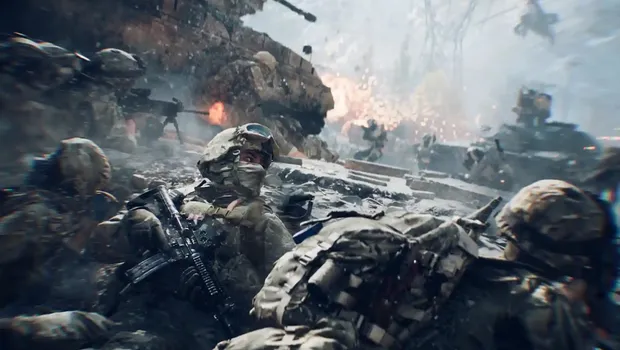
Reduce render quality and shadow to increase frame rate. Close the browser and media programs when playing games. Configure the frame rate limit and the game profile to be used in the maximum performance using the GPU control panel. Select Windows power settings to high performance mode. Clean case fans and CPU cooler, and ensure thermal performance is stable.
Gather logs to get sophisticated assistance. Enter dxdiag and save the text file. Collecting logs of the Battlefield 6 game. Record the version of the driver and the actual name of the launcher of the driver. Send those files to EA support and provide a list of steps that have already been taken.
Keep drivers and the system updated. Restart the PC regularly to clear cached services. Use wired networking for multiplayer. Check official Battlefield comms and patch notes for fast updates. Follow these steps to restore play quickly and to keep the game stable on your PC.