
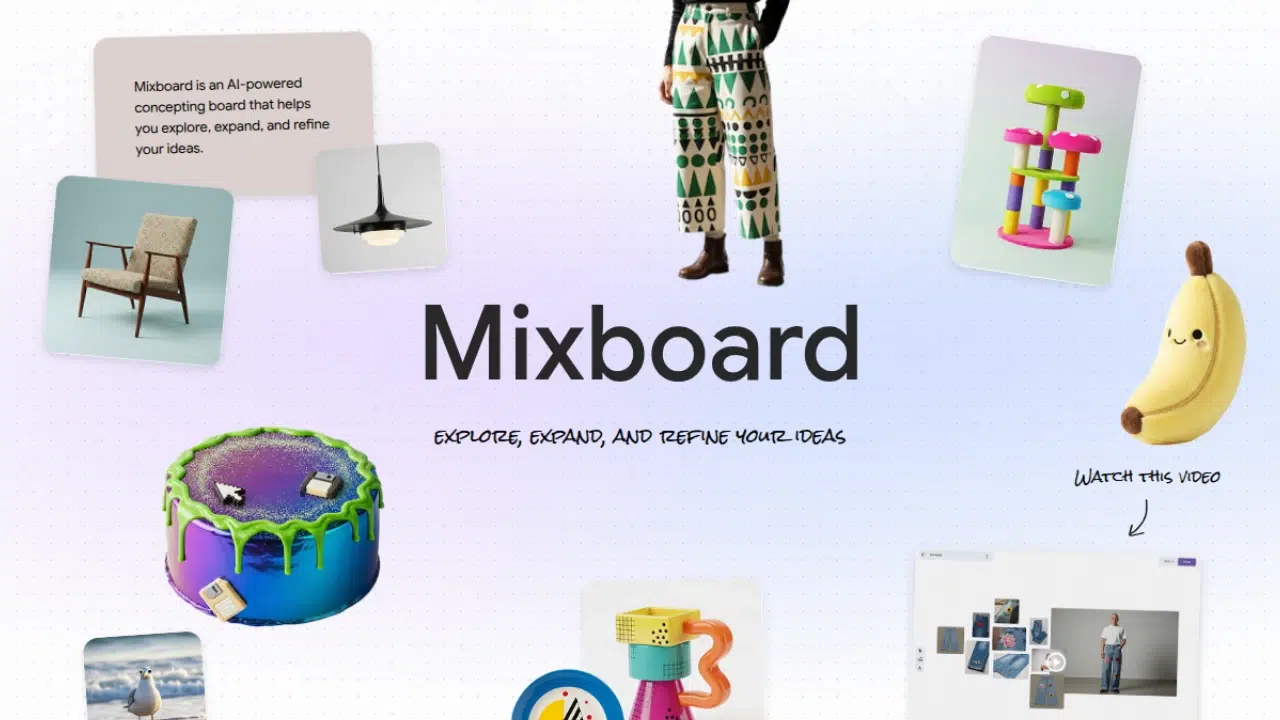

Google has released Mixboard as an experimental AI mood board tool. The app is available in public beta in the United States through Google Labs. Mixboard lets people build visual idea boards from text prompts or from images they upload. It can also offer pre-populated boards to help users get started.
Mixboard uses Google image models to generate and edit images inside the app. The product relies on Nano Banana-style image editing to let users ask for changes in plain language. Users can ask the system to refine a look to be more modern to match a color palette or to combine two ideas into one image. Those edits can be quick and precise.
How Mixboard Works
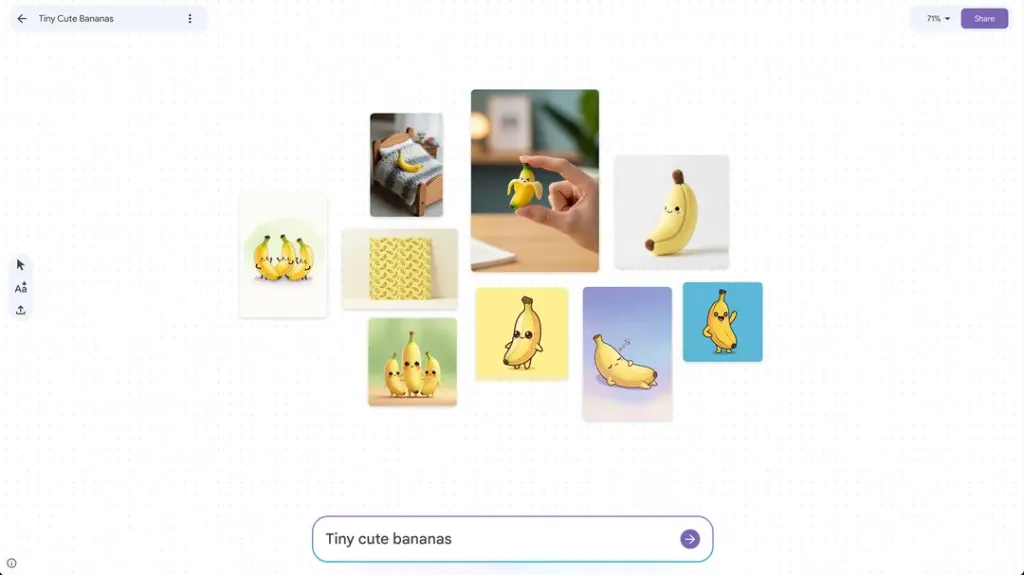
A user begins with an empty canvas, a pre-populated template, or a short prompt. The AI then creates images and arranges them on a board. Users can swap images, move items, and change layouts. The app supports natural language edits, so a user can type simple instructions and get variations. The regenerate option creates new versions, and the more like this command makes similar images from a selected item. These controls let a person explore many directions without building a library first.
Mixboard also accepts uploaded photos. A user can add personal images and then ask the AI to blend the uploads with generated content. This makes Mixboard useful when people want to use a single image as a starting point and then see many styling options. Boards can be a way to plan home decor, to test event themes, or to mock up small product looks. Google positions the app as a fast way to explore visual ideas.
Why It Matters
Mood boards are a core tool for designers, creatives, and hobbyists. Mixboard lowers the barrier to making them. People who do not keep a big image collection can now type a prompt and get a set of images that fit a theme. For quick concepting, this can save time and can spark ideas that a single search might not surface. The tool also taps into a trend where younger users enjoy collages and shareable visual edits.
Mixboard joins a crowded field. Pinterest and other apps have long offered collage and mood board tools. Smaller apps have also explored collage features, and many companies are experimenting with AI in visual tools. Google aims to stand out by tying Mixboard to its latest image editing models and by iterating quickly in Labs. The app also offers a community channel so early users can share feedback and tips.

Privacy and rights
When AI generates images, there are questions about training data and content rights. Google notes that Mixboard is an experimental Labs app and that the team will refine rules and safeguards as it gathers feedback. Users who upload their own photos should check sharing settings before they publish boards. People who plan to reuse generated images in commercial work should review Google policies and the Labs terms.
Practical tips
Begin with a definite prompt and introduce one cue of style at a time. In case a board is too broad for the AI, request the AI to be more specific in terms of material by era or color. The regenerate control can be used to obtain alternative compositions without rewriting the original prompt. To preserve similar characters or items in images, you can save a base image to direct the model to ensure variations are made to maintain the same subject. Store good boards and take out pictures that you can use in presentations.







