

TTB White LOGO TB
  • News
  • PC & Hardware
  • Mobiles
  • Gaming
  • Electronics
  • Gadget
  • Reviews
  • How To
  • Login
  • Sign Up
Trending
Starzspins Deutschland: Eine umfassende Übersicht über neue Spiele und ihre Features
Cazeus Casino Chile: guía completa para comenzar a jugar en 2026
Glorion Casino België: ontdek de spannende wereld van live casino spellen
Discover the advantages of using the FunPari O’zbekiston mobile app for instant access to
Rainbet Casino France : débloquez des bonus incroyables en 2026
Tuesday, Aug 11, 2026
The Tech BasicThe Tech Basic
Font ResizerAa
Search
  • News
  • PC & Hardware
  • Mobiles
  • Gaming
  • Electronics
  • Gadget
  • Reviews
  • How To
Follow US
Apple Music Replay
The Tech Basic > News > How to Access Your 2025 Apple Music Replay Playlist Right Now
News

How to Access Your 2025 Apple Music Replay Playlist Right Now

Salman Akhtar
Last updated: 1 August 2025 14:24
Salman Akhtar
Share
Image Source: VOI
SHARE

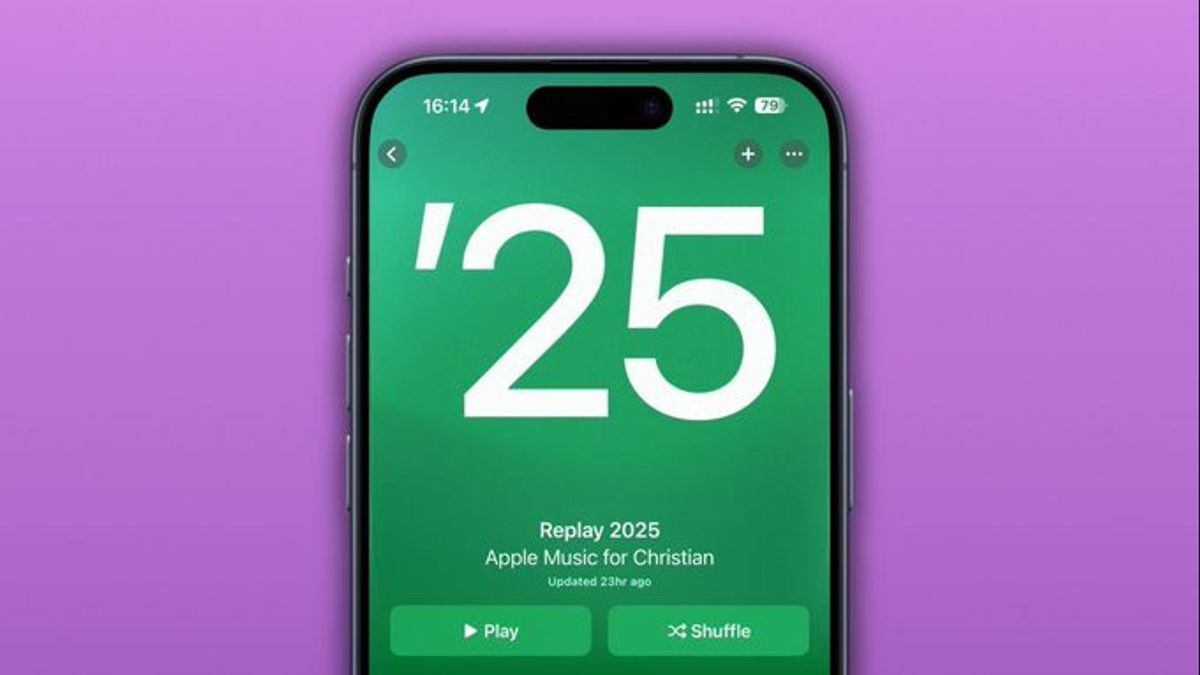
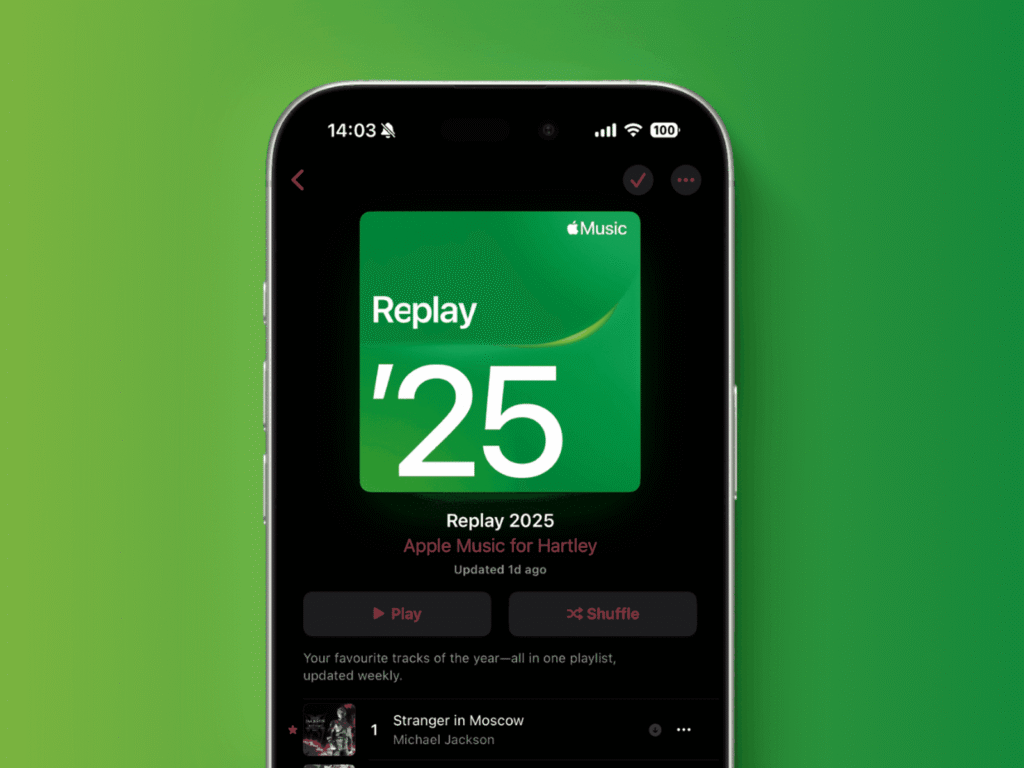
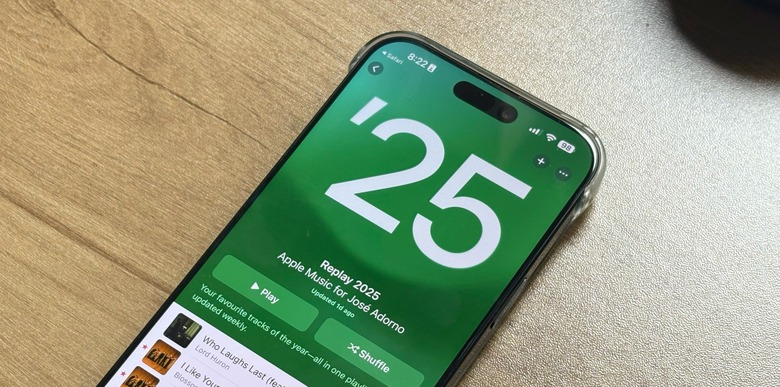
Apple Music is a subscription-based service, and this service has an option called Replay playlist, where your most-played songs and artists are displayed every year. It is already live in edition 2025, and it updates itself every seven days with your new favorites. Upon having an earlier system, you can use your Replay in iOS 26, running it on a device, or get it on any web browser. Go through the steps below and view your own list and how you have evolved in your taste.
Apple Music Replay

On iOS 26 or iPadOS 26

  1. Go to the Music app on your iPhone or iPad.
  2. On the bottom of the screen, tap Home.
  3. Move down and you will find the Replay section.
  4. Tap the Replay block to launch your 2025 Replay view.
  5. Play the playlist to hear your top 100 songs of 2025.

Your Replay view also shows hours listened, number of artists, and top tracks. The list updates every Sunday with your newest listening habits. You can share your Replay stats by tapping the share icon and choosing Messages or social media.

On Any Device via Browser

  1. Open your web browser and go to replay.music.apple.com.
  2. Sign in with your Apple ID linked to Apple Music.
  3. Scroll down to see your Replay playlist.
  4. Tap Play in Music to open it on your device.
  5. Take screenshots of your stats for sharing.

The site updates each month with fresh data, and on January 1, it launches a special end-of-year summary. You can save the playlist to your library so it appears in your Music app forever.
Apple Music Replay
Image Source: BGR

Extras and Tips

There are no restrictions on the time frame of listening to your Replay since it covers all the years you have been using Apple Music since 2015. Just get into the menu of the Replay webpage or app section, pick the year. You can see the best songs, the time listened to, and the artists according to the time listened to. Individuals who enjoy making comparisons can also travel back in history to see their style in the old Replays.

The 2025 Apple Music Replay will give you a look at your year in sound on the Music app on iOS 26, or the Replay site on your computer. Enjoy listening to the songs that marked your 2025 once again, and start planning how you are going to explore next year.

TAGGED:AppleiOSMobile Apps
Share This Article
Facebook Reddit Copy Link Print
Share
Salman Akhtar
By Salman Akhtar
View enlightening tech pieces written by Salman Keep up with the most recent news, advice, and trends in the field of technology.

Let's Connect

FacebookLike
XFollow
PinterestPin
InstagramFollow
Google NewsFollow
FlipboardFollow

Popular Posts

Starzspins Deutschland: Eine umfassende Übersicht über neue Spiele und ihre Features

The Tech Basic

Cazeus Casino Chile: guía completa para comenzar a jugar en 2026

The Tech Basic

Glorion Casino België: ontdek de spannende wereld van live casino spellen

The Tech Basic

Discover the advantages of using the FunPari O’zbekiston mobile app for instant access to

The Tech Basic

You Might Also Like

iOS 26
How To

How iOS 26 Prioritizes Alerts With Apple Intelligence

Mobile Game Installs
News

Mobile Game Installs Drop but Spending Climbs in 2025

Instagram
News

Instagram Will Tell Parents When a Teen Searches for Suicide or Self Harm

Galaxy S26
News

Samsung Reinvents AI on Galaxy S26 With Triple Assistants

Social Networks

Facebook-f Twitter Instagram Pinterest Rss

Company

  • About Us
  • Our Team
  • Contact Us

Policies

  • Disclaimer
  • Privacy Policy
  • Cookies Policy
Latest
Microsoft Launches Copilot Tasks Research Preview
Lenovo Teases Foldable Legion Go With 11.6 Inch Screen
Nvidia posts $68.1B quarter as AI boom accelerates Q4 growth
Gemini Automation Books Rides on Galaxy S26 and Pixel 10
Court Filing Probes Instagram Delay on Teen Protections

© 2024 The Tech Basic INC. 700 – 2 Park Avenue New York, NY.

TTB White LOGO TB
Follow US
Welcome Back!

Sign in to your account

Username or Email Address
Password

Lost your password?

Not a member? Sign Up





