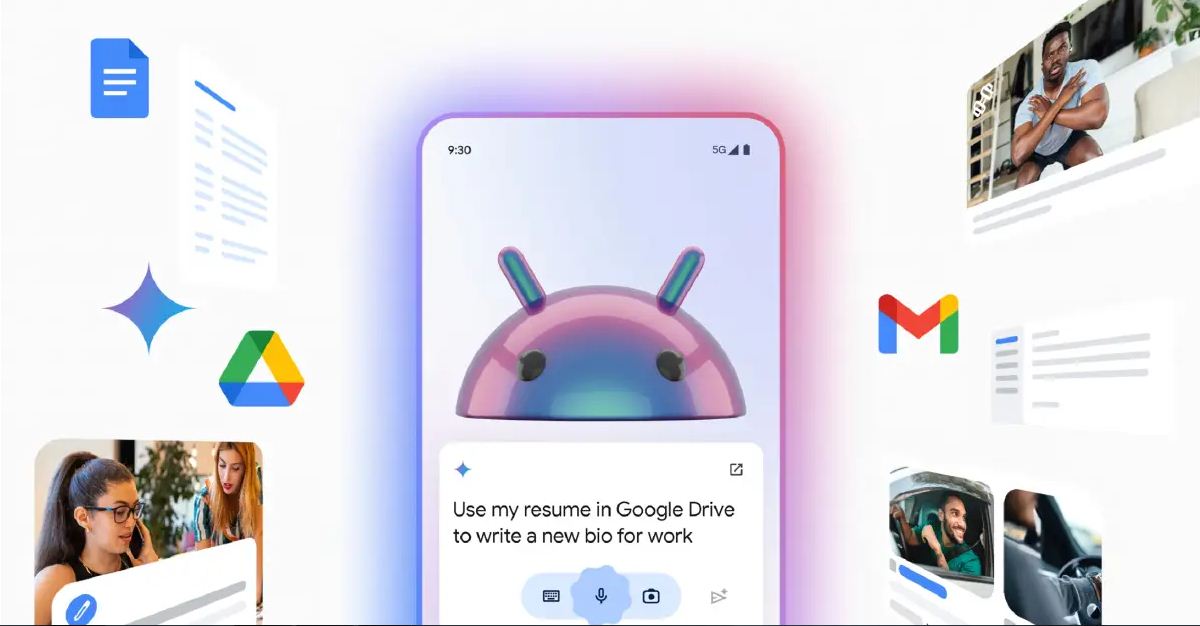

Google has just introduced one of the most useful and long-awaited features of Gemini. This advanced language model, available on all Android phones worldwide, is now more powerful than ever. It can handle more complex tasks and save users an incredible amount of time. While we can only discuss one improvement today, it’s such a significant and advanced feature that it fully justifies the excitement around it.
Please follow us on Facebook and Twitter.
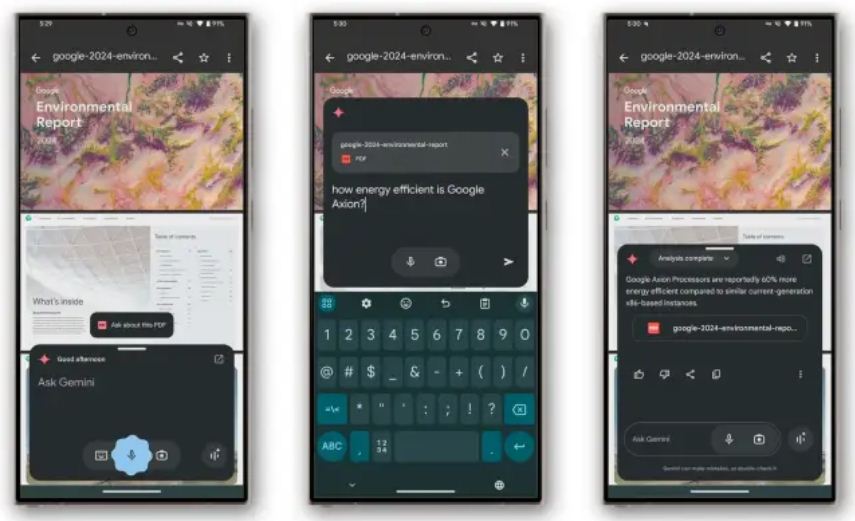
The Gemini app on Android can now load and read PDF documents. This feature is integrated through the Files app, Google’s native file explorer. If you have the Files app installed on your phone (which most users do), you can take advantage of this highly useful tool to simplify and enhance your daily activities.
What makes Gemini’s ability to read PDF documents so special? It’s not just about answering questions based on what’s on your phone screen. Now, the AI can upload an entire document into its system, analyze it thoroughly, and provide detailed answers to anything you want to know about it.
The possibilities are almost limitless. Once the PDF is uploaded to the pop-up window, you can ask multiple questions consecutively without needing to upload it again. With this feature, the AI can analyze both text and images in the file, offering detailed explanations, answering questions, summarizing content, discussing complex topics, or even converting the entire document into plain text for easier use.
Here are a few examples of how you can use this new tool:
- Open a restaurant’s menu and ask Gemini to analyze it. It can identify which dishes are vegan, which ones contain gluten, or whether the restaurant is suitable for someone with specific food intolerances.
- Got a PDF presentation? Ask Gemini to analyze it and provide a complete summary highlighting the most important points.
- Looking for a specific phrase or paragraph in a long document? Gemini can locate it for you in just seconds.
How to Read a PDF with Gemini
The new feature is now rolling out, and while it’s incredibly useful, there’s a catch. For now, Google has made this tool available only to Gemini Advanced users. It’s unclear whether this feature will eventually be accessible to the general public, perhaps with some limitations, as has happened with other features.
If you currently subscribe to Gemini Advanced or are on a free trial, you can easily use this tool through the Files app. However, for now, it isn’t available on other browsers or directly within the Gemini app itself.
How to Use Gemini to Analyze a PDF
- Open the Files by Google app.
- Locate the PDF document you want to analyze and open it.
- Once the document is open, summon Gemini.
- A new button related to Gemini will appear—click on it.
- The PDF will load into a pop-up window, allowing you to ask questions about its content.
And that’s it! As mentioned earlier, the possibilities are nearly endless, making PDF document management more advanced and efficient than ever. However, since this feature is currently limited to Gemini Advanced users, its rollout isn’t something everyone can fully celebrate just yet.