Have you ever had to block someone on TikTok, only to want to reconnect later desperately? TikTok’s block and unblock features give us TikTokers some flexibility of their own to interact with others and the good news is, unblocking someone on TikTok is super easy. In this blog, we are going to discuss how to get TikTok unblocked, whether it is to restore a connection or to revisit somebody’s content.
There is no other single way to unblock someone other than their profile. On the Home or Friends tab, you can search for them by typing their username into the search bar. So, if you see ‘Blocked by you’ next to their name you just tap the Unblock button. Again, a pop-up will occur asking if you want to unblock the source identifier. Select Unblock again; your connection is now restored.
Find Your Blocked List
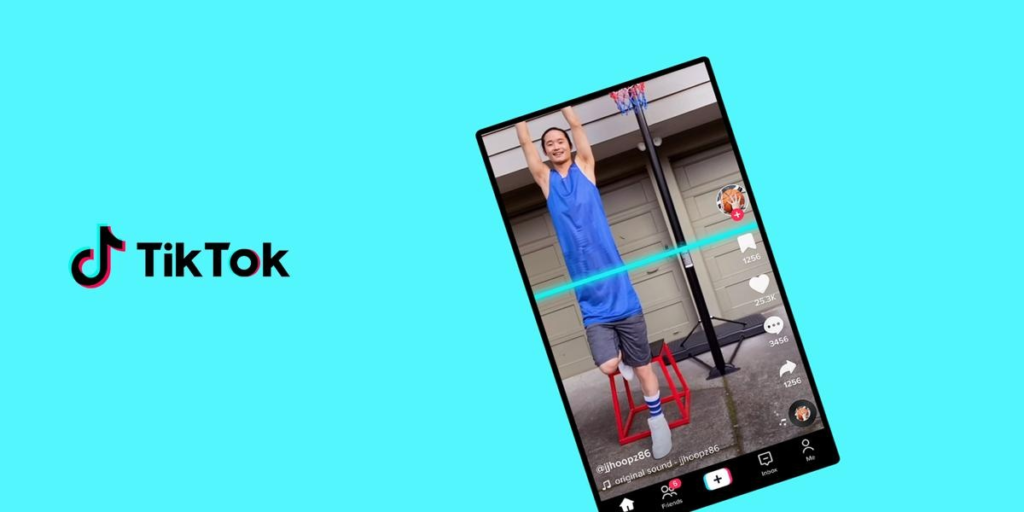
TikTok has a list of blocked accounts in your settings that lets you know if you have forgotten their username or want to review everyone you have blocked. Here is how to access it:
- Open the TikTok app and go to your profile.
- Tap the three-line menu at the top, then select Settings and Privacy.
- Choose Privacy, scroll down, and tap Blocked accounts.
This menu shows you a full list of all accounts that you have blocked. To reconnect with any user, tap Unblock next to that user.
Managing TikTok Blocking and Unblocking
Block on TikTok is more than just blocking someone from watching your videos. When you block someone, they no longer can see your content, can no longer message you, or comment, follow, or like you. What is important here is that they are not notified, and they will no longer appear in your feed. It provides a way to block unwanted interactions such that you have a more personalized social experience.
But if you ever choose to unblock someone it is just as easy. Once blocked, their profile will disappear from your feed and you will no longer be able to view their videos, comments, or messages; however, your profile will show back up once unblocked and you can return to facilitating engagement. Do not forget that we are talking about unblocking them without any kind of notification, they will appear with an available connection once again.
TikTok Unblocked Features in Livestreams
In the case of unblocking someone from TikTok Live that would also mean the same. You can unblock participants starting from the Live settings, whether you are the host, a moderator, or an audience member. When the stream first loads, tap the three dots and then click Settings in the list, then scroll down to Blocked account to manage blocked users. To remove the block, click the Unblock button next to their username.
What Happens After You Unblock on TikTok?
Unblocking a user will restore your profile and content to view status. If you want to reconnect to TikTok without any awkwardness, the unblocked person will not get a notification, and TikTok’s Settings takes care of that. It is not enough to ‘unblock’ someone though, they will not return to your Friends list so it is no good unless you actually re-follow, at which point they will return to your normal feed.
Blocking Sounds and Hashtags
If you are curious about how to block sounds or hashtags on TikTok, the options are few. If, for example, you do not want to hear a specific sound, you can long press a video with the sound and tap Not interested, then do not show videos with this sound. Yet TikTok still does not allow the blocking of certain hashtags.
End Note
Using TikTok’s blocking feature gives you the control you want over your interactions on the platform. Just know that unblocking is a breeze if, for some reason, you ever decide to reconnect. And remember, unblocking is only one way you can balance your social environment on TikTok. If needed, open communication, or even reporting the user, will help you for more permanent solutions. With TikTok unblocked, you are the boss of your connections and how your content looks. Whether you choose to block or unblock, knowing how really helps keep your experience tailored and enjoyable.