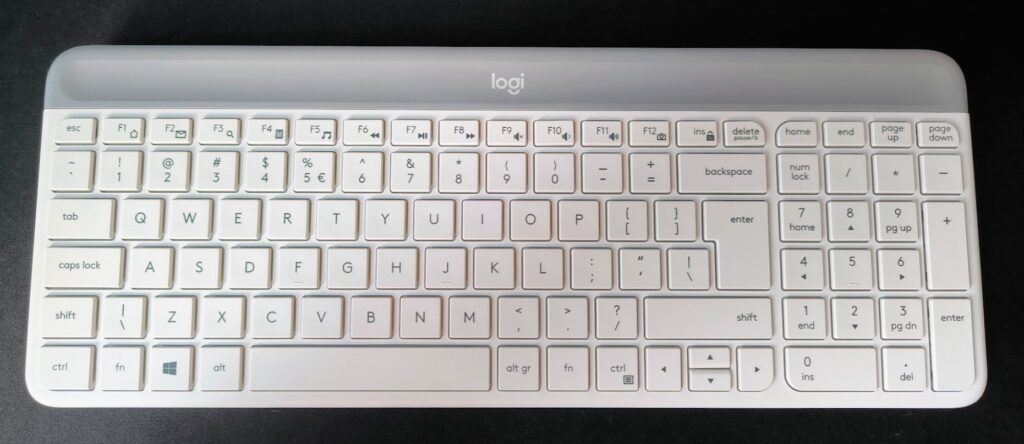

Recently, Logitech has sent us various amazing products that you might miss in a busy store. This time, it’s another affordable wireless mouse and keyboard combo. We have seen similar ideas before, but those Logitech sets were significantly more expensive. We hesitated to recommend them due to the price. However, the Logitech Slim Combo MK470 might be different.
Please follow us on Facebook and Twitter.
The Logitech Slim Combo MK470 is ready to use right out of the box. Batteries are included. Simply remove the plastic strips to start using the mouse and keyboard with the included wireless USB receiver. The Logitech Slim Combo MK470 does cost around $49.99, but it’s hard to find a better deal for a wireless mouse and keyboard combo or even the peripherals separately.
The Logitech Slim Combo MK470 also stands out for its color options. You can choose not only the boring gray-black color but also white or even a soft pink for this mouse and keyboard set.
Appearance and Build
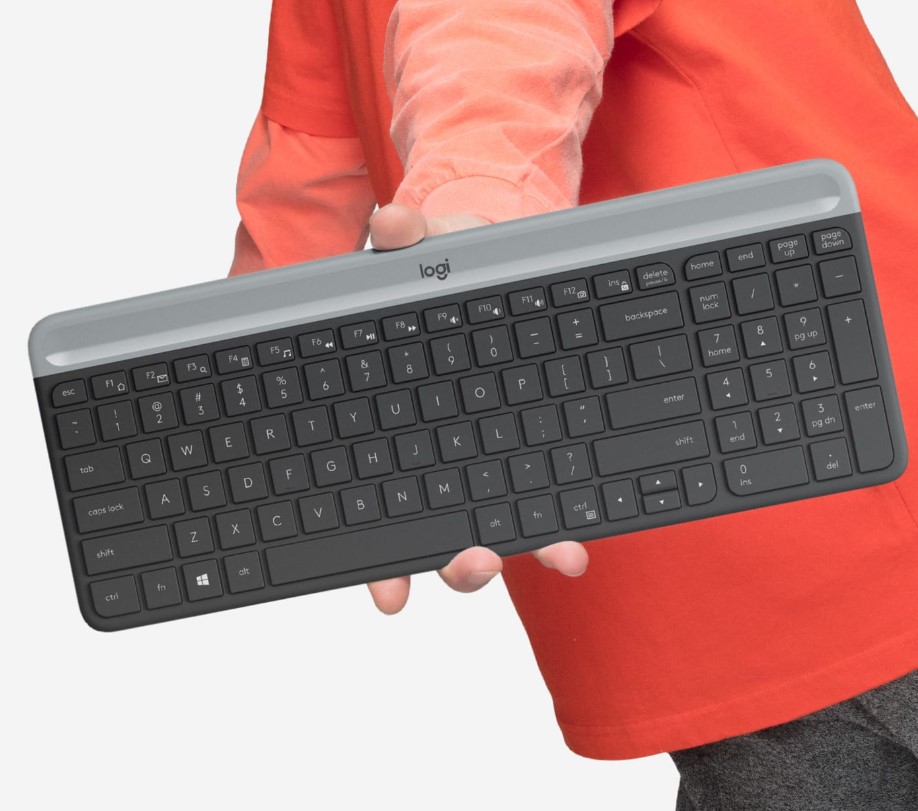
The Logitech Slim Combo MK470 keyboard (model K470) has a full-size key layout but is slightly more compact. Unfortunately, this design affects the arrow keys, which are squeezed into the lower key row. This saves desk space but might not be very comfortable for some users. Excel experts might find this design problematic. It would be better to remove the number pad instead of sacrificing the arrow keys for a truly compact keyboard.
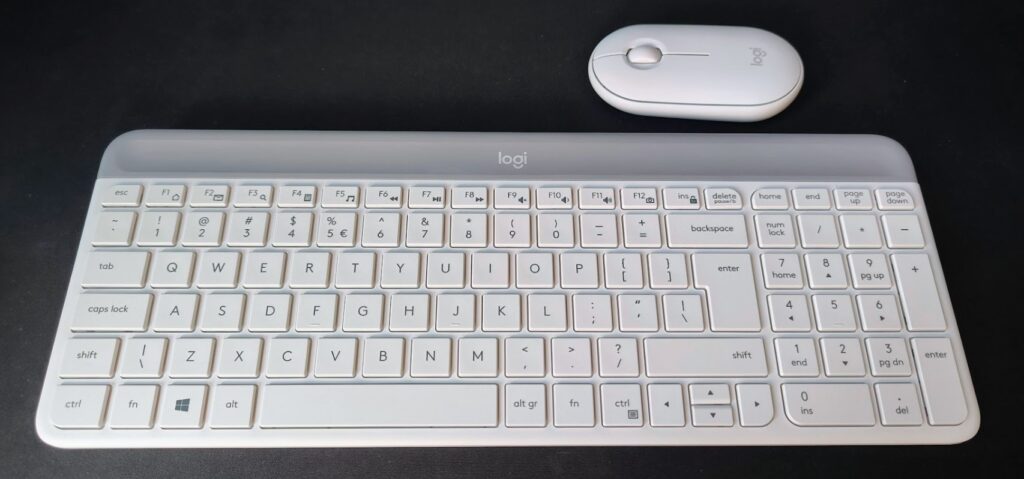
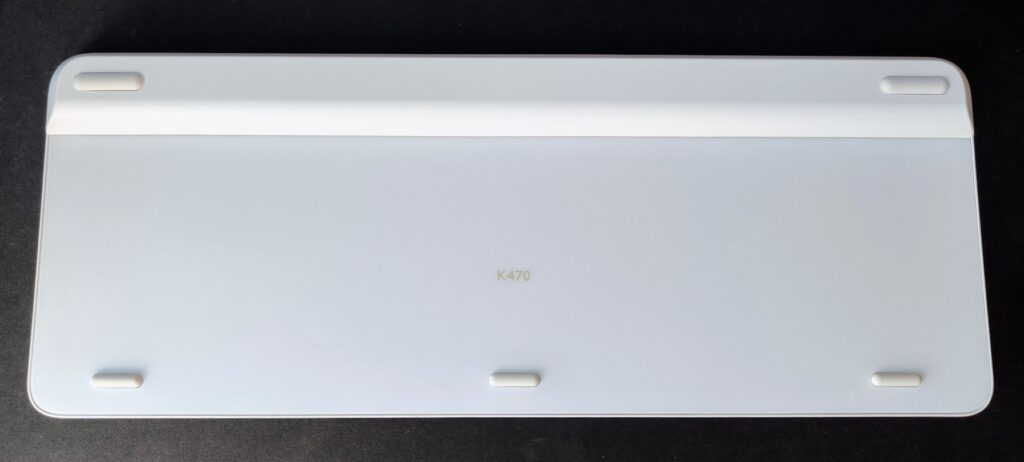
Additionally, the Logitech Slim Combo MK470 keyboard lacks adjustable feet to change the angle. Many people prefer keyboards almost flat, but it’s hard to adjust if you’ve been used to an angled keyboard for years. This keyboard does not have backlighting. For the white version, I would have preferred a completely white design instead of the silver top part.
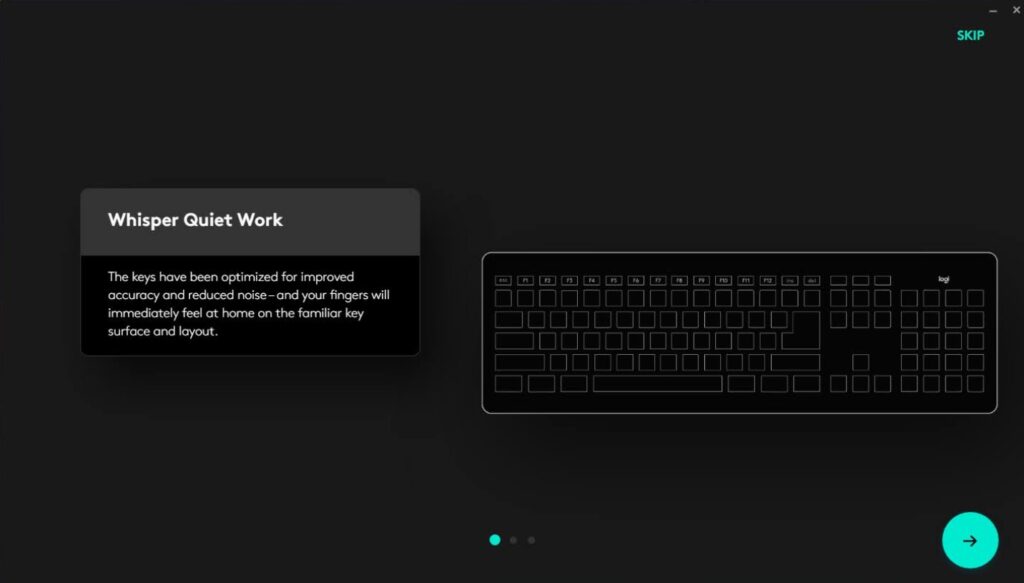
Typing on the keyboard is comfortable; the keys are responsive, but they may require more force than usual. The keys need more pressure compared to laptop keyboards, although the key mechanics and sizes are similar to laptop keyboards. Overall, it’s not bad, but the increased force may take some getting used to.
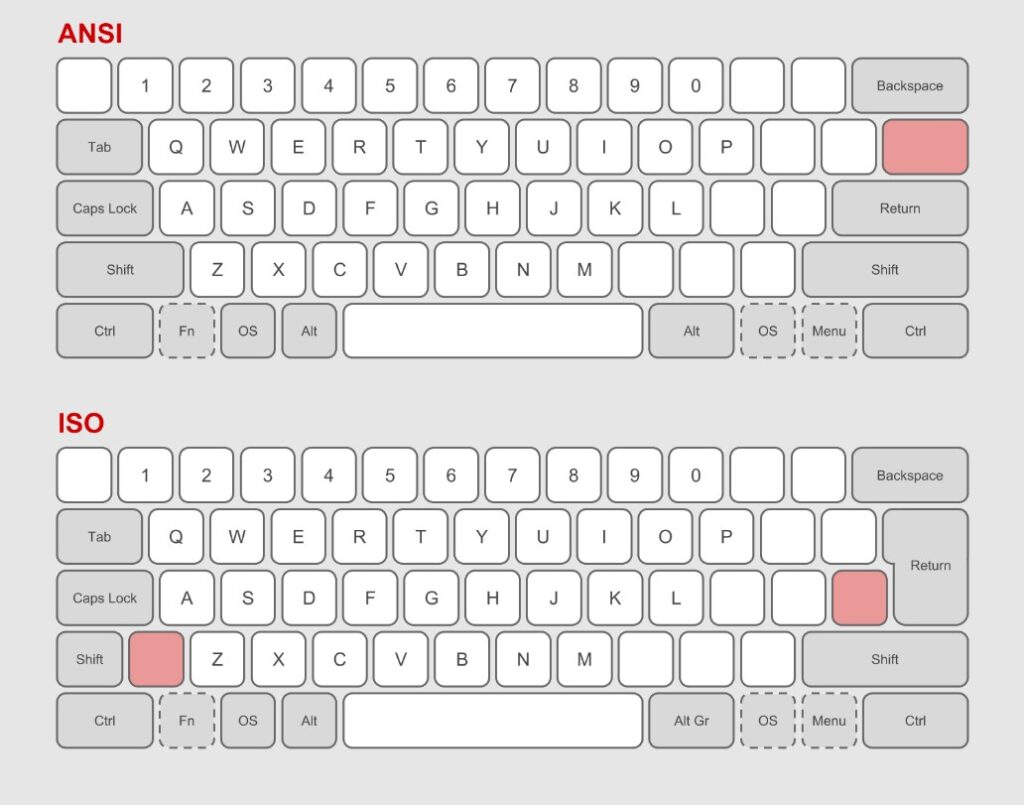
I have to mention my dislike for the ISO layout; I find it hard to type with it.
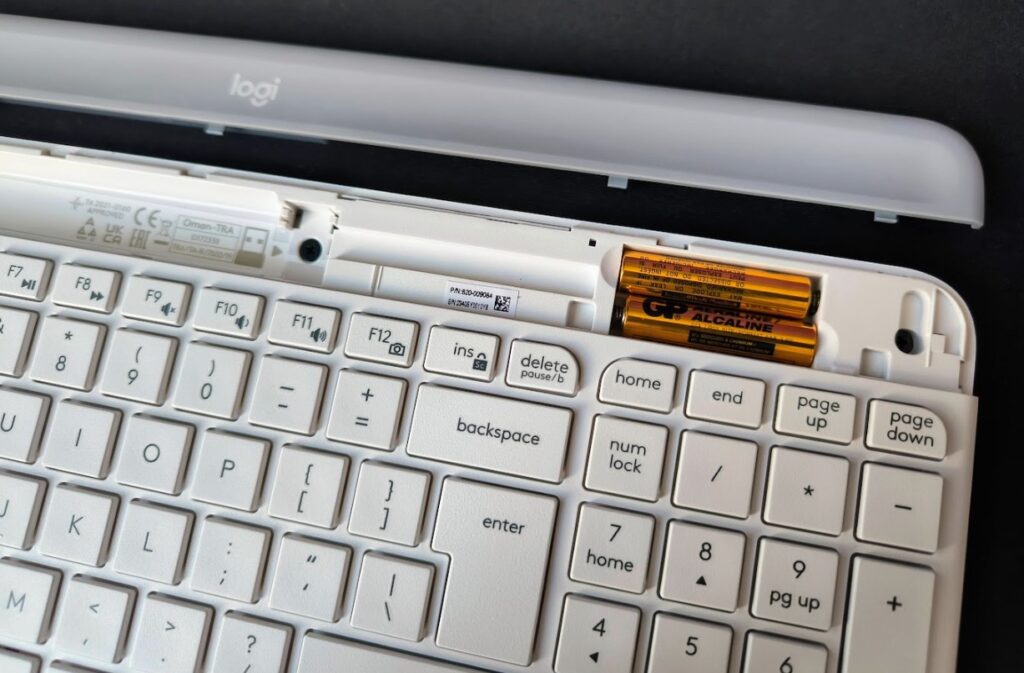
Logitech promises that the keyboard will last about 36 months with one set of batteries. The battery is located under a cover on the top of the keyboard. The silver part of the keyboard is detachable.

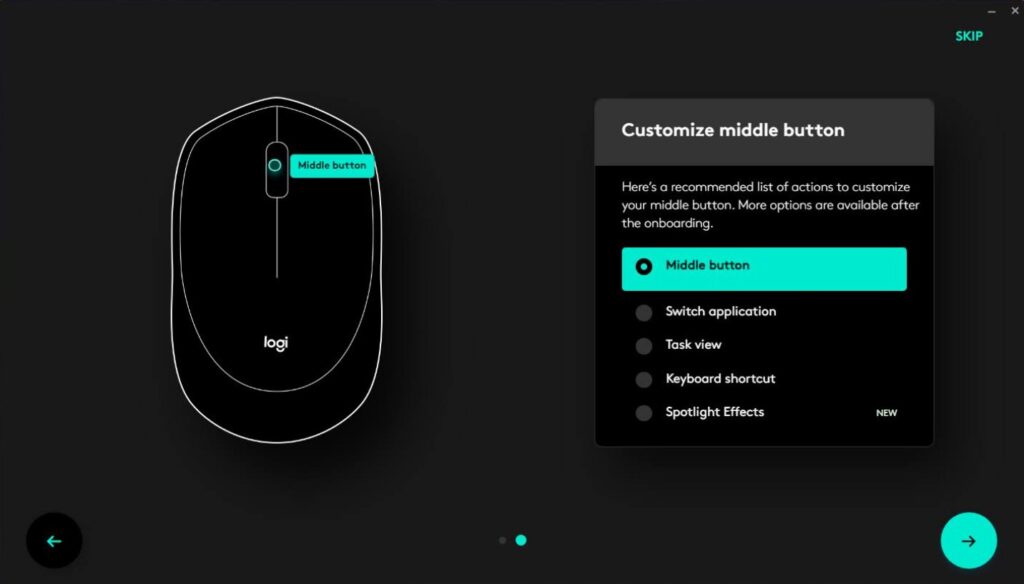
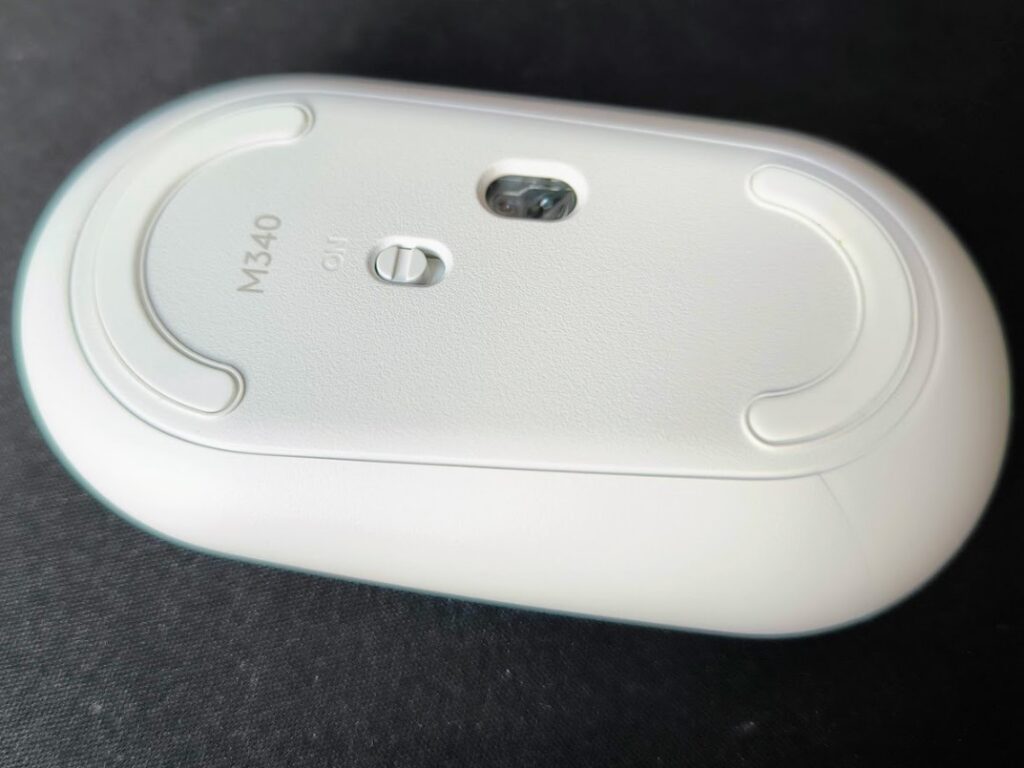
The included mouse (model M340) is not very large but is much more comfortable than the flat back of the Apple Magic Mouse. The white version of the mouse is attractive and easy to clean. However, you might find it lacking for 4K screens, as its 1000 dpi might require moving the mouse more to get from one corner to the other. The Logi Options Plus app can adjust the cursor speed to feel faster than the promised 1000 dpi.
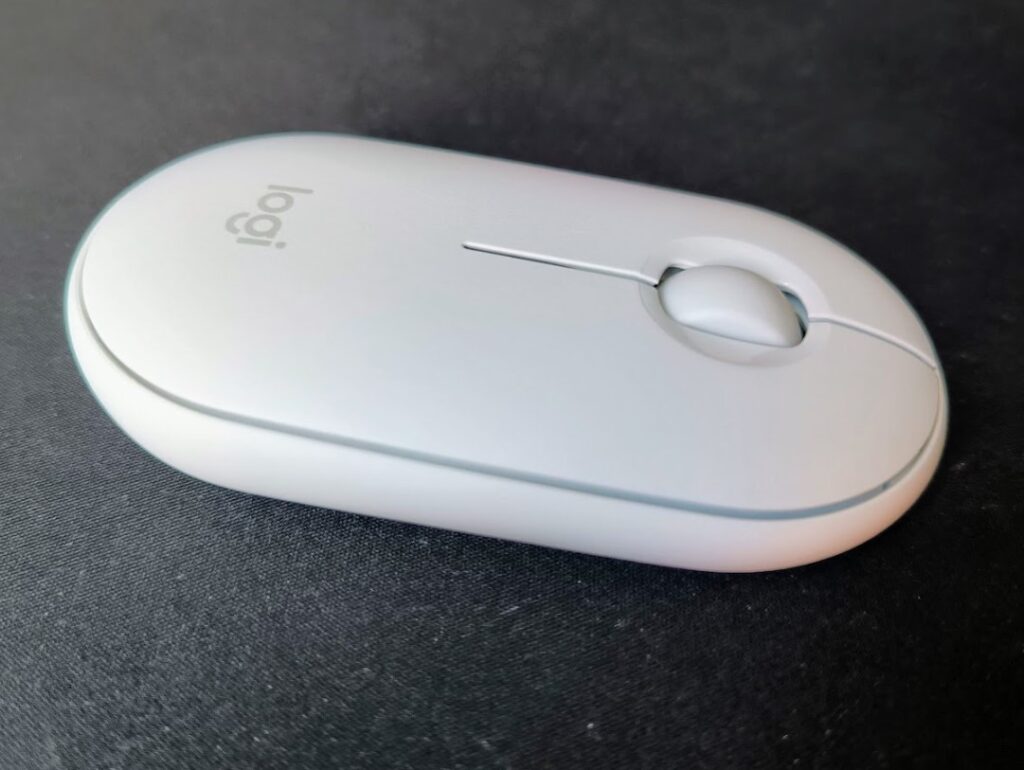
The included mouse lacks extra buttons but will appeal to those who prefer very quiet mouse clicks.
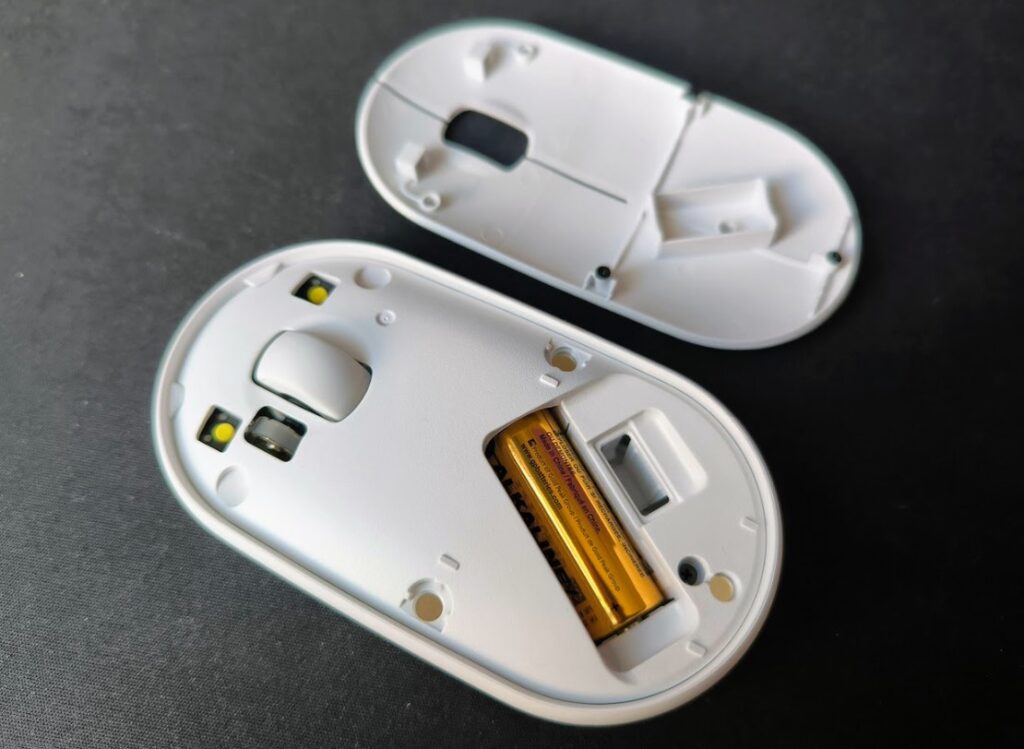
To access the AA battery, you need to open the top of the mouse with a fingernail, which is held in place by small magnets. You can also store the USB receiver inside the mouse. Logitech promises about 18 months of use before battery replacement is needed, which is excellent.

Overall, the Logitech Slim Combo MK470 mouse and keyboard set is simple, stylish, and comfortable to use. If you have larger hands or need dedicated arrow keys, you might want to look for a less compact mouse and keyboard set.

Application
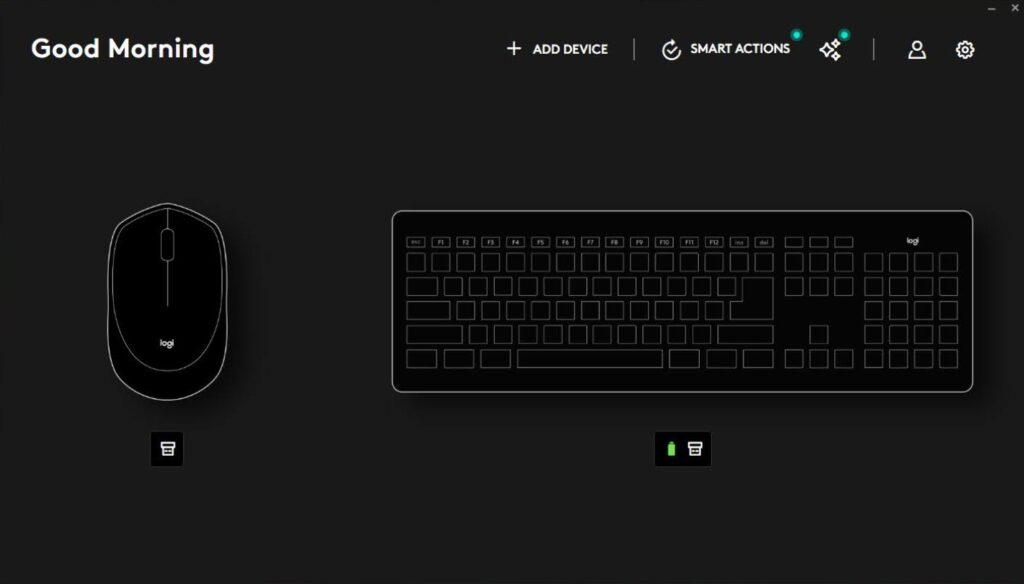
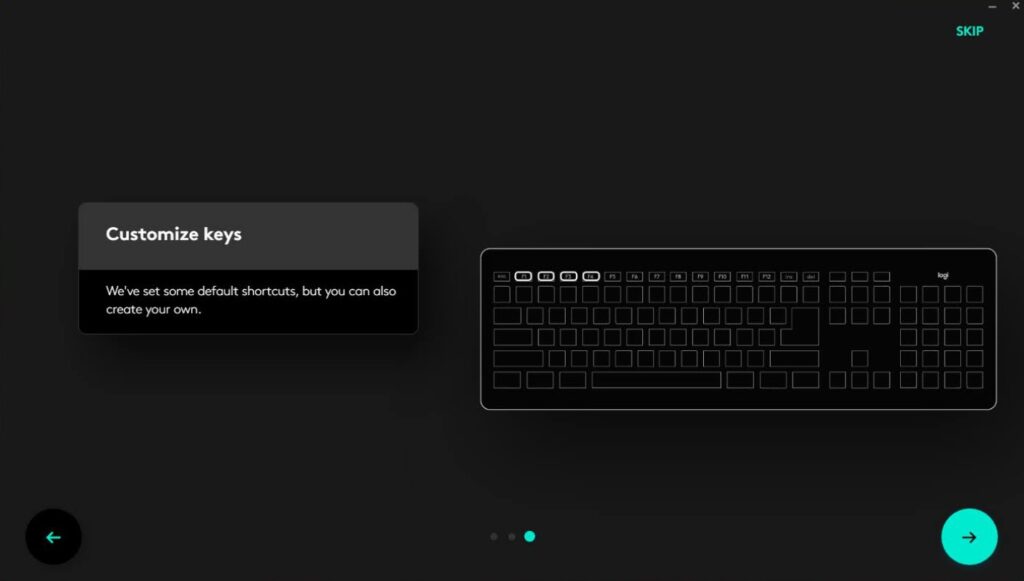
The Logitech Slim Combo MK470 keyboard and mouse set is compatible with the Logi Options Plus (Options+) app, despite the packaging suggesting the older Logi Options app. The app installation starts when you connect the USB wireless receiver to your computer. Logi Options+ allows you to update the keyboard and mouse firmware and customize keyboard settings, but it is not required. The keyboard will work without the app.
Unlike more expensive Logitech keyboards, the Slim Combo MK470 can only connect to one device at a time. It lacks Bluetooth, so you cannot switch between your main computer and another device quickly. This likely contributes to the lower price of the Slim Combo MK470.

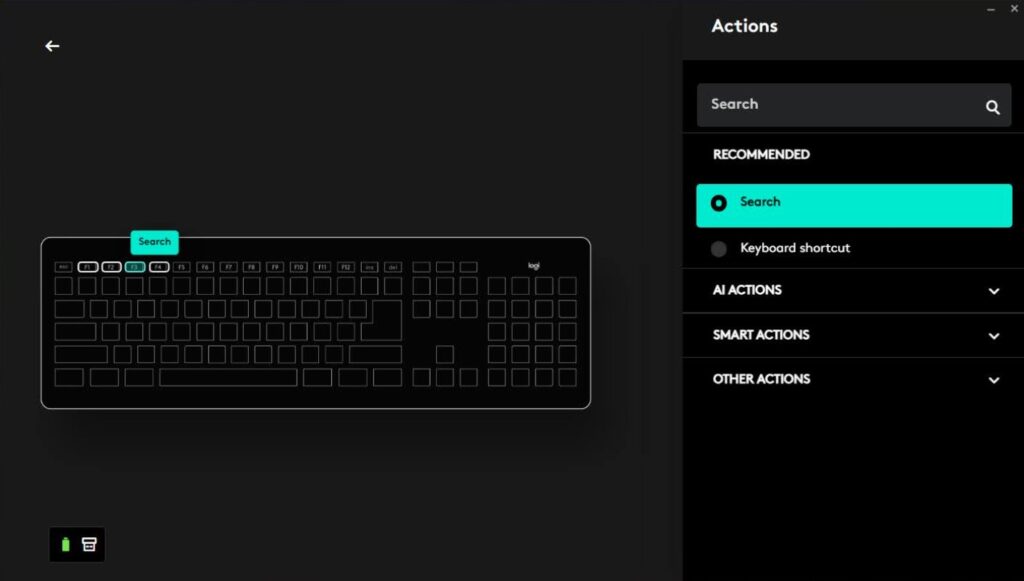

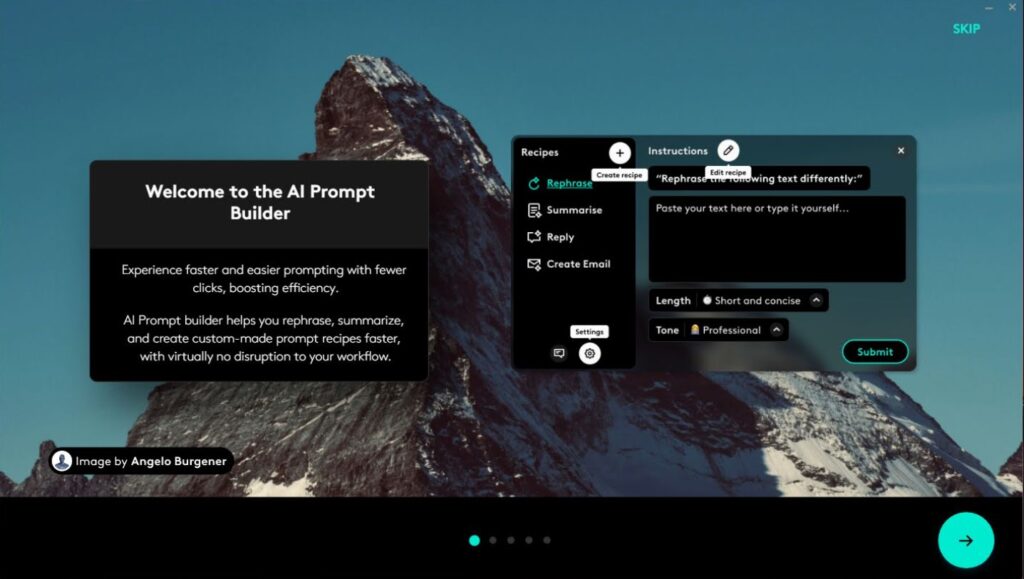

The Slim Combo MK470 uses the Logitech Nano Receiver, which is the simplest option in Logitech’s wireless connection lineup.
Conclusion
The Logitech Slim Combo MK470 keyboard and mouse set is quite good, and the price is reasonable for such a wireless accessory bundle. Of course, you can always find minor flaws, but for $49.99, you get nearly the best you can expect from a wireless mouse and keyboard.
In terms of features and software, the Slim Combo MK470 is very basic. You cannot connect additional devices via Bluetooth, and the software offers only basic options. However, this is not necessarily a drawback. You won’t pay extra for features you don’t use.