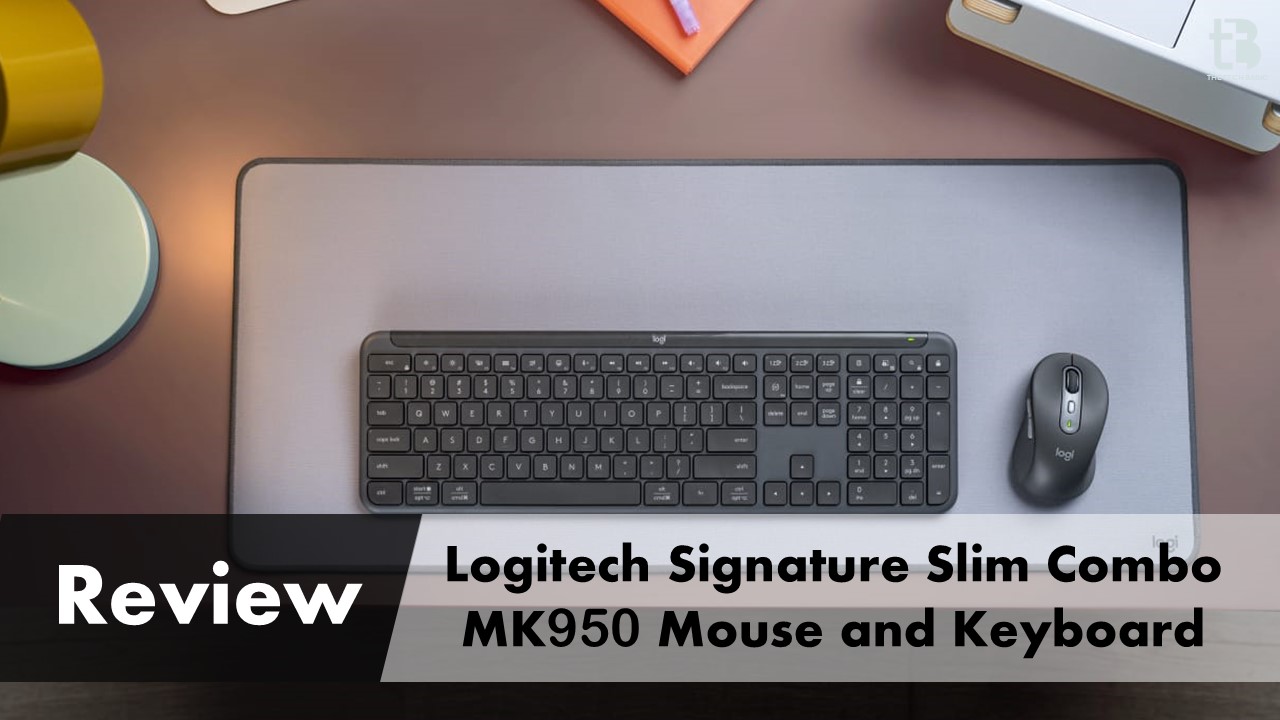

This time, I took quite a while to find the right words to start this review. I’m not a big fan of these expensive keyboards. I would need a very specific reason to spend more than $100 on a mouse and keyboard combo. For this price, you can get a great wireless mouse for gaming and everyday use. It would have adjustable DPI settings. You could also find a decent keyboard that fits your needs in size, key count, backlighting, and other features. With all this in mind, I want to make it clear that I won’t be trying to justify the price of the Logitech Signature Slim Combo MK950 in this review! That decision is up to each individual’s discretion.
Please follow us on Facebook and Twitter.
I can somewhat understand why companies use the Signature Slim Combo MK950 to replace $5 keyboards with something more reasonable. In fact, there are even Signature Slim Combo MK950 Business sets available, which are likely the same contents in the box, but the box itself is plain cardboard rather than the nice greenish one we have in our case.
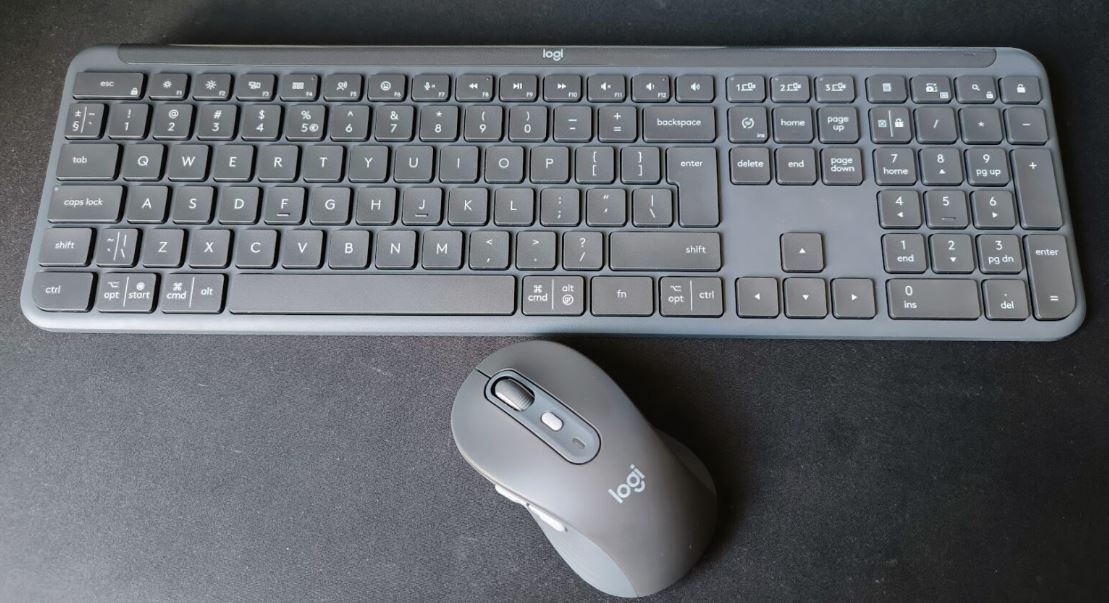
Overall, the Signature Slim Combo MK950 keyboard and mouse set seems quite functional. It offers wireless connectivity. The batteries are easy to replace and last a long time. There is a companion app available. You can connect the devices to both a Windows PC and a Mac at the same time.
Appearance and Build
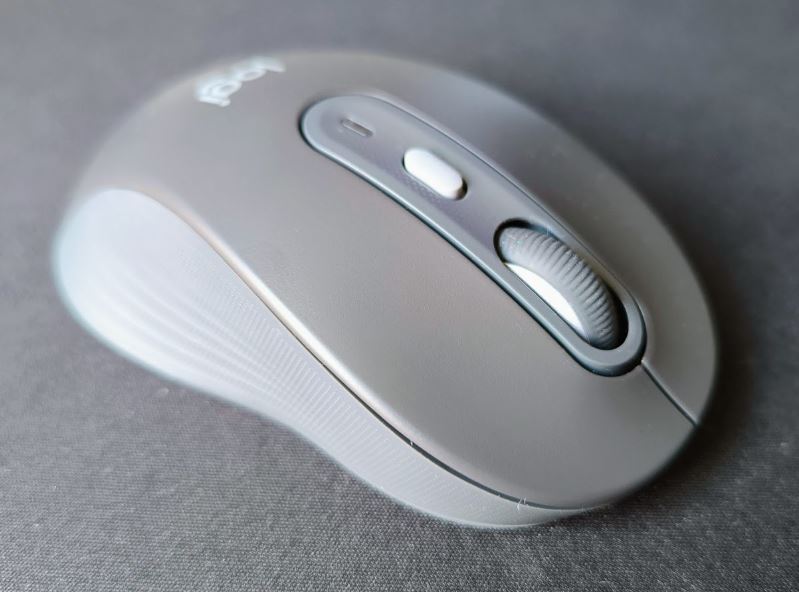
The Signature Slim Combo MK950 keyboard and mouse set looks distinctly Logitech, even without any “Logi” or “Logitech” labels on the keyboard, it’s clear who the manufacturer is. The key sizes and shapes are familiar and beloved by many, and the same can be said about the mouse. Initially, I was concerned about the mouse’s size, but I now think it is the best part of the Signature Slim Combo MK950 set.
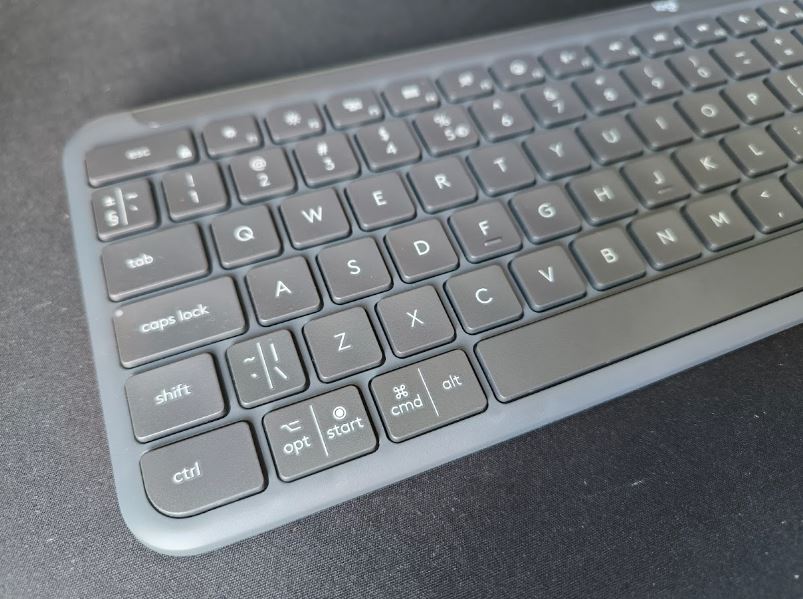
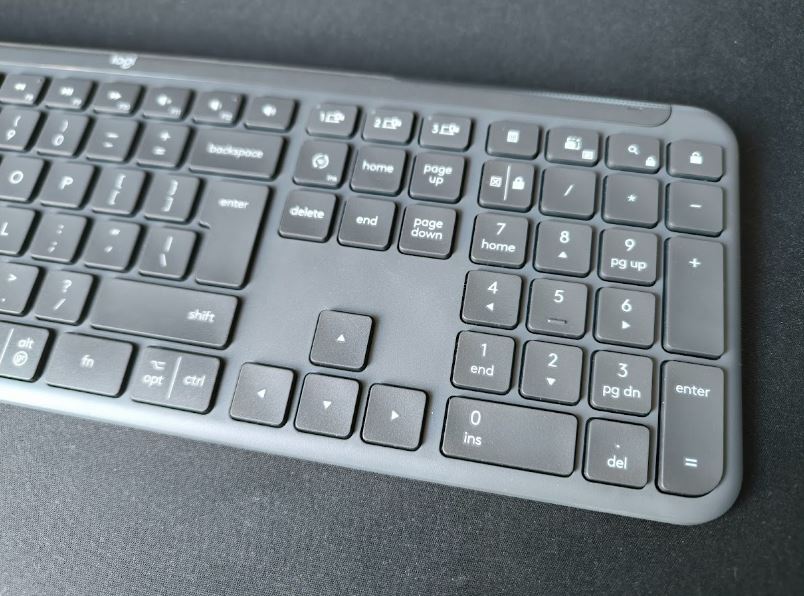
This set includes the Keyboard Signature Slim K950 (keyboard), Mouse Signature M750 (mouse), and a USB Bolt dongle, which plugs into the main computer. The Signature Slim Combo MK950 keyboard and mouse set can quickly switch between different devices. This includes Mac, Linux, and ChromeOS computers. It uses a Bluetooth connection to do this.
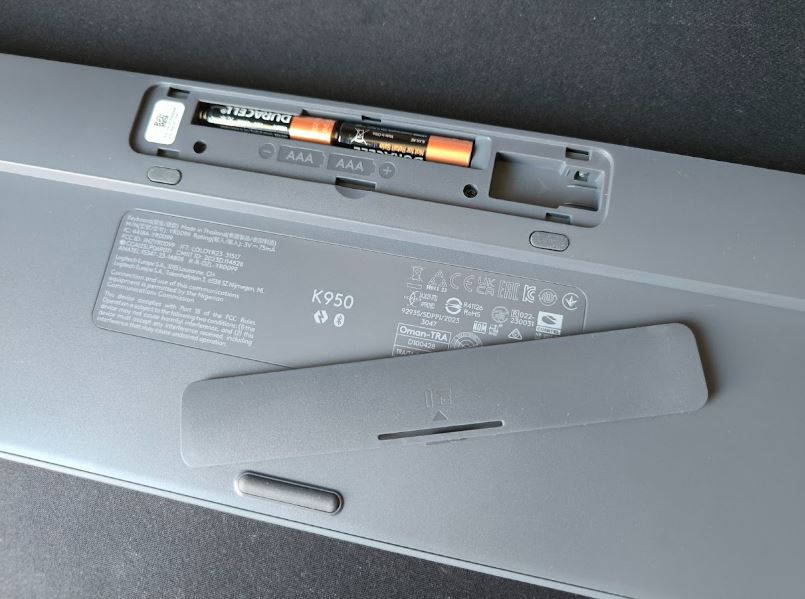
The Keyboard Signature Slim K950 is a bit of a question mark for me in this entire set and review. The keyboard is heavy, containing two AAA batteries and also has a place to store the USB dongle. There is an on/off switch. However, you probably won’t need to use it often. The keyboard is promised to work for up to 36 months on a single set of batteries. This full-size keyboard with a numeric keypad cannot connect to a device or computer via a cable. The keyboard is not backlit, which seems at least odd for this price.
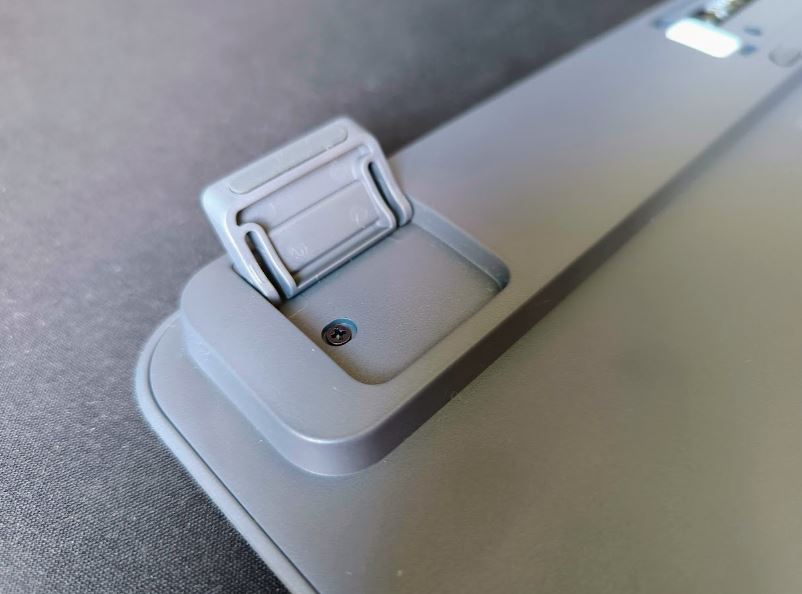
The keyboard has legs underneath to tilt it at an angle towards the user. However, the legs only raise it at one angle, which might not be suitable for everyone. I would have liked another leg in the middle of the Keyboard Signature Slim K950. When raised, the keyboard can bend noticeably if you press the F-row keys hard. The manufacturer claims there’s an aluminum frame inside, but it doesn’t help much.
Typing on the keyboard is acceptable, but it can be noisy if placed directly on a wooden (or wood-imitating) desk surface. I also didn’t quite like the Spacebar’s action; you have to hit it in the middle. If you’re used to pressing the Spacebar on the edge, the press might not always be satisfying or give clear feedback.
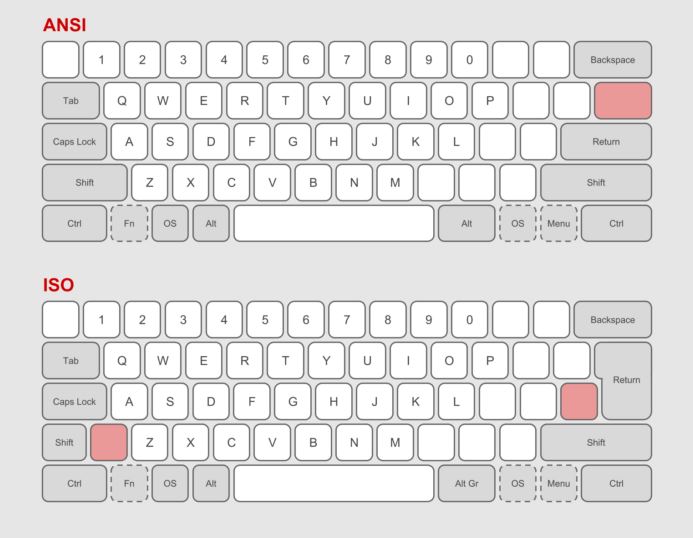
It wouldn’t be me if I didn’t complain about the keyboard layout. I just can’t type well with an ISO layout.
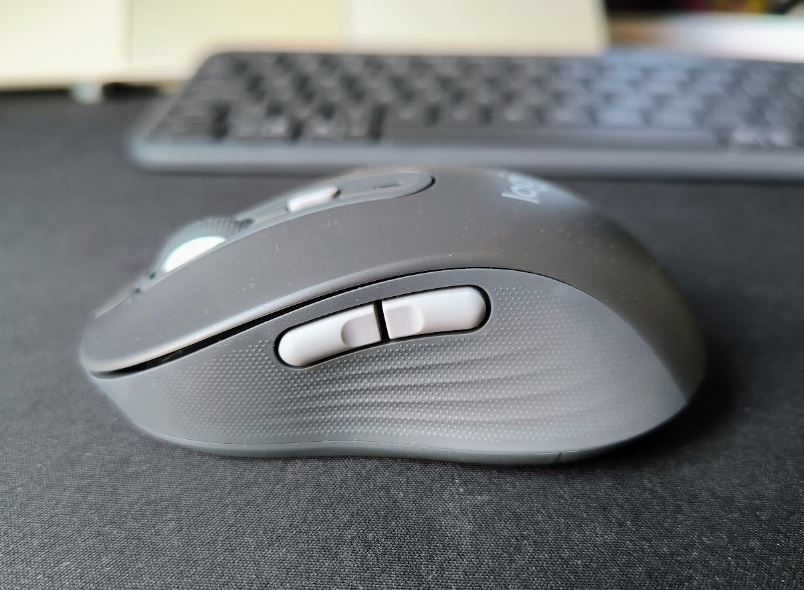
The Mouse Signature M750, however, is very nice. It’s super quiet (the main button clicks are almost inaudible). The mouse uses a single AA battery, which will last about two years. The mouse’s resolution (cursor speed) is adjustable from 400 DPI to 1000 DPI, which might be too low for 4K monitors. The mouse also has a place to store the USB dongle.
It’s worth mentioning that the keyboard and mouse connect to the main computer via the USB dongle, and to other devices via Bluetooth. However, it’s important to note that switching between devices must be done separately for the keyboard and mouse.
Overall, I’d say it’s not bad, but I wouldn’t want to pay over $100 for this set. I’d understand if the price were around or even below $90, then maybe the price could be somewhat justified.
Application
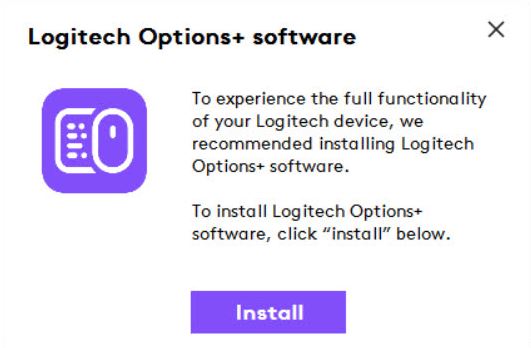
The Signature Slim Combo MK950 keyboard and mouse set is compatible with the Logi Options Plus (Options+) app. Installation is prompted as soon as you connect the USB wireless dongle to your computer. The Logi Options+ app allows you to update the keyboard and mouse firmware and connect them to other devices via Bluetooth. It also provides some customization options for keyboard key settings, but the Logi Options+ app is not strictly necessary; the keyboard will function without it.
When you plug the Bolt USB dongle into your computer, a prompt (at least on Windows computers) will immediately appear, suggesting you install the app.
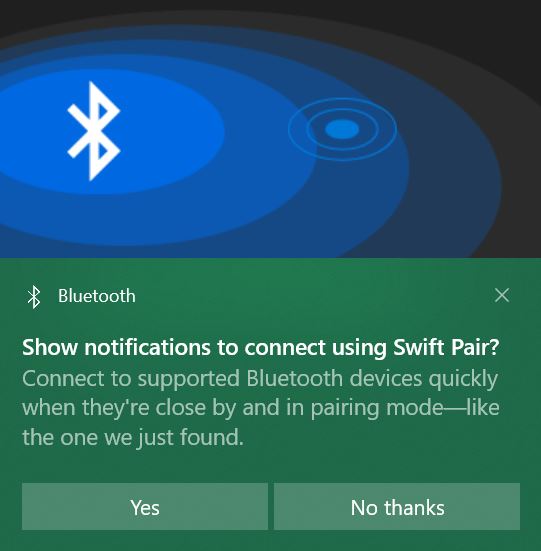
If you plan to connect the keyboard or mouse via Bluetooth, you will see a similar prompt, which makes pairing the devices easier.
In terms of software, Logitech has done a good job—everything runs smoothly, without any delays or unclear issues. However, I did take a look at other reviews, where some mention problems with switching between Windows and Mac devices. Specifically, after switching from Mac to Windows, the key secondary functions (Fn key + function key) may stop working, requiring you to turn the keyboard off and on again. I didn’t have the means to test this minor issue myself.
Conclusion
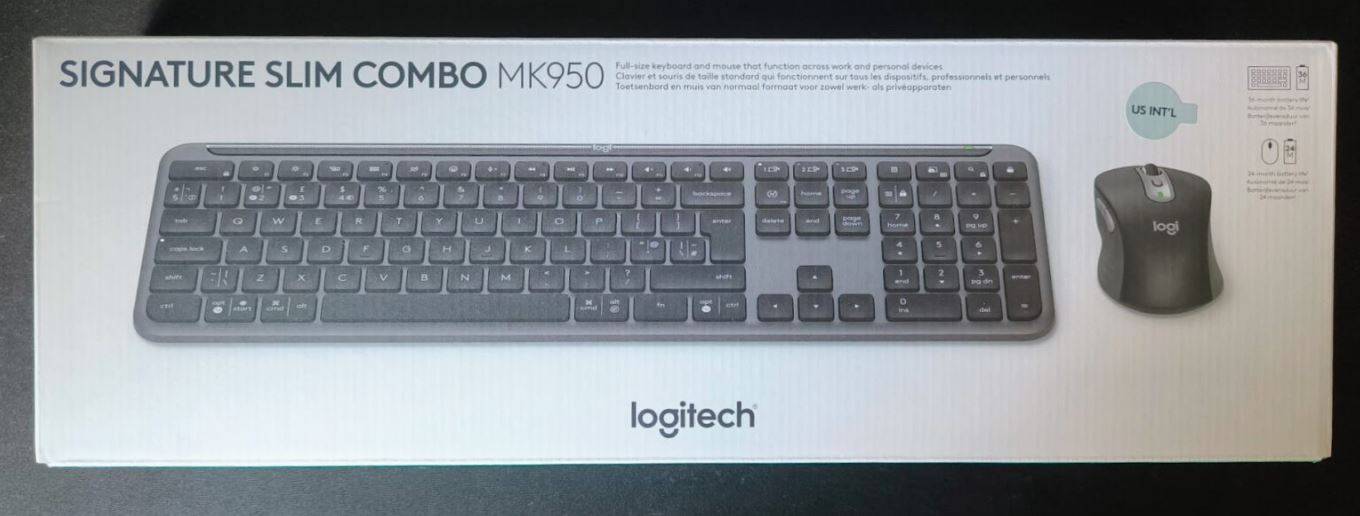
The Signature Slim Combo MK950 keyboard and mouse set is quite an expensive indulgence for those who are too lazy to choose a mouse and keyboard separately that suit their needs. At least, that’s the impression I got… Overall, the set is reasonably charming.
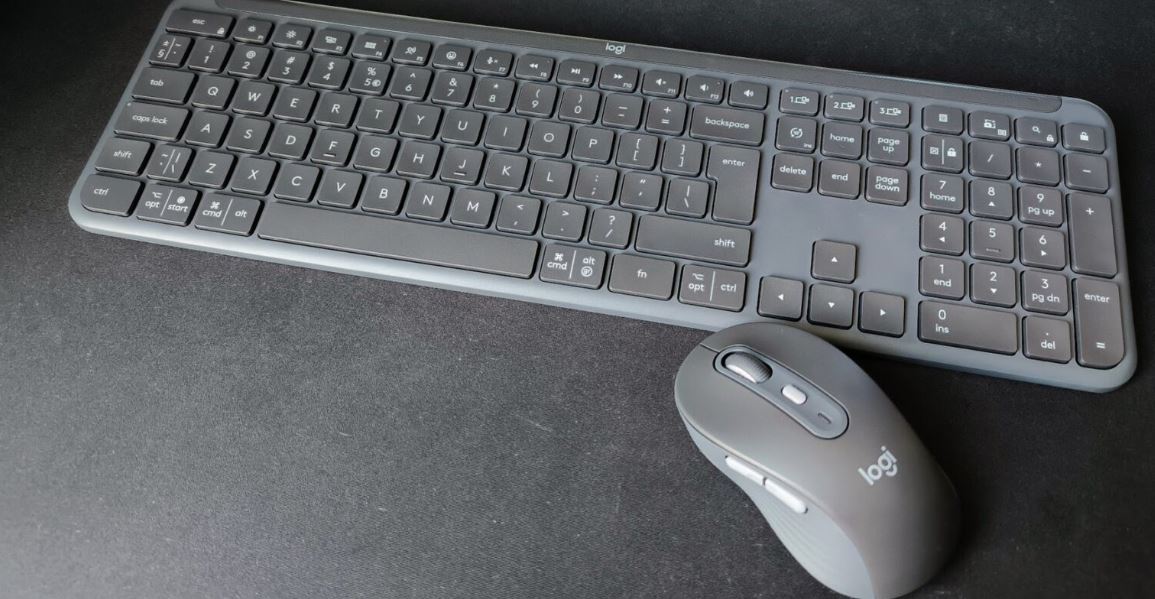
While I can say only good things about the Mouse Signature M750, the keyboard leaves many questions. The main issue for me was the noise level of the Keyboard Signature Slim K950. The keyboard makes a noise during typing that isn’t loud by itself, but compared to the almost perfectly silent mouse, it makes you question this set and its concept. The keyboard’s flexing when it’s raised on its stands is also not very appealing.