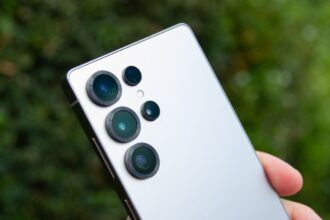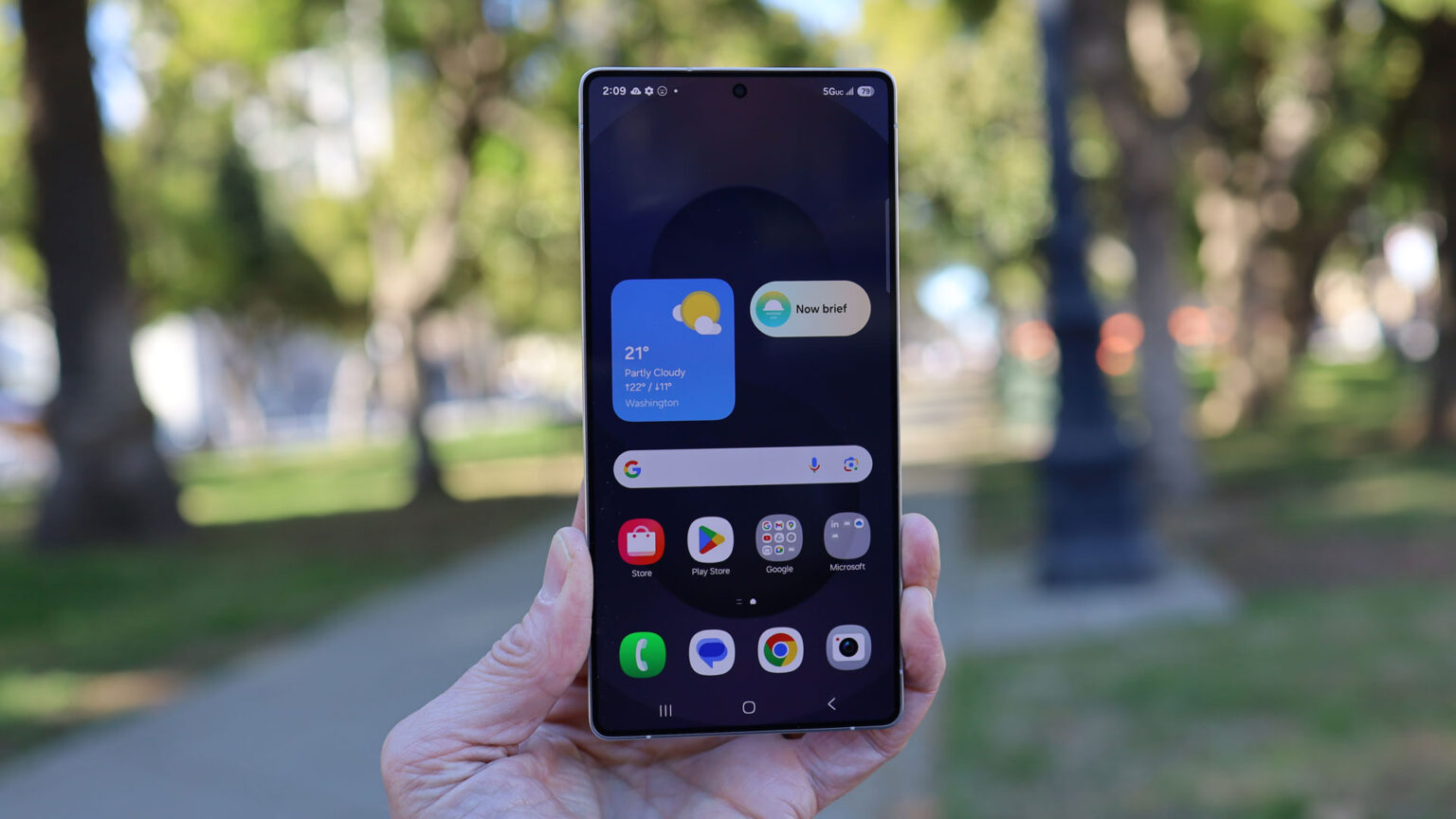

Samsung posted a new teaser that shows how the Galaxy S26 series will stop people beside you from reading your screen. The clip shows a user flicking a privacy switch, and then the phone hides notifications and on-screen content from nearby onlookers—the teaser points to a February 25 launch for the new phones.
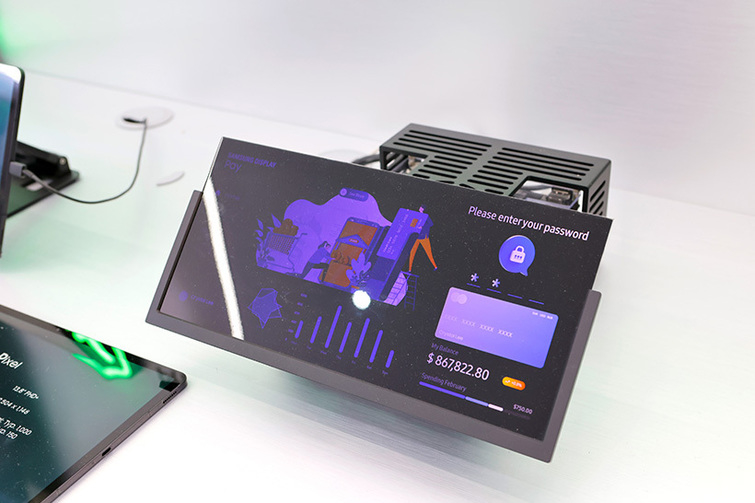
Privacy Display Demo
The ad shows two people leaning over to read a message. The phone owner slides a control, and the screen changes so that the text is unreadable from the side. The owner can still read the screen. This demo highlights a private mode that works for whole apps or just for certain items like notifications and PIN entry. The short video makes the feature easy to understand and shows how it could matter in daily life on trains, buses, and in cafes. Android Authority covered the teaser and noted the focus on real-world use. YouTube hosts the teaser video on Samsung’s official channels.
How it Works
Samsung says the feature uses a display-level approach rather than a simple screen film. The system is built on recent display work from Samsung Display called Flex Magic Pixel. That technology changes the way pixels emit light and how they send images to certain angles. The result is a narrow viewing cone that still keeps the panel bright for the phone owner. This is different from third-party privacy films that block side views at the cost of brightness and color fidelity.
You can turn on the feature for an entire app so only you see the content. You can also make it active only for small parts of the screen, like notification bubbles or when you enter a passcode. That custom control aims to avoid over-blocking while protecting sensitive content. The control model is simple. It is a switch in settings and a quick toggle in the control panel for fast use.
Privacy Without Films
Many people use public places every day. Shoulder surfing is a real nuisance and a clear privacy risk when the phone shows messages, bank details, or private photos. A display-level solution offers a smoother experience than physical films. It keeps screen quality high for the user and makes accidental peeks much harder for others. For business users and for people who handle private work at home and in public, this feature can raise day-to-day privacy without extra effort.
Foldable Phones and Future Scope
Leaks have suggested Samsung may bring the same privacy system to foldable phones later. The system can work on large inner folds and on small outer displays. For foldables, the option to mask only a small part of the screen can be especially useful because those devices often show quick info on a tiny cover screen. The tech can scale for many screen sizes as long as the display maker adjusts pixel control and the software maps the private zones.
Modest Power Hit in Tests
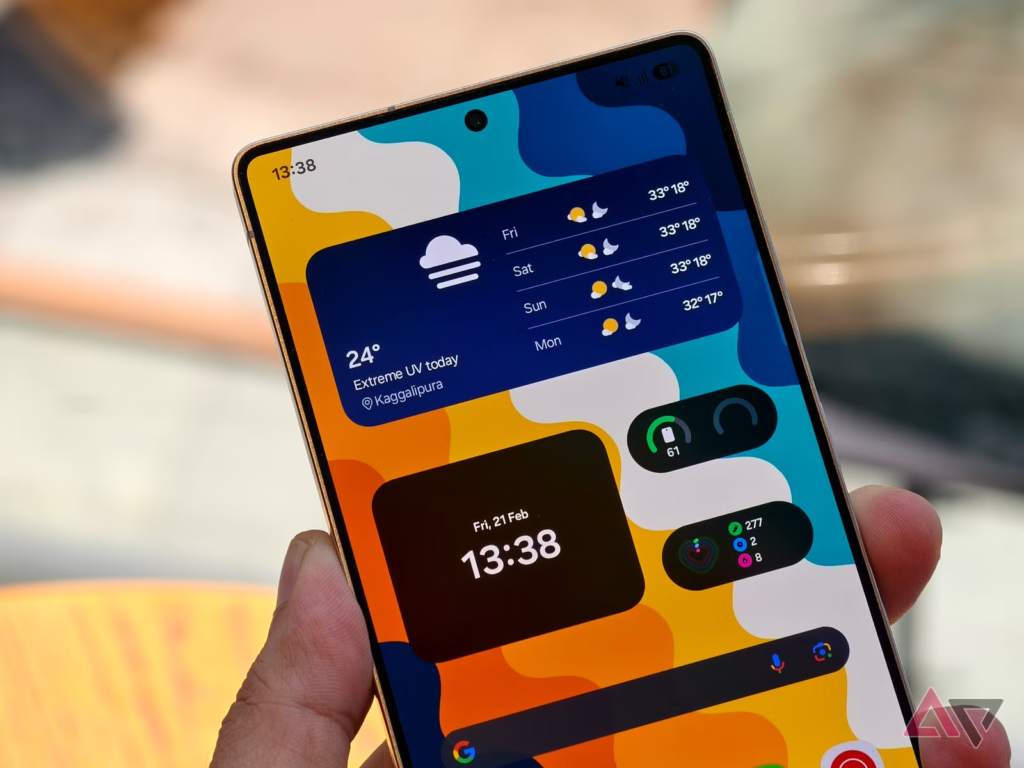
The privacy mode relies on pixel control rather than extra hardware. The move keeps the panel efficient, but it may need careful tuning so battery life stays strong. Bright displays can use more power, and narrowing the view angle may cause the screen to change its drive patterns. Samsung and partners will have to balance between privacy performance and battery drain. Initial experimentation with associated technology demonstrates that the additional power consumption hit is slight when the feature is not utilized very heavily.