
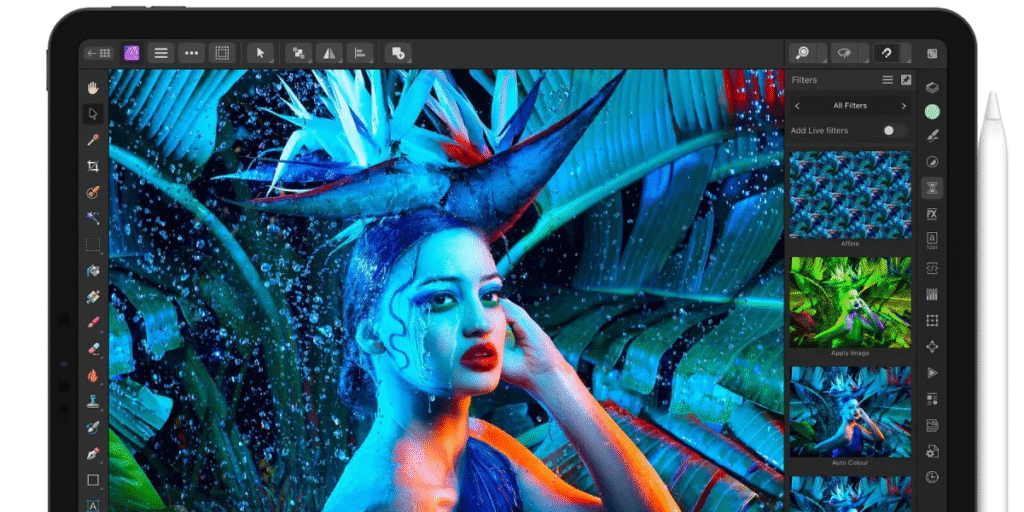
Affinity Photo, Affinity Designer, and Affinity Publisher can be found on the iPad App Store, currently free of charge. Users who download the apps and go through the easy registration procedure are free to have them on their devices. This change appears to be limited to the iPad editions and may be tied to a larger shift since Serif was acquired by Canva last year.
Apple and third-party stores show the apps as downloadable. When a user taps Buy Now inside the app on the iPad, the price can appear as zero dollars. After installing the app, it asks the user to register for an Affinity account. That step links the license to the user and to their Affinity account.
What this means
The free iPad offer gives creators a chance to try full-featured design tools without the cost barrier. Affinity apps are widely used for photo editing, page layout, and vector design by hobbyists and pros. If you have been curious about the suite, then now is a clear moment to download and test the tools on an iPad.
Do not assume the Mac versions are free. At the time of reporting, the iPad editions are the ones listed as free in the App Store, while the macOS apps remain full price. If you want Mac copies, check the Mac App Store price before you buy. The situation could change quickly, so take a moment to secure the iPad versions if you want them.
Developers and buyers should note that the Serif brand joined Canva in 2024. Since that acquisition, the Affinity team and its new parent have tested changes to licensing and access for schools and nonprofits and have experimented with trials and special offers. The current free availability on iPad sits inside that wider context of product and policy change.
How to download and keep the apps
Get to the App Store on your iPad and find each app individually. Install Affinity Photo 2, Affinity Designer 2, and Affinity Publisher 2. Click Buy Now and verify the purchase of zero dollars. Tap Buy Now and confirm the zero-dollar purchase. After the install, open the app and follow the prompts to register or sign in to an Affinity account. Once you register, the apps are tied to your account and remain available on that iPad.
What to watch for next
Affinity has teased a big company announcement scheduled for October 30 that it calls a step toward true creative freedom. The company has closed some legacy channels and is moving other services into new systems. That makes the current free offer feel urgent to many users, but also raises questions about future availability and pricing. If you value these apps, it is wise to install them now and link them to an Affinity account.
Who this will help
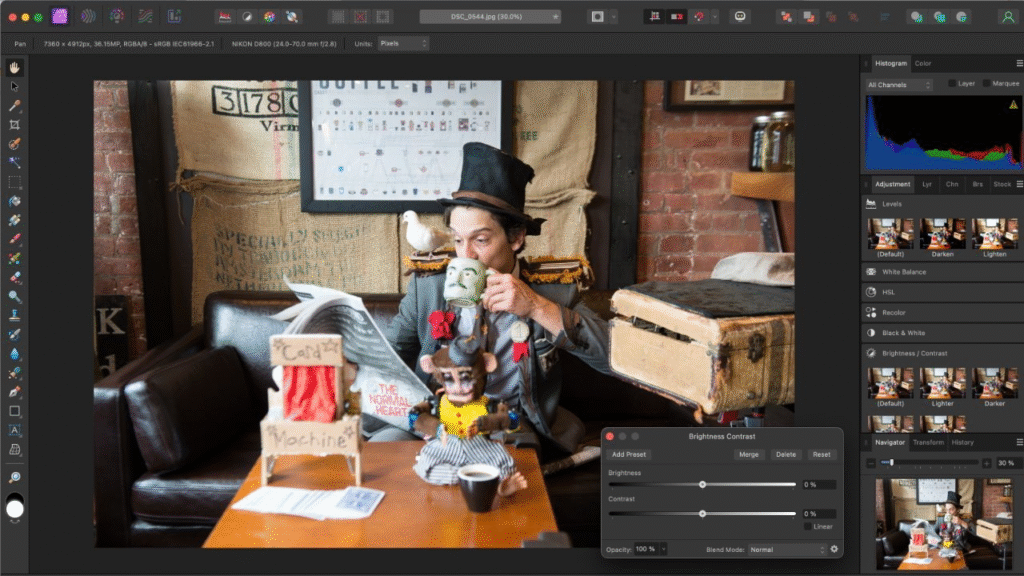
This move will mainly help creators who edit photos, design pages, or make vector art on the iPad. Students and educators who work on tablets may find a powerful set of tools at no cost. Professionals should test projects for compatibility with their pipelines. The apps are full-featured enough for serious work, but it is sensible to verify plugins or custom workflows before committing a full production pipeline to any single version.