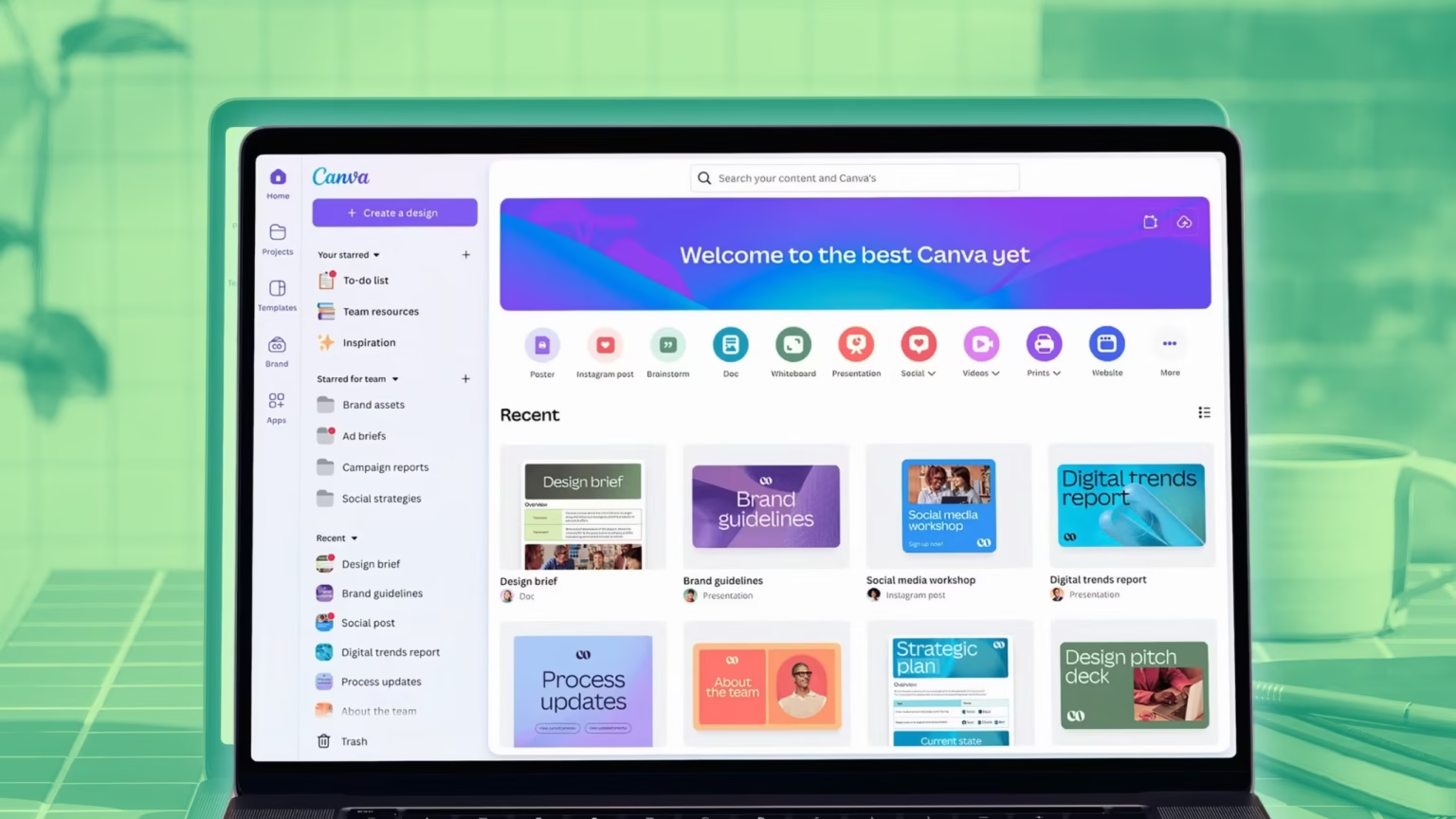

Canva has unveiled a new design model that allows users to build editable designs with layers and objects. The model works inside Canva. It also seeks to simplify and speed up the process of design for individuals who are not professional designers. The company also introduced additional AI tools on the platform to enable the teams to create, test, and measure work with reduced manual effort.
The new model understands what a design contains. It can separate text, images, shapes, and other parts so users can edit them after the model creates a first draft. That is a change from older image generators that produce a single flat picture. Designers can now start from a prompt and then move, resize, or replace elements without losing the original idea.

Design model details
Canva trained the model on its own elements to learn common layouts and rules. The model can generate social posts, presentation slides, web pages, and whiteboards. The files that it creates are editable, so teams can make small changes by hand rather than recreate the whole image. The model also supports layered files that can be moved between tools in the Canva ecosystem.
New AI features
Canva expanded its chat-style assistant to work across design screens. The assistant can reply in comments, suggest edits inside a project, and produce content on demand. It can copy an art style from one design and apply it to other pages. The tool can also make basic 3D objects and export them as editable assets.
Canva tied its new model to product updates that let teams work with data and marketing workflows. Users can turn spreadsheet items into widgets and repeatable outputs. The company added form creation and email template tools. The goal is to let teams collect feedback and send branded messages without leaving Canva.
Marketing and analytics
Canva combined its creative tools with ad analytics to give a full marketing flow. The new product line helps teams create assets and measure results in one place. The system is meant to reduce handoffs between designers and marketers and to let small teams publish campaigns with fewer tools.
Affinity and workflow
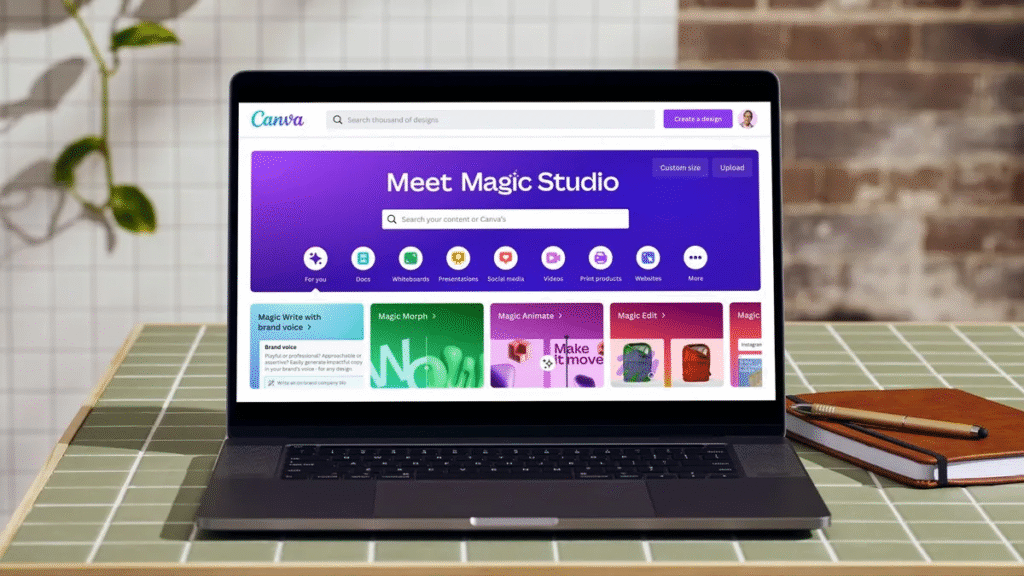
Canva integrated a pro design tool it acquired into the platform. The pro tool brings finer control for vector and pixel editing. Canva said it will let people move objects created in the pro tool into Canva projects. The pro tool will work with the AI model so creators can prompt inside the advanced editor and then finish a layout in Canva.