

Spotify has added an in-app messaging feature that lets people share music, podcasts, and audiobooks without leaving the app. The feature is called Messages. It will appear in the app inbox under a user profile, and it stores shared audio so people can find it later.
How Messages works
A user can tap the share icon on the Now Playing view to post a song, podcast, or audiobook to a friend. The message leaves a one-on-one chat, which can use text and emoji reactions. Shared audio appears in the Messages inbox so a user can return to it later. The feature is available on mobile devices only at launch.
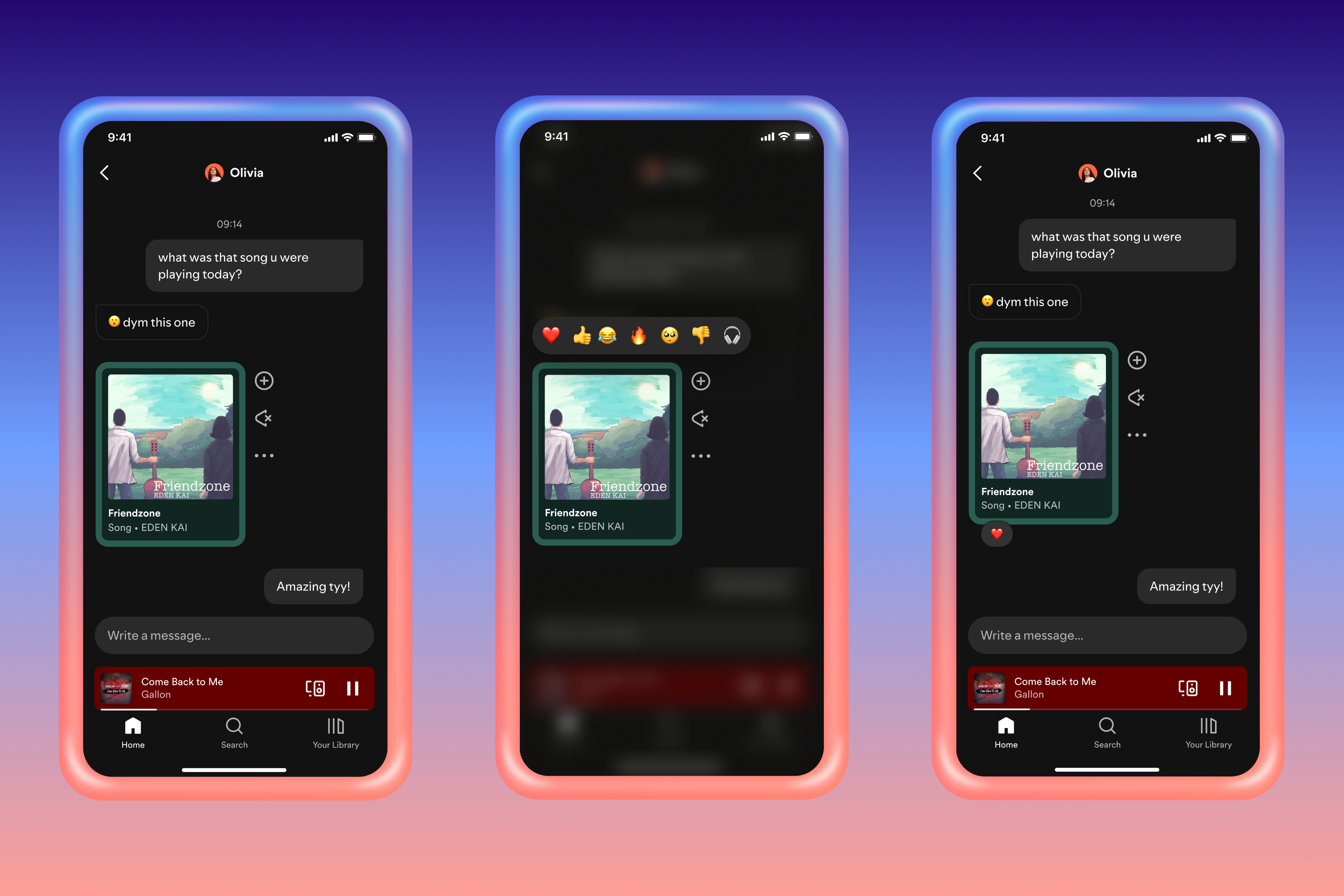
Who can use Messages and where it will roll out
Messages is rolling out in select markets this week. Both Free and Premium accounts can use the feature. Users must be at least sixteen years old to access Messages. Spotify described the rollout in a press announcement and media outlets that covered the launch.
Privacy controls and safety
Users can accept or reject message requests. A user can block another account or opt out of Messages entirely. Spotify says it will scan chats for some unlawful and harmful content and will review reports from users. The company points people to its privacy and data controls for more details about how messages and personal data are handled.
How Messages fits with Spotify social features
Spotify built Messages to gather the sharing that already happens across texts and social platforms into one place inside the app. Individuals who distribute songs using Jams Blends or Collaborative Playlists could find it less complicated to trace suggestions. Spotify positioned Messages as an alternative to other platforms like Instagram and TikTok instead of a substitute for them.
Moderation and reporting
A recipient can flag content by holding a message to report it. Spotify will review reported items, and the company will take action if it finds content that violates its rules. The company said that it aims to protect users while also keeping the system simple enough for everyday sharing.
Why this matters
Bringing messages into the app can change how people discover and share audio. It can keep more discovery inside Spotify and reduce the need to switch to other apps for recommendations. For social use, the inbox can become a place to keep recommended songs or to continue a conversation about a podcast episode. For Spotify, the feature may increase engagement across both Free and Premium accounts.
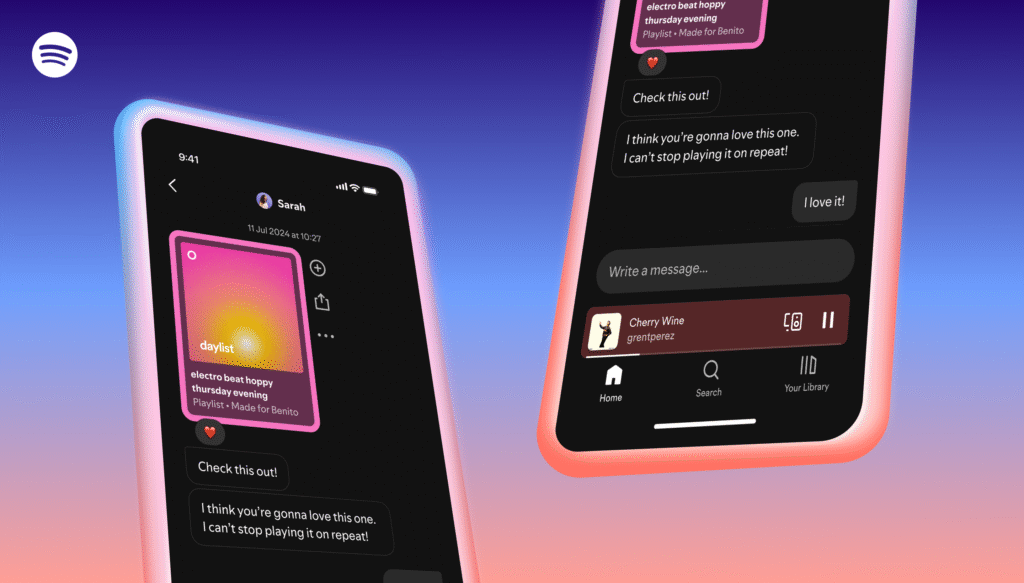
Practical tips for users and for creators. Check the Messages settings in your profile to control who can send you content. Use the block and report tools if a message feels unwanted or unsafe. Artists and creators should watch for further guidance from Spotify about whether professional or artist accounts can use Messages to reach fans. Spotify did not confirm full artist access at launch.