


WiFi Quality has become a necessity for the majority of families in all over the world today. With WiFi connectivity, users can comfortably access the internet without worrying about quickly running out of mobile data quotas.
Additionally, WiFi connection is essential for various other devices at home, such as Smart TVs, computers/laptops, gaming consoles, and smart home appliances like AC and washing machines. However, it doesn’t mean that all WiFi connections always provide high-speed internet. Slow and unstable WiFi is often a common complaint when playing online games or streaming services like YouTube and Netflix.
Please follow us on Twitter and Facebook.
It’s worth noting that the internet speed from the WiFi router at home still depends on your provider and subscription package. Nevertheless, issues can also arise due to user errors.
TheTechBasic is sharing some ways to improve the WiFi quality in your home. The steps are easy and straightforward. Curious? Let’s take a look!
Ways to improve WiFi quality at home:
1. Position the router in the right place
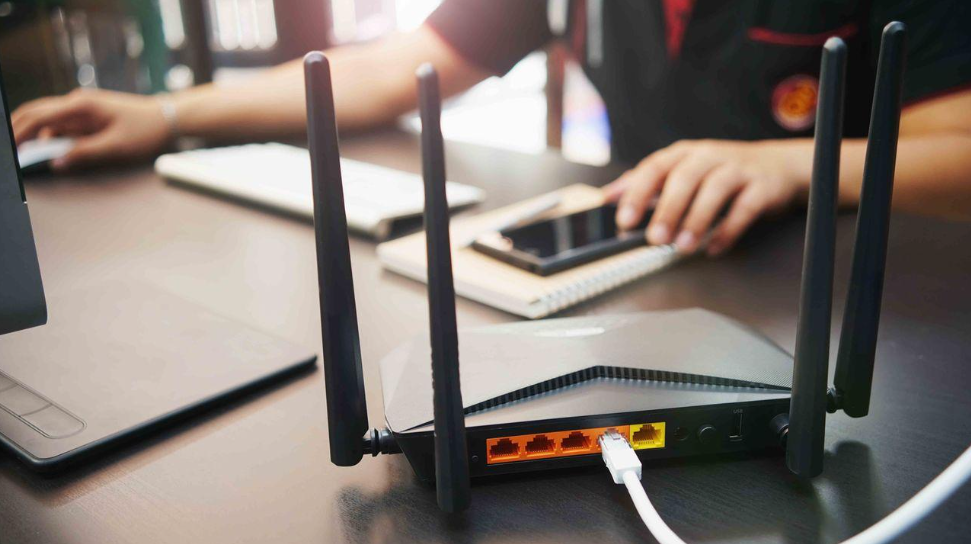
The first way to improve WiFi quality is to ensure the router is placed in an open area and free from physical obstacles such as walls or large furniture. Avoid placing the router inside a cabinet or in a closed corner, as this can limit the signal range. Also, place the router on a slightly elevated surface, such as a table or shelf, so that the signal can spread further and reach the upper floors more effectively. For those with multi-story homes, consider adding a device called a Repeater to extend the signal range.
2. Limit the number of connected devices
This tip is recommended for households with many family members, each with several devices connected to WiFi simultaneously. The more devices connected to your WiFi network, the more the available bandwidth is divided. This can cause slow and unstable internet connections. You can upgrade to a higher subscription package and use a router with a larger capacity. Also, consider limiting the number of devices connected simultaneously or evenly distributing bandwidth to each device. If you’re unsure how to do this, seek assistance from a technician.
3. Update firmware
The next way to improve WiFi quality is to ensure that your router’s firmware is always up-to-date. This is a crucial step to enhance WiFi security and performance. When manufacturers release new firmware updates, they usually include improvements.
4. Schedule regular restarts
Some routers that work continuously for a long time are best restarted. If necessary, schedule routine restarts, for example, once a month or every two months.
5. Use a strong password
If your network is not protected with a strong password, strangers or irresponsible neighbors may access your network. Use a somewhat complex password, or occasionally change the old password to a new one.
Those are some ways to improve WiFi quality at home. Hopefully, this article is helpful If you liked it spread the words!