
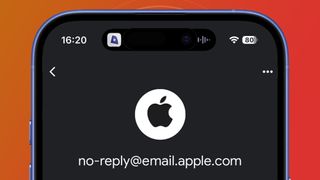

Scammers are sending emails that look similar to Apple emails to say something bad has happened with your Apple ID or Apple Pay info. They look pretty scary real albeit fake emails designed to get you to click on fake links. After a click, they redirect to fraudulently designed websites resembling Apple’s official site, with the intent to steal your login credentials.
Here is the truth: your Apple Pay continues to work and your Apple ID was not suspended, either. Hackers attack these to gain access to your Apple account.
How Are Hackers Targeting You?
In recent years, millions of users’ data has been exposed to data breaches. To start targeting you with fake emails, all hackers need is your email address. Even if the address is not paired with an Apple Account, these emails tend to find their way into your inbox.
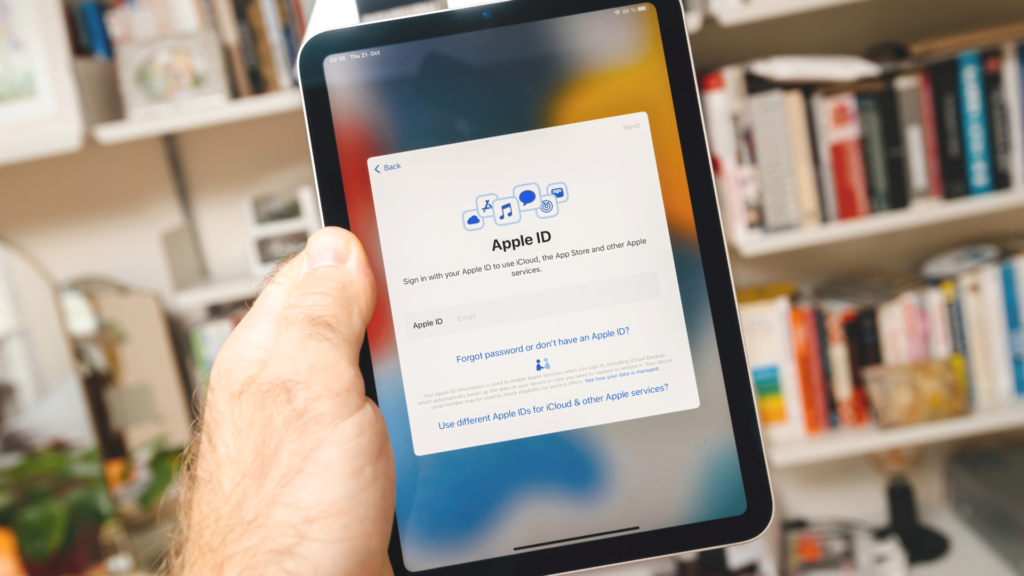
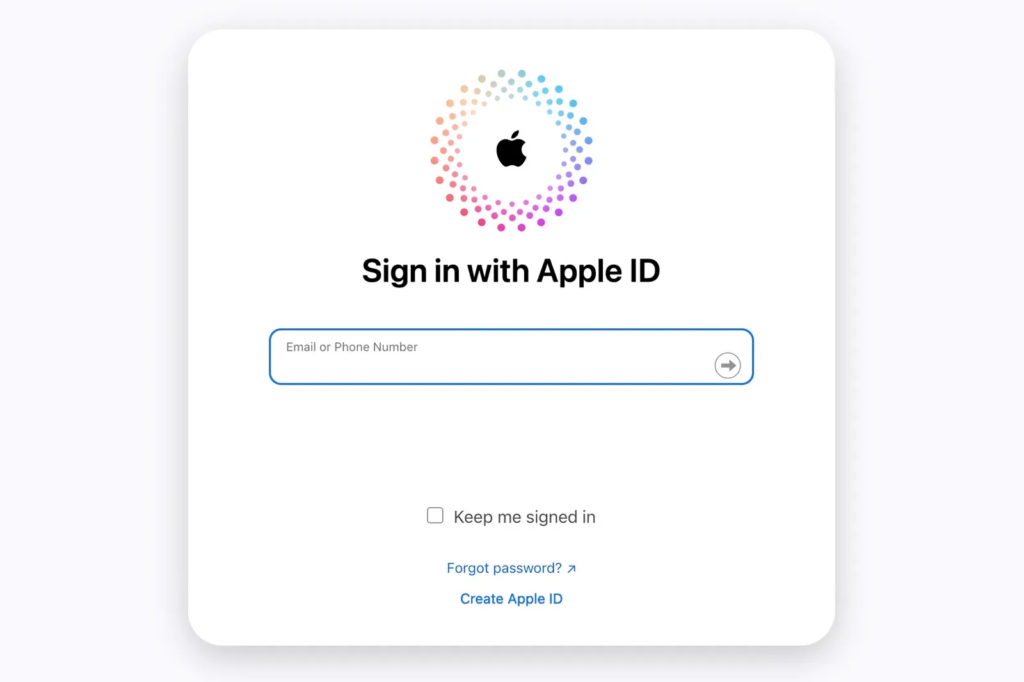
A small percentage of victims click on malicious links and these scammers rely upon them. As soon as you click, they will perhaps manage to trick you into entering your Apple ID credentials, your credit card details, or even 2FA codes.
What Are Hackers After?
Their primary goal is access. With your Apple ID credentials, hackers can:
- Use to purchase products using your account.
- Access sensitive data stored in iCloud Notes in any way you want.
- Flee information gleaned from Apple Pay to commit fraud.
Inside them, they may fail to get caught by Apple’s insanely secure security, tricking you into handing over 2FA codes.
Signs of a Phishing Email
Take a look at the email carefully before you panic. Apple may never ask you to click on suspicious links or provide sensitive information in genuine Apple email. Here is how to identify phishing attempts:
- Sender’s Address: Find out if the email ID is real. See the actual sender by hovering over the “From” field.
- Links and Buttons: Avoid clicking on links. You can hover over them to see if they go to Apple’s official domains (Apple.com, iCloud.com, etc).
- Language and Grammar: Grammatically incorrect, odd punctuation, and ill-formed sentences are very common in phishing emails.
Your name or fake case IDs could be used by scammers to make things appear more credible. But any lapses in the text, tone, or formatting will tip them off that they are reading.
How to Stay Safe
Make sure you check the status of your Apple ID directly. Here is what to do:
- To be sure everything works as it should, make sure to open your Apple Account on trusted devices like your iPhone, iPad, or Mac.
- Buy something small with Apple Pay to make sure it works.
- Always ignore emails mentioning deadlines if they seem suspicious. Hackers create great urgency to get you to act without thinking.
Reach out to Apple Support if you are not sure. Apple’s support page provides detailed instructions on how to protect yourself from scams.
Proactive Measures to Protect Your Apple Account
- Regularly change your Apple ID password and make sure you use a strong one.
- Only use one email address, exclusive, to your Apple Account.
- To add some extra security, enable two-factor authentication (2FA).
Be on the lookout for people calling you on the phone, pretending to be Apple Support scammers. Call them right back and hang up and call Apple directly on their official support number.
Apple’s Official Statement on Scams
Apple emphasizes that they will never ask you to:
- Enter an email or use an application on your phone for 2FA codes.
- Click links from unsolicited emails that log you in.
Final Thoughts
Do not worry if you get a phishing email. Delete the email and leave it. Recognize the scam. If you are informed and vigilant you can protect your Apple Account from malicious attacks.
As popular as the platform is, scammers may try to convince Apple users they are getting ripped off, but it is easy to spot once you know what to look for. Verify suspicious activity and trust only official communication from Apple when in doubt.