
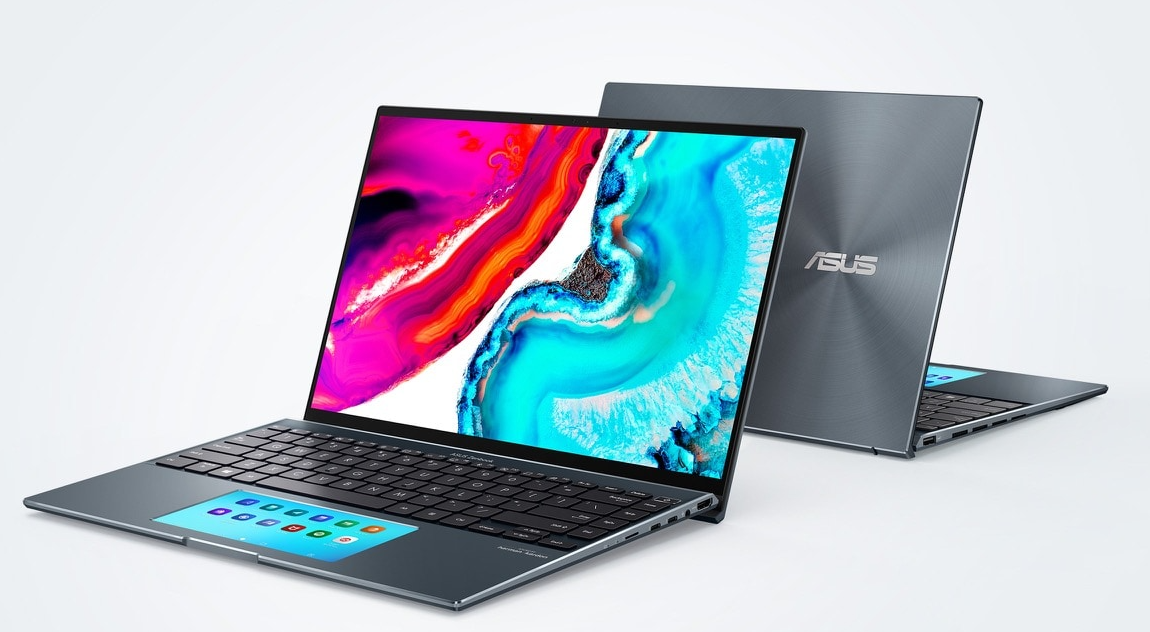

The Zenbook 14X OLED was one of ASUS’s releases in August 2023, with the promise of providing an advanced multimedia experience while maintaining a compact form factor.
What are the key features this laptop offers? What are its strengths and weaknesses? At TheTechBasic we have tested a unit and will provide you with a detailed analysis.
ASUS Zenbook 14X OLED: Design and Connectivity
The Zenbook 14X OLED focuses on delivering the premium design characteristic of the ASUS family. It features a metallic chassis with a ceramized finish on the lid, sporting designs similar to what we find on the S 13 OLED.
The body is quite compact, thanks to its 16.9mm thickness, and the weight of 1.5 kg makes it easy to transport. The base also has rubber feet to provide stability on various surfaces.
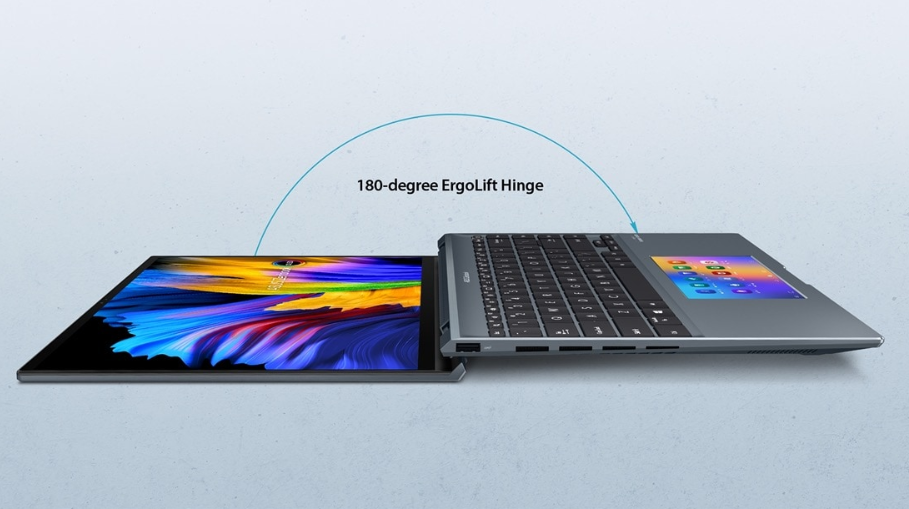
The laptop’s lid can be opened up to 180 degrees and includes ErgoLift, raising the keyboard to enhance both ventilation and typing comfort. This model incorporates the ASUS IceCool cooling system, efficiently preventing overheating.
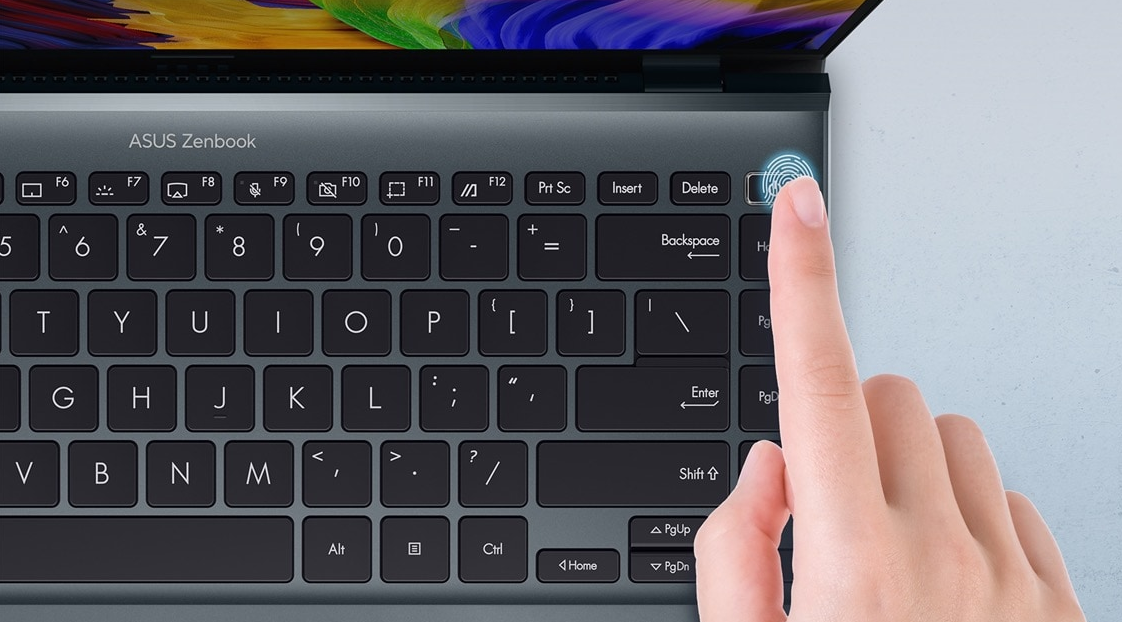
Speaking of the keyboard, it follows the ABNT2 layout, and is backlit, with direct adjustment through the F7 function key. The keys have good spacing and provide satisfying feedback, but don’t expect a numeric keypad to save space, nor a biometric reader. The touchpad is of a decent size, with a fairly central position. Nevertheless, you might still prefer using a mouse.
Related:
This notebook boasts thin bezels around the display. At the top, you’ll find its Full HD webcam, offering clear image quality for video conferences and serving as a security solution for facial recognition. It has a fingerprint sensor on the power button for easy and secure one-touch login with Windows Hello.
On the right side, there are two USB Type-C ports with Thunderbolt 4 support, a hybrid headphone and microphone jack, and an HDMI 2.1 output. On the left side, there’s only a USB-A 3.2 Gen2 port. Unfortunately, there’s no memory card slot. The product package is compact and includes the laptop, power cable, adapter, and user guides.

ASUS Zenbook 14X OLED:Screen and Audio
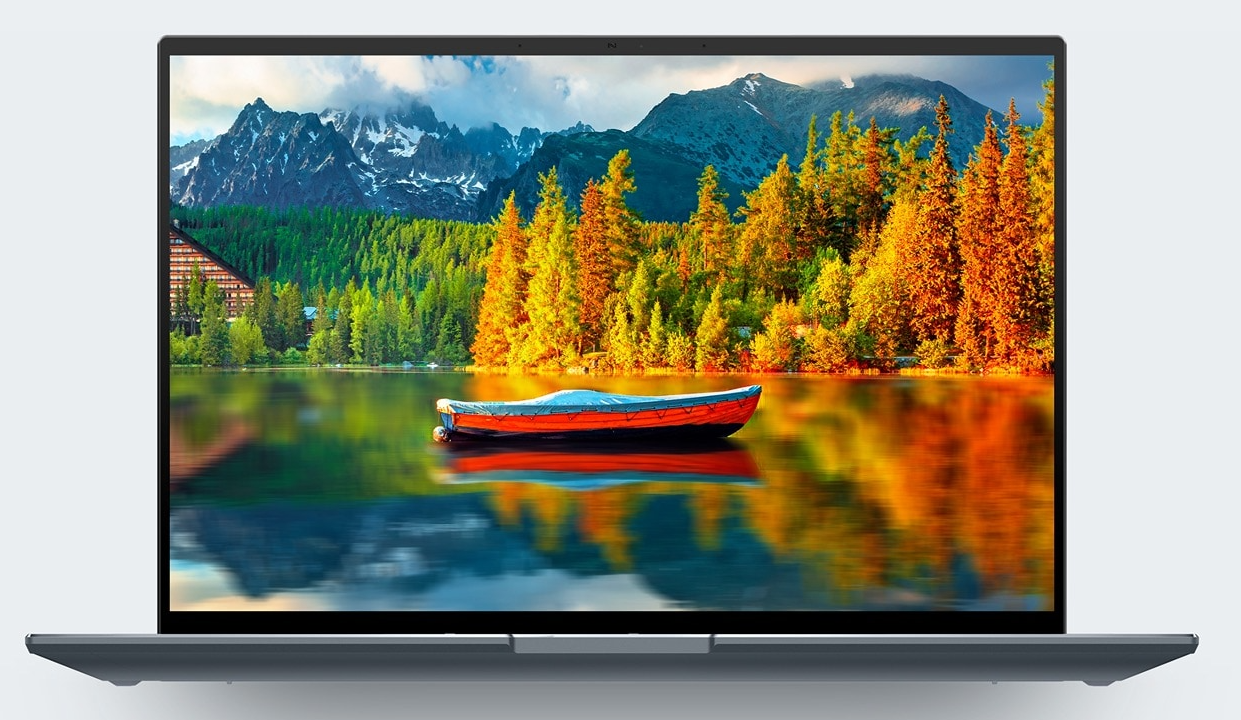
ASUS equipped the laptop with a 14.5-inch OLED display with a 16:10 aspect ratio and a resolution of 2880 x 1800 pixels. The machine offers a 120Hz refresh rate, significantly improving navigation smoothness.
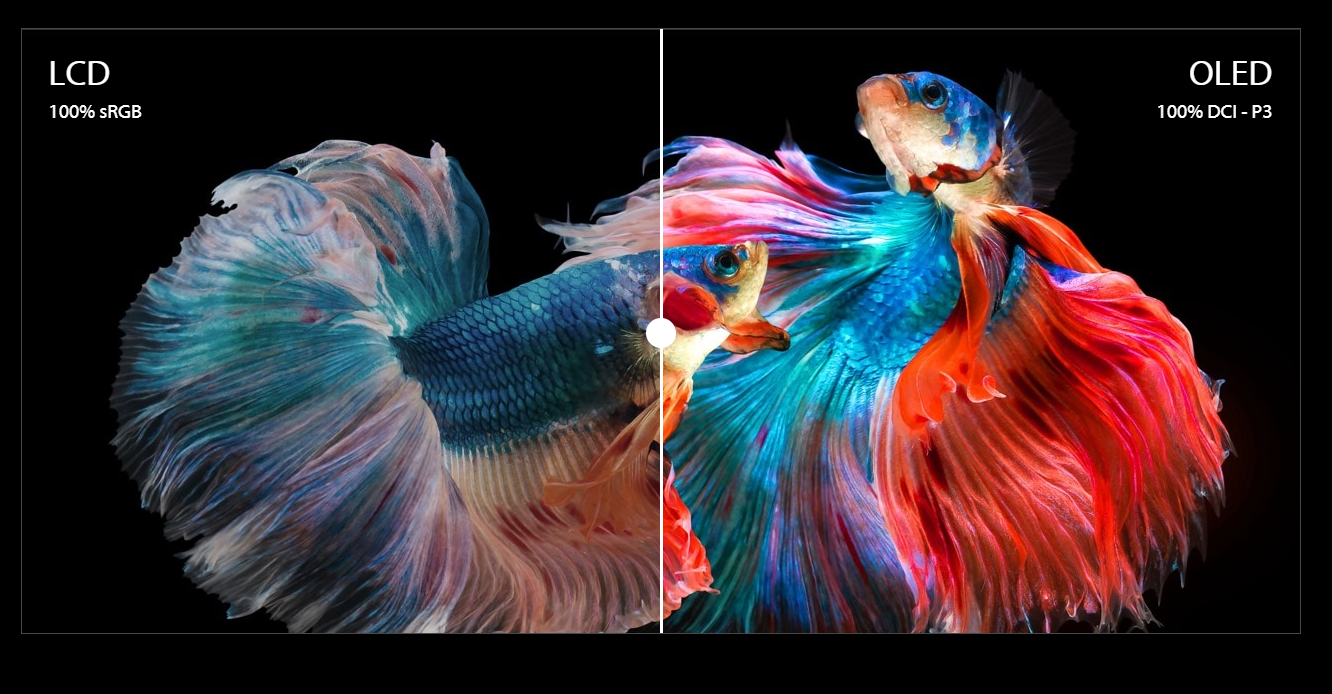
The brightness level is pleasing, though not a standout feature, unlike the display’s ability to reproduce over 1 billion colors, providing vivid visuals and covering 100% of the DCI-P3 color standard. It also comes with Pantone validation, ensuring excellent color accuracy.
It’s unfortunate that ASUS left out support for Dolby Vision technology, which could enhance streaming playback. Additionally, there is no anti-glare treatment, making this panel reflective depending on the ambient lighting.
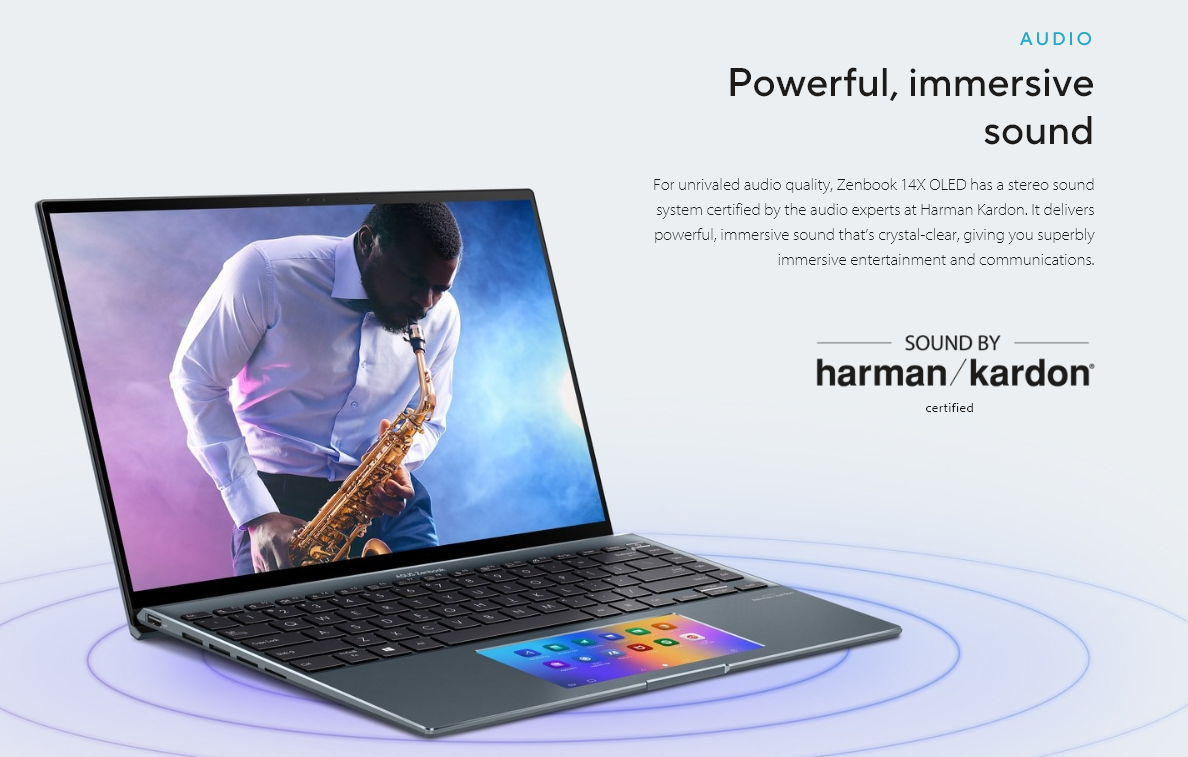
The audio section features a stereo speaker system certified by Harman Kardon. The speakers are located on each side in the lower part of the base and deliver decent sound output.
The sound system maintains a good balance between bass, midrange, and treble, although it’s not perfect. To make the sound more robust, you can activate Dolby Atmos and use one of the predefined profiles or manually adjust each frequency.
14X OLED: Performance and System
The Zenbook 14X OLED is equipped with an Intel Core i9-13900H processor, part of the Intel Evo platform, and integrated Iris Xe graphics. It also features 1 TB of NVMe SSD storage and either 16 or 32 GB of RAM. The unit used for testing is the more modest variant.
Nevertheless, the ample memory and internal storage assist the advanced processor in quickly launching any program and smoothly running multiple software simultaneously without experiencing lag.
Related: ASUS VIVOBOOK GO 14 (E1404F): A NEW STANDARD FOR THIN AND LIGHT
Digging deeper into testing, we conducted two benchmarks to gain a clearer understanding of this machine’s potential. PCMark 10 scored slightly above 5,800 points, excelling in photo editing, even without a dedicated GPU, and performing well when opening apps and web browsing.
In the 3DMark Time Spy test, the Zenbook scored just above 2,000 points. This is a relatively low number compared to gaming models, but it exceeds the average of models we’ve tested with integrated graphics.
Can this laptop handle lightweight gaming and make good use of the 120Hz display, even without a dedicated GPU? For games like Fall Guys, it’s possible to achieve good visual quality and smooth gameplay in this category of basic games. However, when attempting to play Counter-Strike 2, the hardware couldn’t maintain an acceptable frame rate, especially for a title that demands very high fluidity. The laptop recorded an average frame rate of less than 15 fps, indicating that the smooth display provided by ASUS won’t serve well for gaming.
The Zenbook 14X OLED comes with Windows 11 Home as its native operating system out of the box. ASUS includes a custom wallpaper and a few proprietary programs, but these programs do not consume much of the machine’s storage.
ASUS Zenbook 14X:Battery Life
How does it perform in terms of battery life? ASUS has equipped this model with a 70Wh battery. The manufacturer claims up to 10 hours of battery life on a single charge for the laptop. Does it meet this promise?
In our tests simulating a day of work, including web browsing with Edge, document editing with Word, and chatting on Telegram, we were able to achieve nearly 7 hours and 40 minutes. This falls short of the manufacturer’s claim but is still satisfactory for work, study, and entertainment use.
As for charging, ASUS provides a 90W power adapter that connects via a USB-C port. How long does it take to reach 100% charge?
In our tests, we completed the entire charging process in 2 hours and 21 minutes. It’s worth noting that in the final stages, the laptop slowed down the charging, most likely to protect the battery. Nonetheless, we believe the charging time could be a bit faster than what was recorded.
Related:
REVIEW OF ASUS ROG STRIX SCAR 18 (RTX 4080): BIGGER AND BETTER THAN EVER